What is fa_icons()?
fa_icons() searches Font Awesome icons by keyword, category, or regex and returns a tibble or character vector ready to use in your plot.
Listing All Icons
fa_icons() with no arguments returns all icons with their primary category.
# A tibble: 1,881 × 2
   icon  primary_class
   <chr> <chr>
 1 0     alphanumeric
 2 1     alphanumeric
 3 2     alphanumeric
 4 3     alphanumeric
 5 4     alphanumeric
 6 5     alphanumeric
 7 6     alphanumeric
 8 7     alphanumeric
 9 8     alphanumeric
10 9     alphanumeric
# ℹ 1,871 more rows
Each row contains:
Searching by Name
Pass a string to query to filter icons whose names contain that substring.
# A tibble: 48 × 2
   icon                      primary_class
   <chr>                     <chr>
 1 hot-tub-person            people_social
 2 person                    people_users
 3 person-arrow-down-to-line people_users
 4 person-arrow-up-from-line people_users
 5 person-biking             people_users
 6 person-booth              people_users
 7 person-breastfeeding      people_users
 8 person-burst              people_users
 9 person-cane               people_users
10 person-chalkboard         people_users
# ℹ 38 more rows
# A tibble: 13 × 2
   icon                     primary_class
   <chr>                    <chr>
 1 face-grin-hearts         faces_emotions
 2 face-kiss-wink-heart     faces_emotions
 3 hand-holding-heart       hands_arms
 4 heart                    medical_health
 5 heart-circle-bolt        medical_health
 6 heart-circle-check       medical_health
 7 heart-circle-exclamation medical_health
 8 heart-circle-minus       medical_health
 9 heart-circle-plus        medical_health
10 heart-circle-xmark       medical_health
11 heart-crack              medical_health
12 heart-pulse              medical_health
13 shield-heart             security_privacy
Regex Search
Set regex = TRUE to use a Perl-compatible regular expression instead of a fixed string.
# All icons whose name starts with "arrow"
fa_icons(query = "^arrow", regex = TRUE)
# A tibble: 53 × 2
   icon                      primary_class
   <chr>                     <chr>
 1 arrow-down                arrows_directional
 2 arrow-down-1-9            arrows_directional
 3 arrow-down-9-1            arrows_directional
 4 arrow-down-a-z            arrows_directional
 5 arrow-down-long           arrows_directional
 6 arrow-down-short-wide     arrows_directional
 7 arrow-down-up-across-line arrows_directional
 8 arrow-down-up-lock        arrows_directional
 9 arrow-down-wide-short     arrows_directional
10 arrow-down-z-a            arrows_directional
# ℹ 43 more rows
# Exact match for two specific icons
fa_icons(query = "^(star|circle)$", regex = TRUE)
# A tibble: 2 × 2
  icon   primary_class
  <chr>  <chr>
1 circle shapes_symbols
2 star   shapes_symbols
Filtering by Category
Use category to return only icons that belong to a semantic group.
# A tibble: 84 × 2
   icon                      primary_class
   <chr>                     <chr>
 1 people-arrows             people_users
 2 people-carry-box          people_users
 3 people-group              people_users
 4 people-line               people_users
 5 people-pulling            people_users
 6 people-robbery            people_users
 7 people-roof               people_users
 8 person                    people_users
 9 person-arrow-down-to-line people_users
10 person-arrow-up-from-line people_users
# ℹ 74 more rows
Combine query and category to narrow results further.
fa_icons(query = "person", category = "people_users")
# A tibble: 46 × 2
   icon                      primary_class
   <chr>                     <chr>
 1 person                    people_users
 2 person-arrow-down-to-line people_users
 3 person-arrow-up-from-line people_users
 4 person-biking             people_users
 5 person-booth              people_users
 6 person-breastfeeding      people_users
 7 person-burst              people_users
 8 person-cane               people_users
 9 person-chalkboard         people_users
10 person-circle-check       people_users
# ℹ 36 more rows
Quick Vector Lookup
Set as_vector = TRUE for a plain character vector.
fa_icons(query = "house", as_vector = TRUE)
 [1] "house"
 [2] "house-chimney"
 [3] "house-chimney-crack"
 [4] "house-chimney-medical"
 [5] "house-chimney-user"
 [6] "house-chimney-window"
 [7] "house-circle-check"
 [8] "house-circle-exclamation"
 [9] "house-circle-xmark"
[10] "house-crack"
[11] "house-fire"
[12] "house-flag"
[13] "house-flood-water"
[14] "house-flood-water-circle-arrow-right"
[15] "house-laptop"
[16] "house-lock"
[17] "house-medical"
[18] "house-medical-circle-check"
[19] "house-medical-circle-exclamation"
[20] "house-medical-circle-xmark"
[21] "house-medical-flag"
[22] "house-signal"
[23] "house-tsunami"
[24] "house-user"
[25] "warehouse"
fa_icons(category = "animals", as_vector = TRUE)
 [1] "cat"          "cow"          "crow"         "dog"          "dove"
 [6] "dragon"       "fish"         "fish-fins"    "frog"         "hippo"
[11] "horse"        "horse-head"   "kiwi-bird"    "mosquito"     "mosquito-net"
[16] "otter"        "spider"
Showing All Classes
Set primary_only = FALSE to get all category matches.
fa_icons(query = "heart", primary_only = FALSE)
# A tibble: 13 × 3
   icon                     primary_class    all_classes
   <chr>                    <chr>            <list>
 1 face-grin-hearts         faces_emotions   <chr [1]>
 2 face-kiss-wink-heart     faces_emotions   <chr [1]>
 3 hand-holding-heart       hands_arms       <chr [1]>
 4 heart                    medical_health   <chr [1]>
 5 heart-circle-bolt        medical_health   <chr [1]>
 6 heart-circle-check       medical_health   <chr [1]>
 7 heart-circle-exclamation medical_health   <chr [1]>
 8 heart-circle-minus       medical_health   <chr [1]>
 9 heart-circle-plus        medical_health   <chr [1]>
10 heart-circle-xmark       medical_health   <chr [1]>
11 heart-crack              medical_health   <chr [1]>
12 heart-pulse              medical_health   <chr [1]>
13 shield-heart             security_privacy <chr [1]>
Hiding Unclassified Icons
Set include_unclassified = FALSE to exclude unclassified icons.
fa_icons(query = "user", include_unclassified = FALSE)
# A tibble: 38 × 2
   icon               primary_class
   <chr>              <chr>
 1 building-user      buildings_places
 2 chalkboard-user    people_social
 3 circle-user        shapes_symbols
 4 clipboard-user     office_docs
 5 hospital-user      medical_health
 6 house-chimney-user buildings_places
 7 house-user         buildings_places
 8 user               people_users
 9 user-astronaut     people_users
10 user-check         people_users
# ℹ 28 more rows
Using a Custom Class Map
Supply your own named list of category = regex pairs to class_map for domain-specific classification.
my_map <- list(
  health   = "^(heart|lungs|brain|virus|syringe|stethoscope|bandage|dna)(-|$)",
  mobility = "^(wheelchair|person-walking|bicycle|car|bus)(-|$)"
)

fa_icons(class_map = my_map, include_unclassified = FALSE)
# A tibble: 38 × 2
   icon        primary_class
   <chr>       <chr>
 1 bandage     health
 2 bicycle     mobility
 3 brain       health
 4 bus         mobility
 5 bus-simple  mobility
 6 car         mobility
 7 car-battery mobility
 8 car-burst   mobility
 9 car-on      mobility
10 car-rear    mobility
# ℹ 28 more rows
From Discovery to Plot
Common workflow: search, select, use:
# 1. Find candidate icons
fa_icons(query = "person", category = "people_users", as_vector = TRUE)
 [1] "person"
 [2] "person-arrow-down-to-line"
 [3] "person-arrow-up-from-line"
 [4] "person-biking"
 [5] "person-booth"
 [6] "person-breastfeeding"
 [7] "person-burst"
 [8] "person-cane"
 [9] "person-chalkboard"
[10] "person-circle-check"
[11] "person-circle-exclamation"
[12] "person-circle-minus"
[13] "person-circle-plus"
[14] "person-circle-question"
[15] "person-circle-xmark"
[16] "person-digging"
[17] "person-dots-from-line"
[18] "person-dress"
[19] "person-dress-burst"
[20] "person-drowning"
[21] "person-falling"
[22] "person-falling-burst"
[23] "person-half-dress"
[24] "person-harassing"
[25] "person-hiking"
[26] "person-military-pointing"
[27] "person-military-rifle"
[28] "person-military-to-person"
[29] "person-praying"
[30] "person-pregnant"
[31] "person-rays"
[32] "person-rifle"
[33] "person-running"
[34] "person-shelter"
[35] "person-skating"
[36] "person-skiing"
[37] "person-skiing-nordic"
[38] "person-snowboarding"
[39] "person-swimming"
[40] "person-through-window"
[41] "person-walking"
[42] "person-walking-arrow-loop-left"
[43] "person-walking-arrow-right"
[44] "person-walking-dashed-line-arrow-right"
[45] "person-walking-luggage"
[46] "person-walking-with-cane"
Show the code
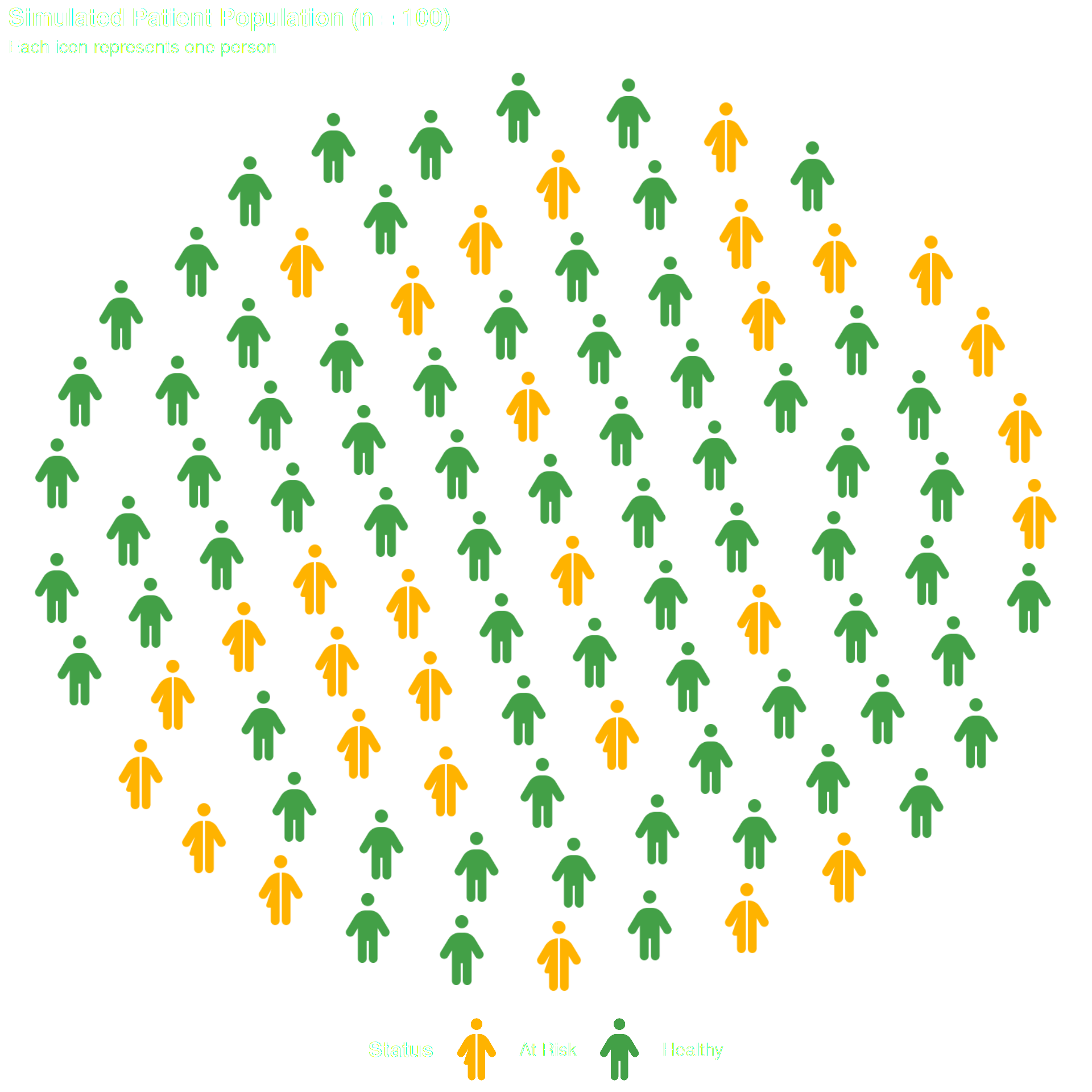
# 2. Use the chosen icons in a population chart
df_pop <- data.frame(
  status = c(rep("Healthy", 70), rep("At Risk", 30)),
  icon   = c(rep("person", 70), rep("person-half-dress", 30))
)

ggplot() +
  geom_pop(
    data = df_pop,
    aes(icon = icon, color = status),
    size = 2.5, dpi = 100, legend_icons = TRUE
  ) +
  scale_color_manual(values = c(
    "Healthy"  = "#43A047",
    "At Risk"  = "#FFB300"
  )) +
  theme_pop() +
  scale_legend_icon(size = 8) +
  labs(
    title    = "Simulated Patient Population (n = 100)",
    subtitle = "Each icon represents one person",
    color    = "Status"
  ) +
  theme(
    plot.title = element_text(size = 16, face = "bold", color="white"),
    plot.subtitle = element_text(size = 12, color="white"),
    legend.position = "bottom",
    legend.text = element_text(size = 12, color="white"),
    legend.title = element_text(size = 14, face = "bold", color="white"))
Parameter Reference
query |
NULL |
Fixed string or regex to filter icon names |
category |
NULL |
One or more category names to filter by |
regex |
FALSE |
Treat query as a Perl-compatible regular expression |
classify |
TRUE |
Add a primary_class column to the output |
include_unclassified |
TRUE |
Keep icons with no matching category (NA) |
class_map |
internal |
Named list mapping category labels to regex patterns |
primary_only |
TRUE |
Return only primary_class; set FALSE to add all_classes
|
as_vector |
FALSE |
Return a plain sorted character vector instead of a tibble |
Icon Gallery by Category
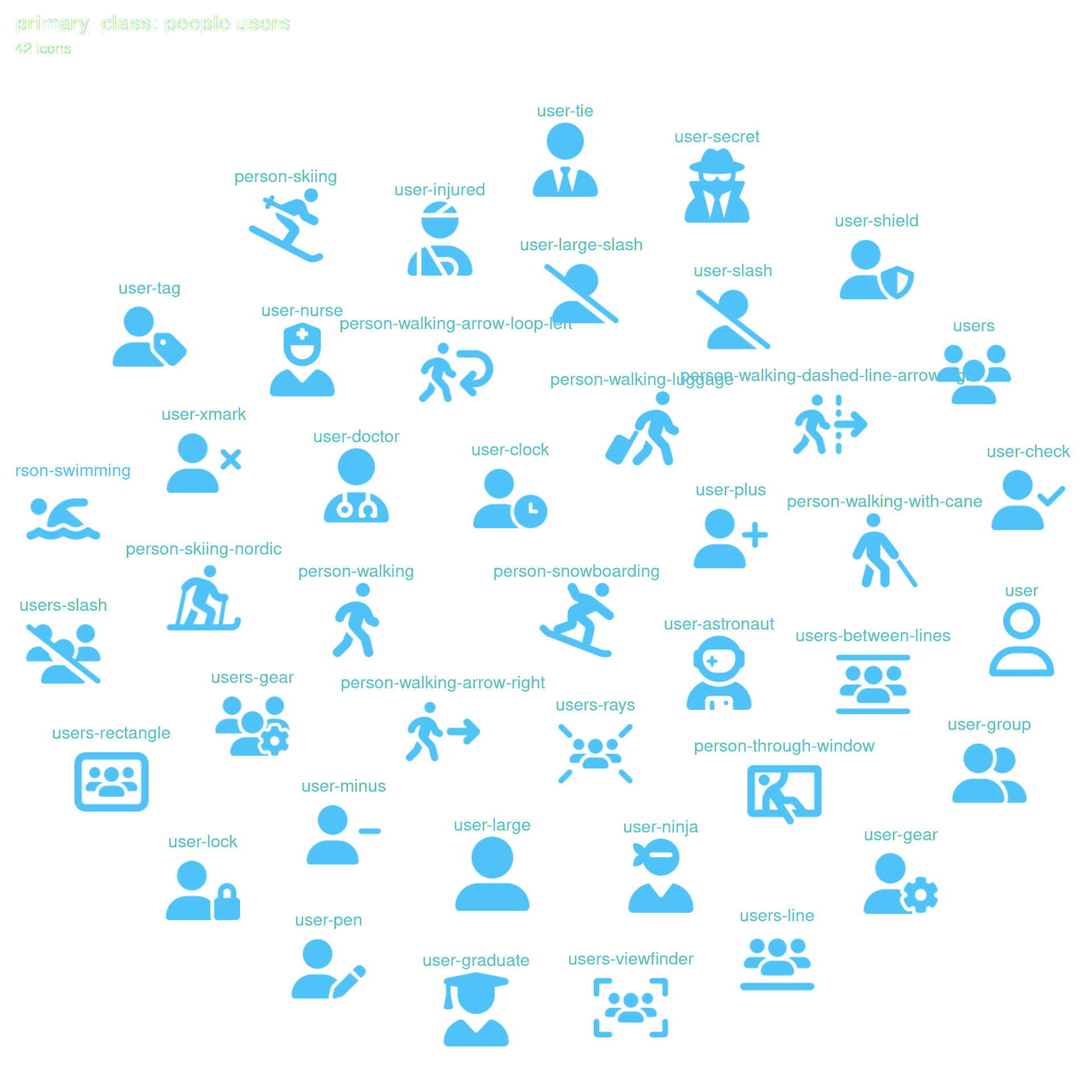
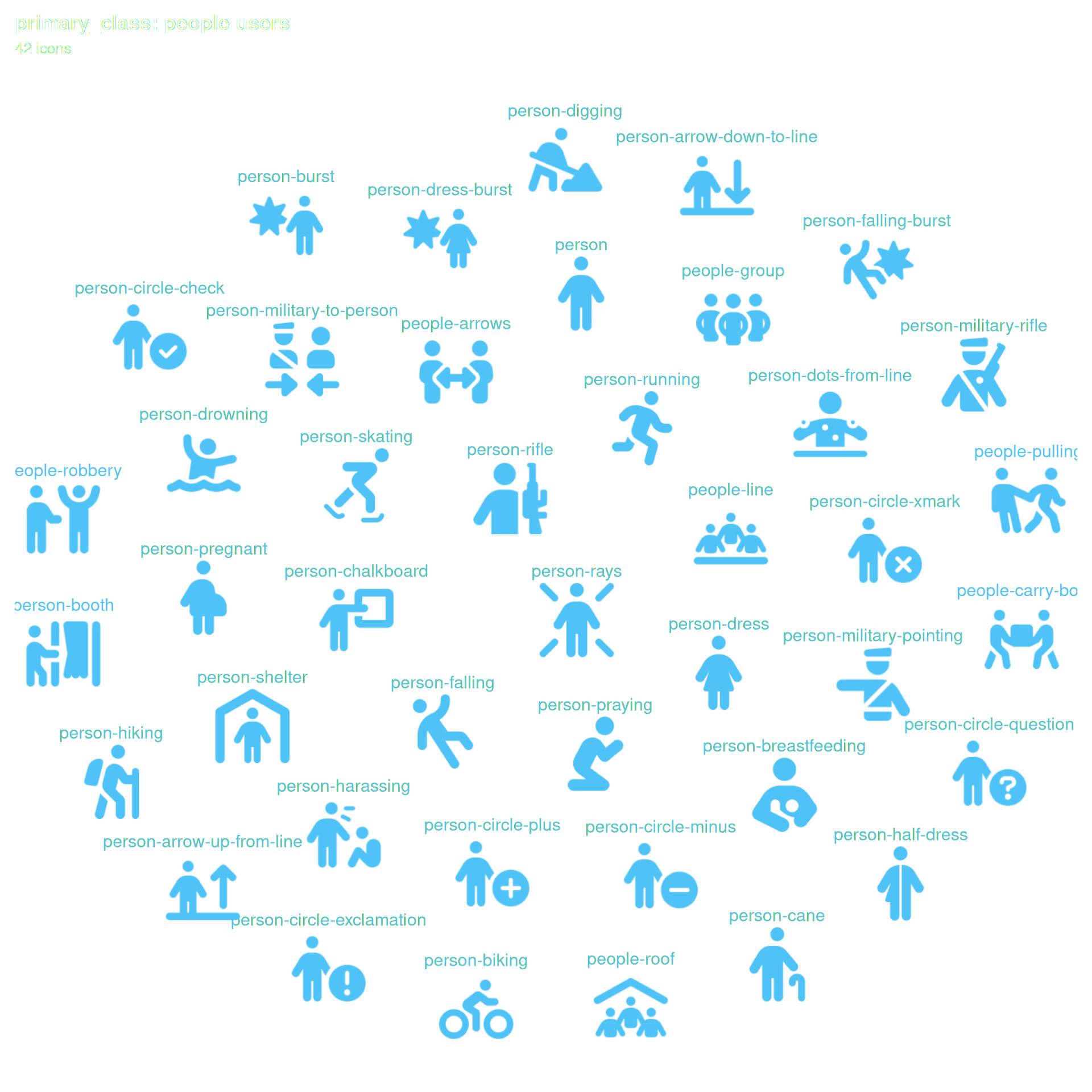
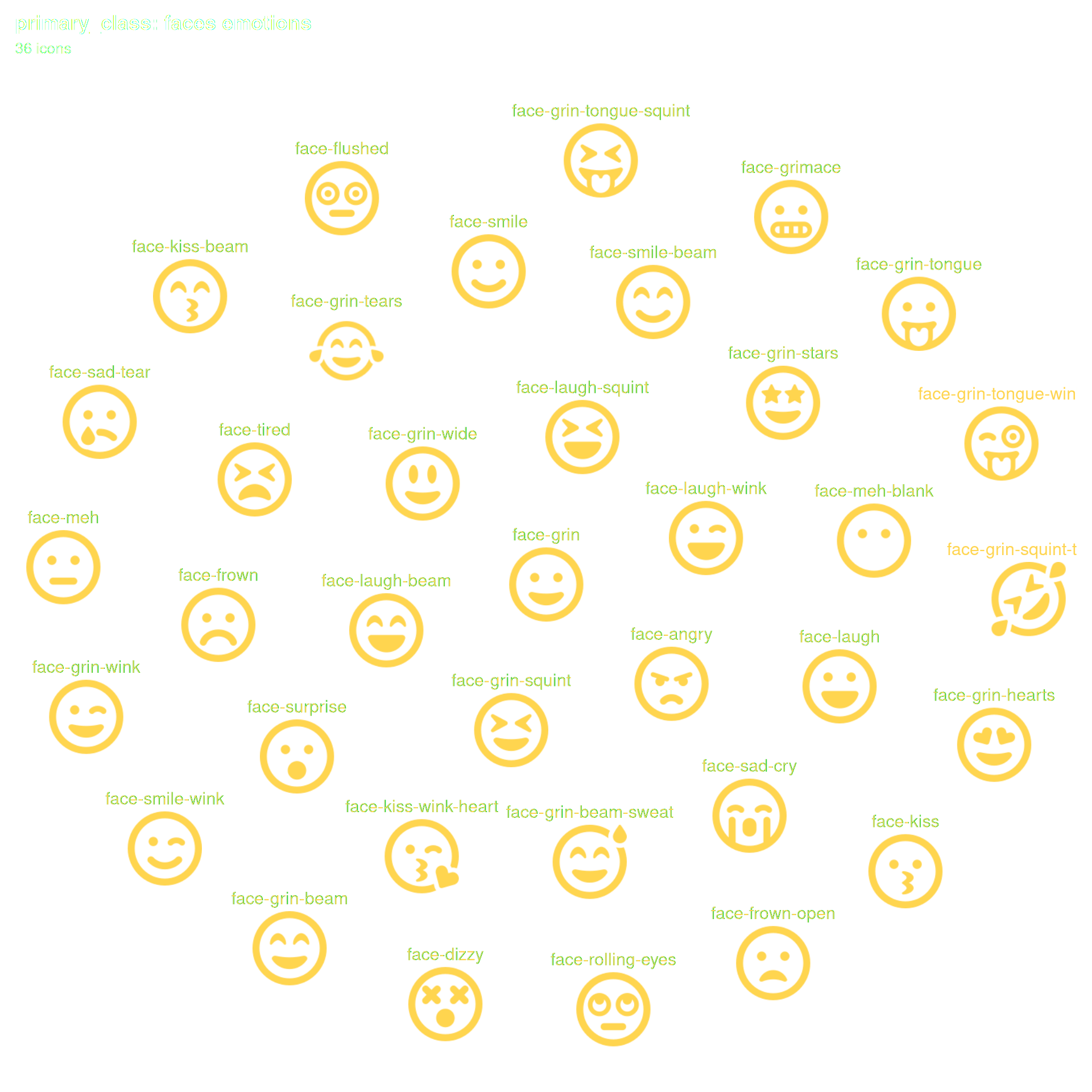
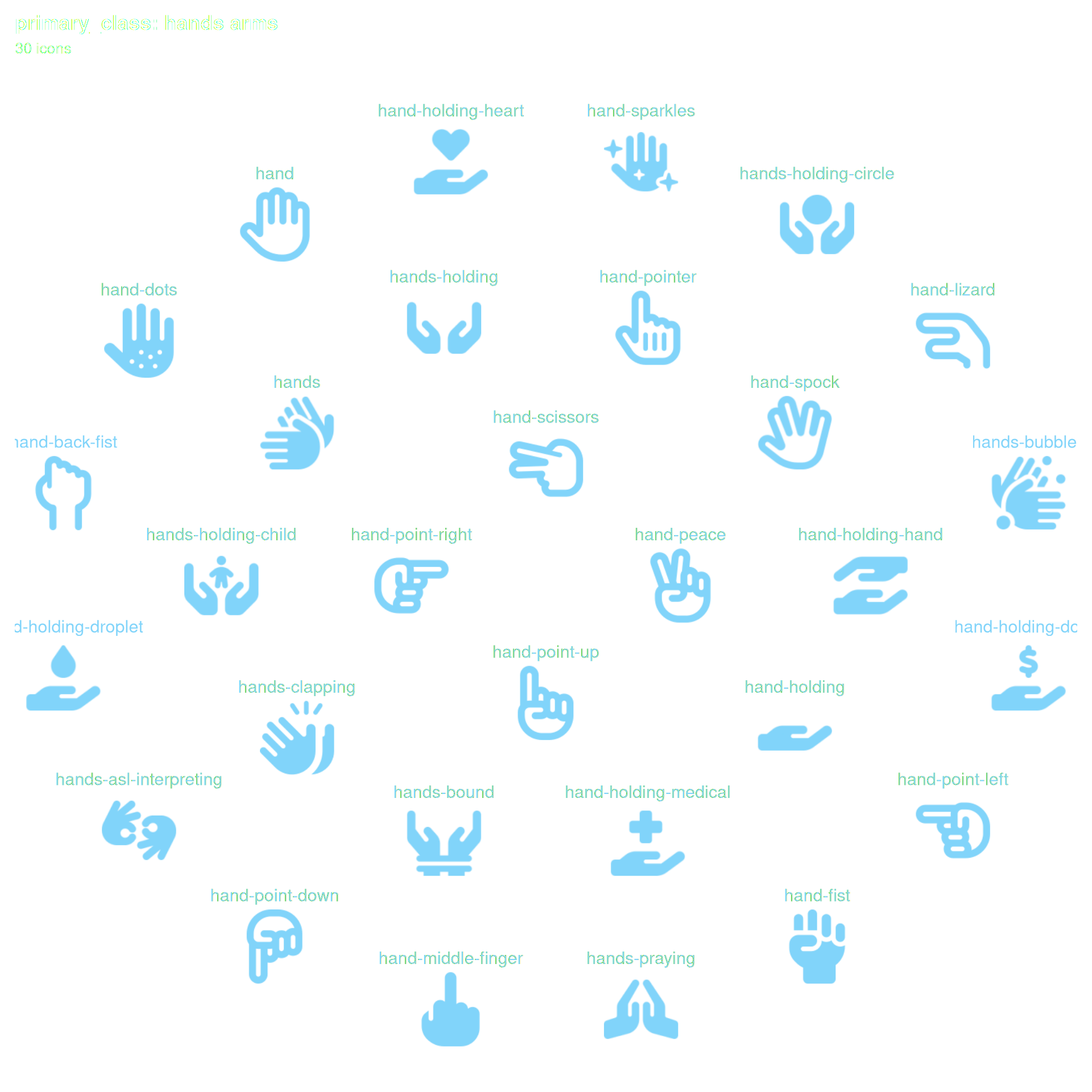
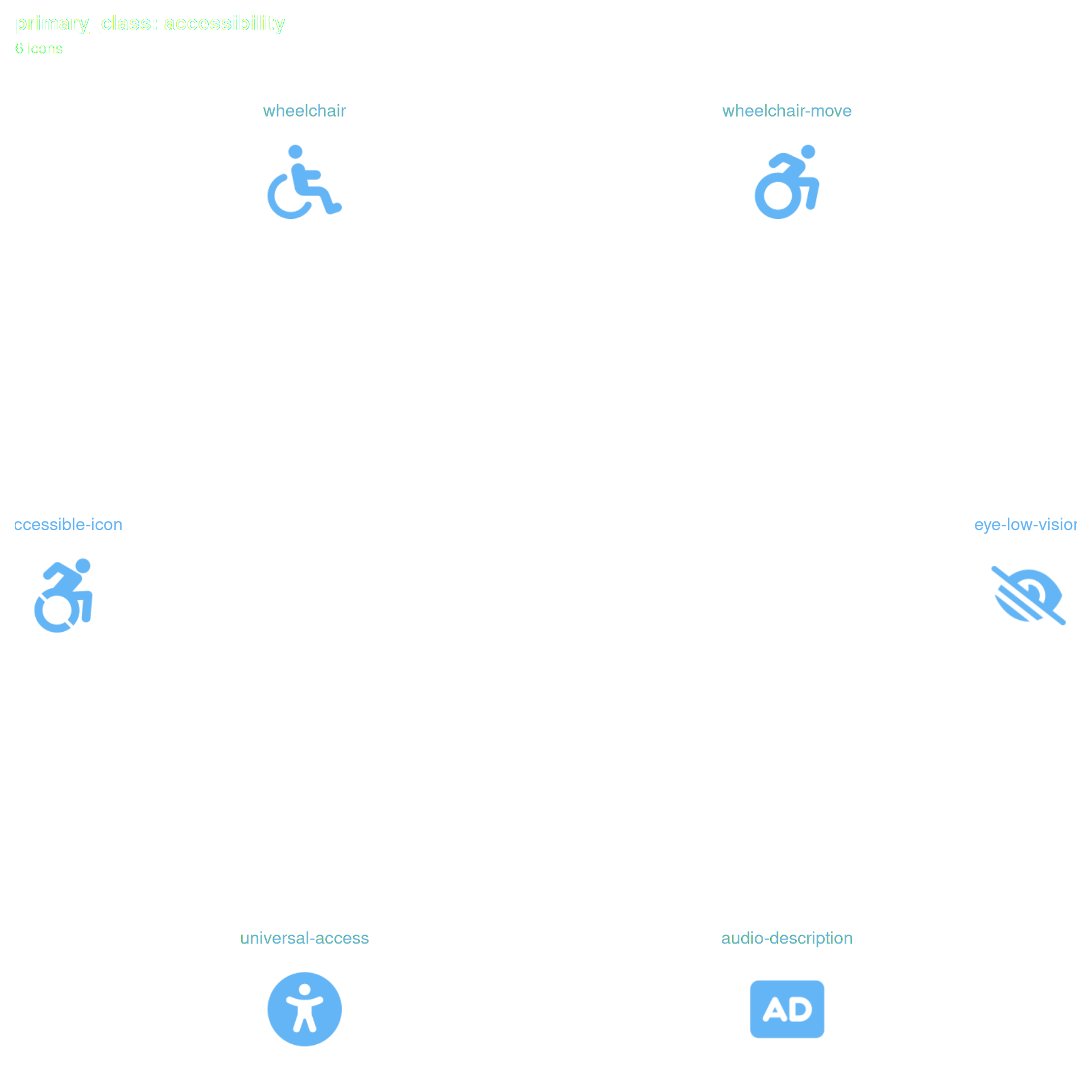
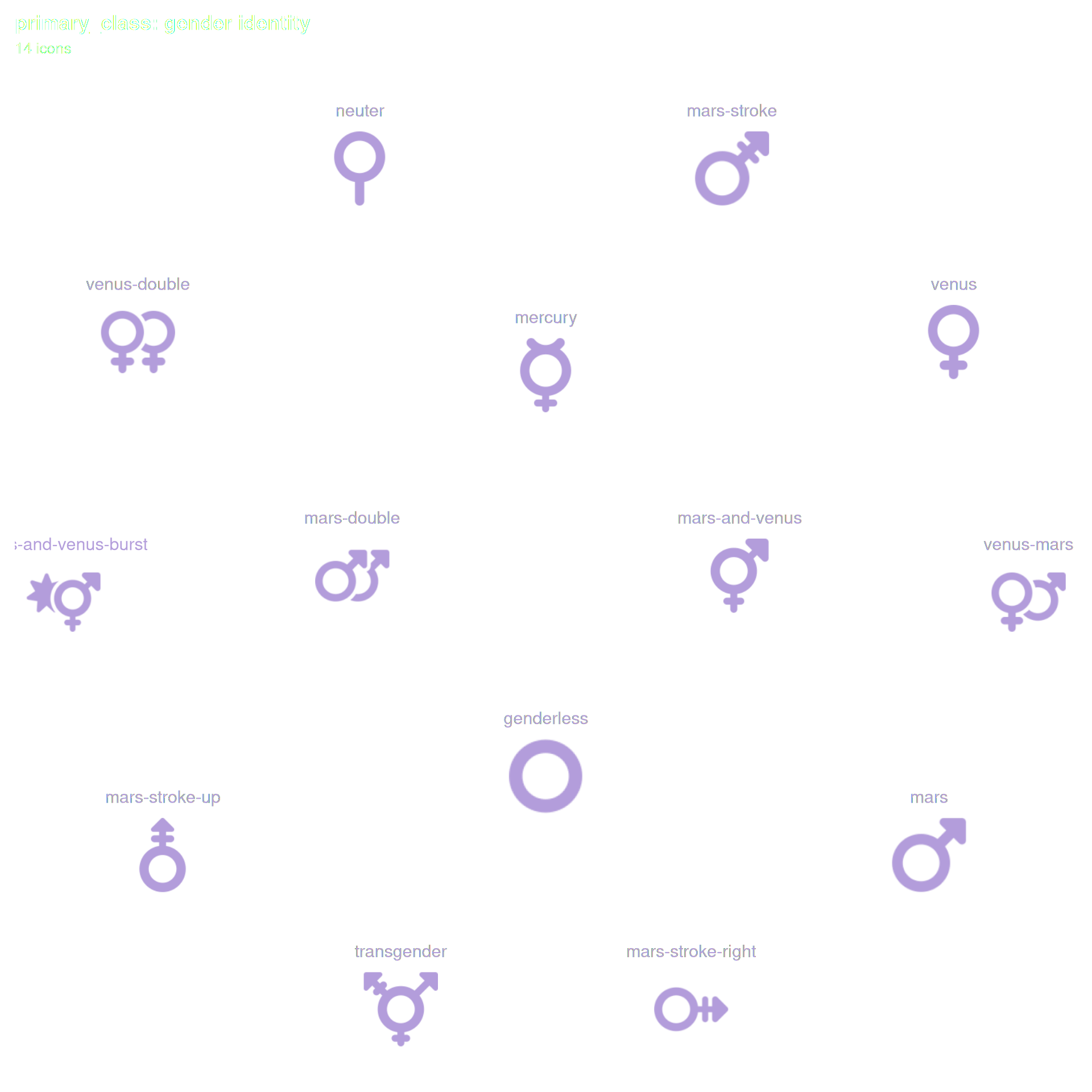
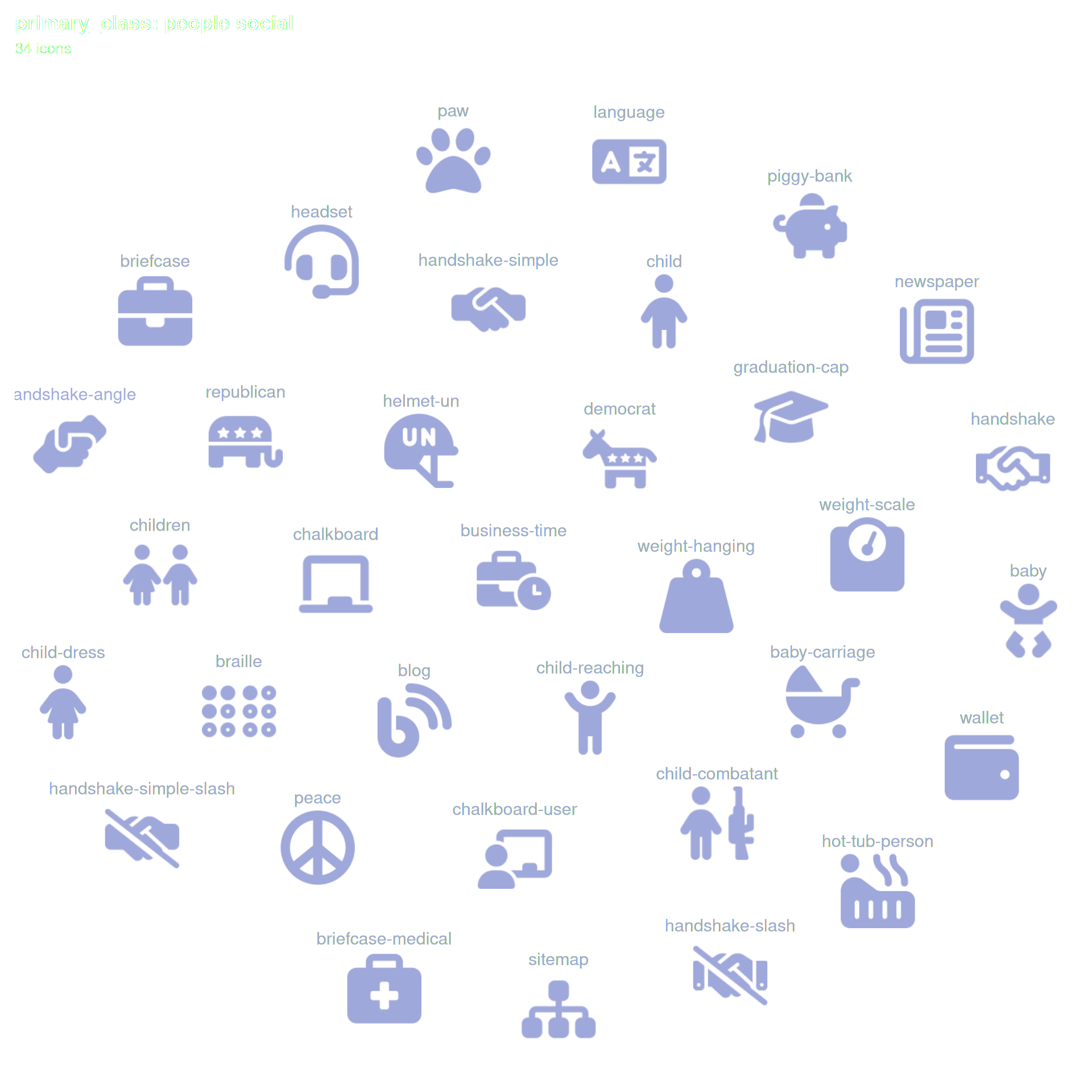
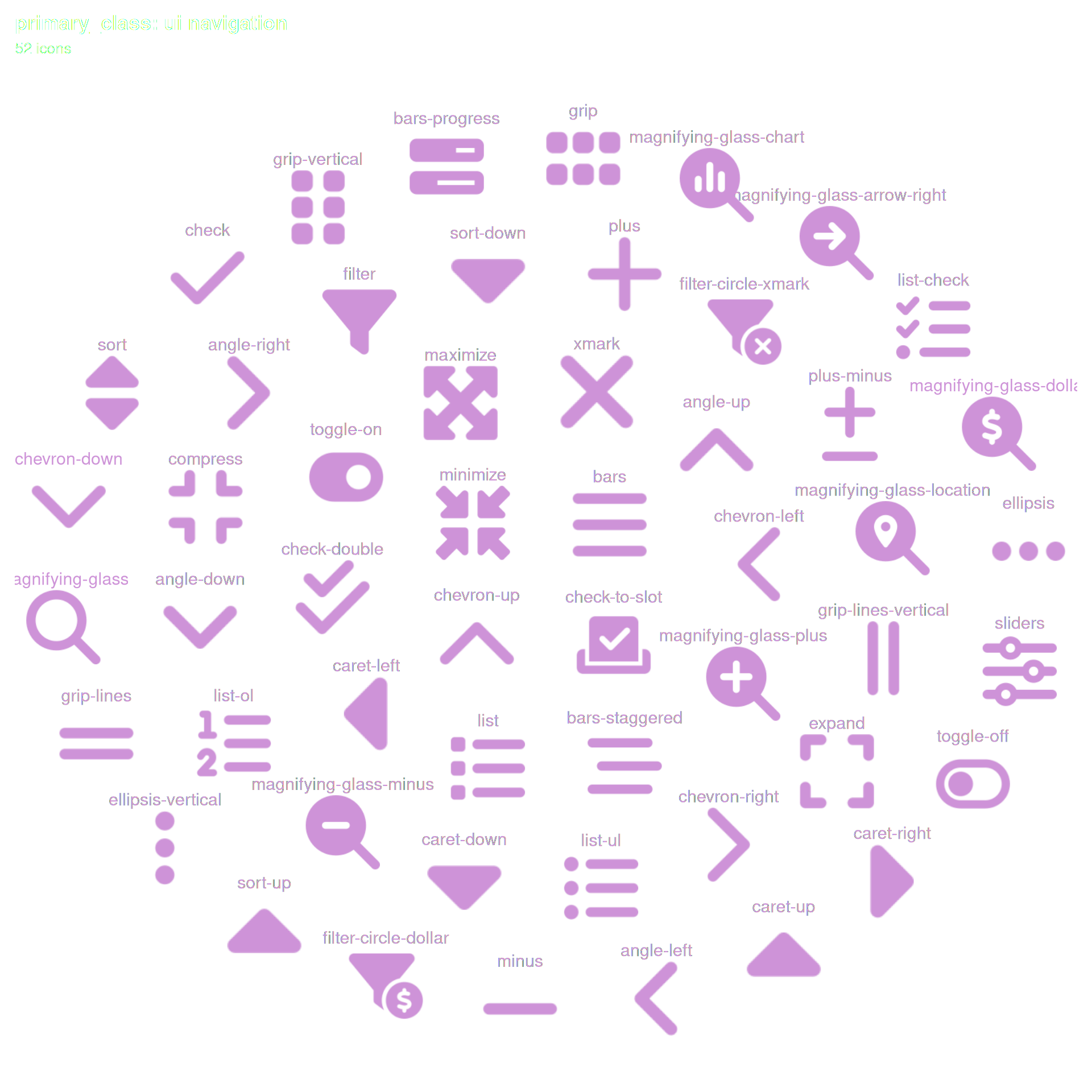
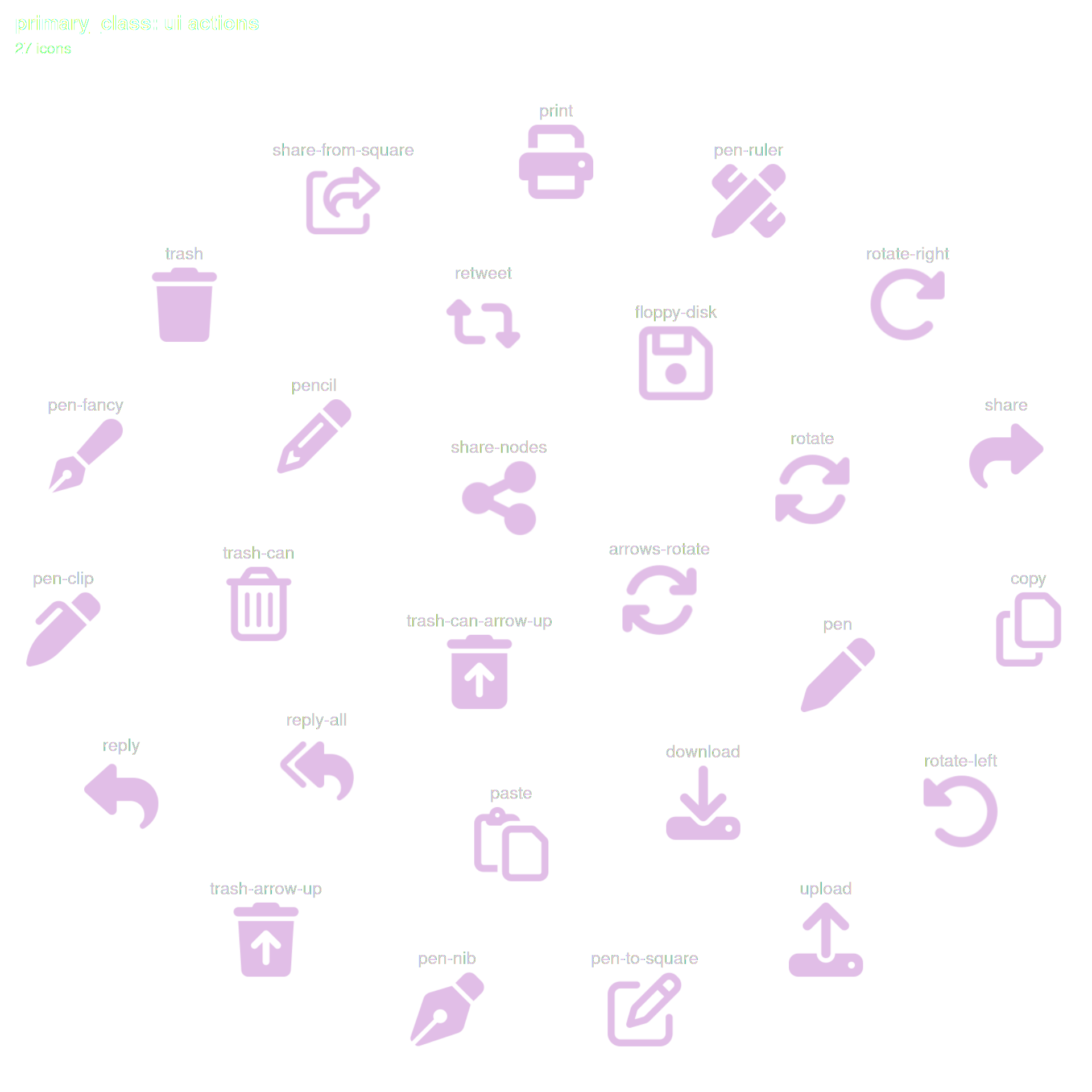
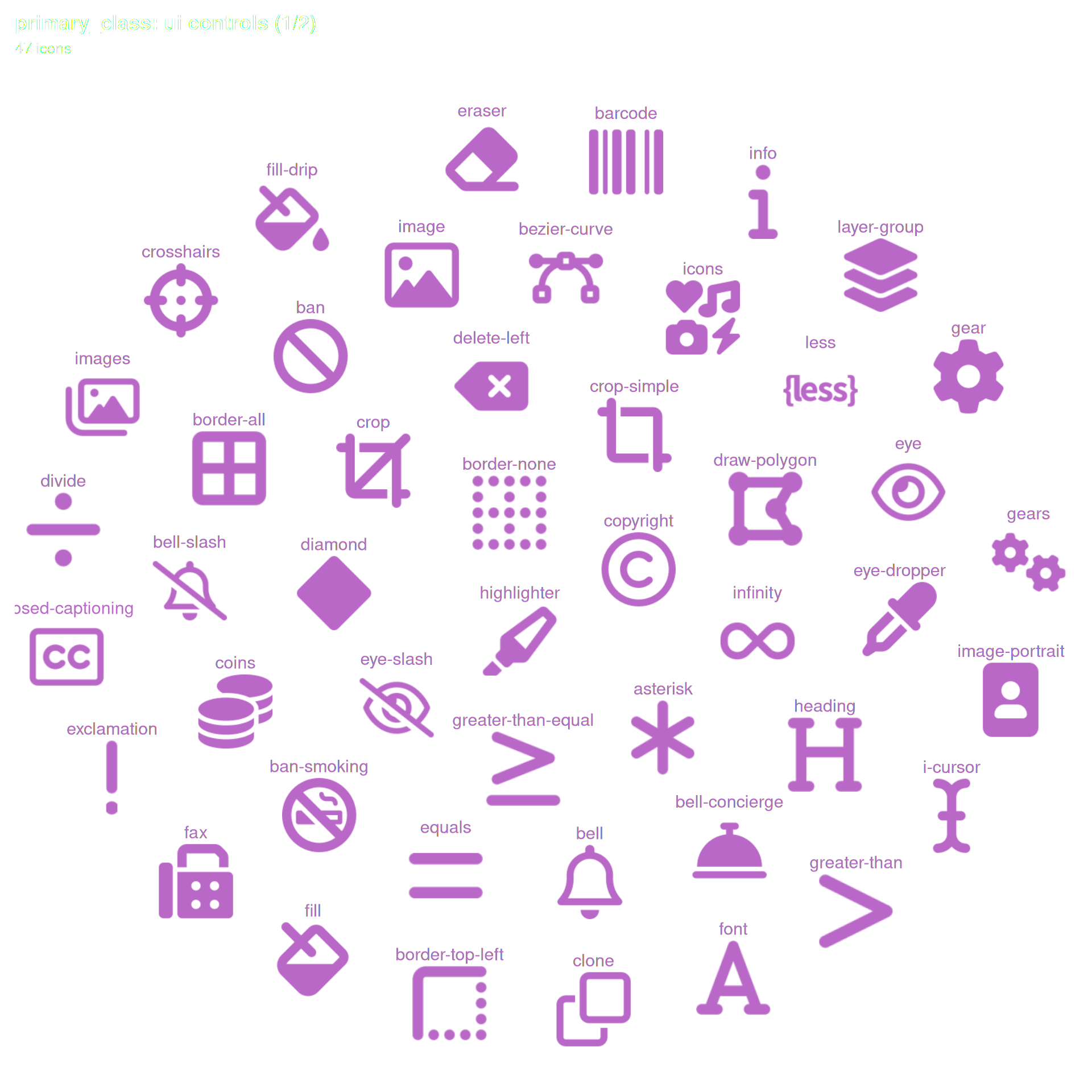
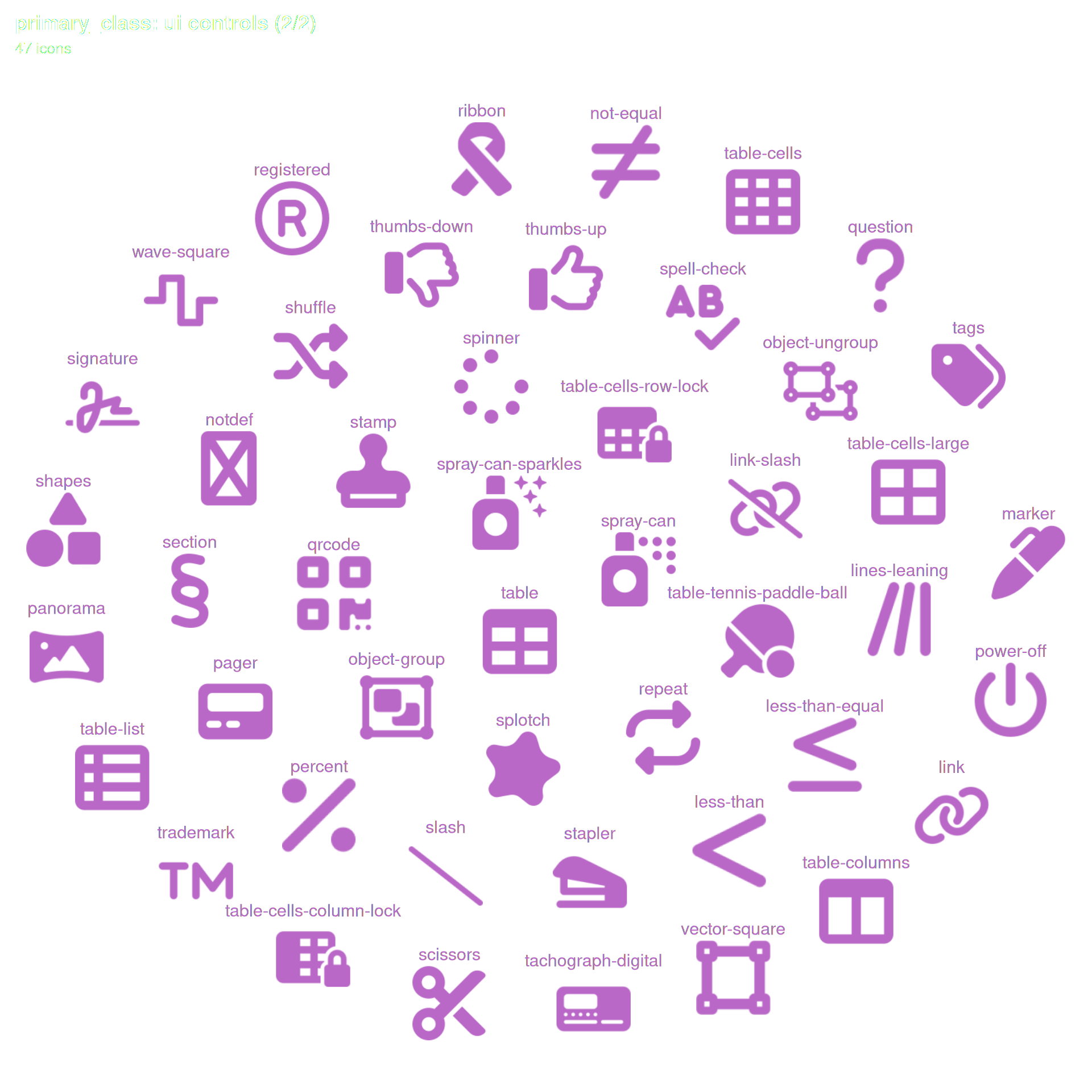
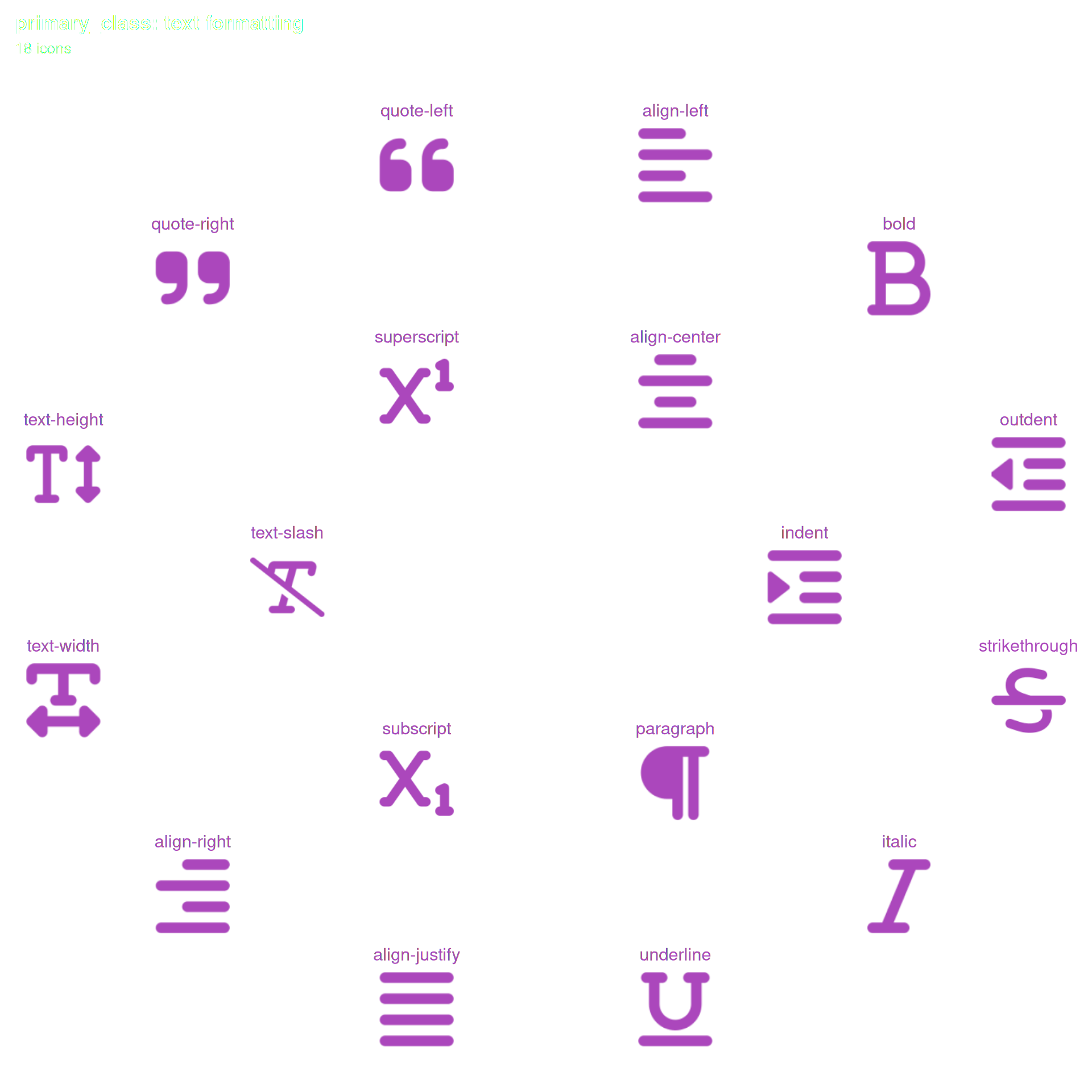
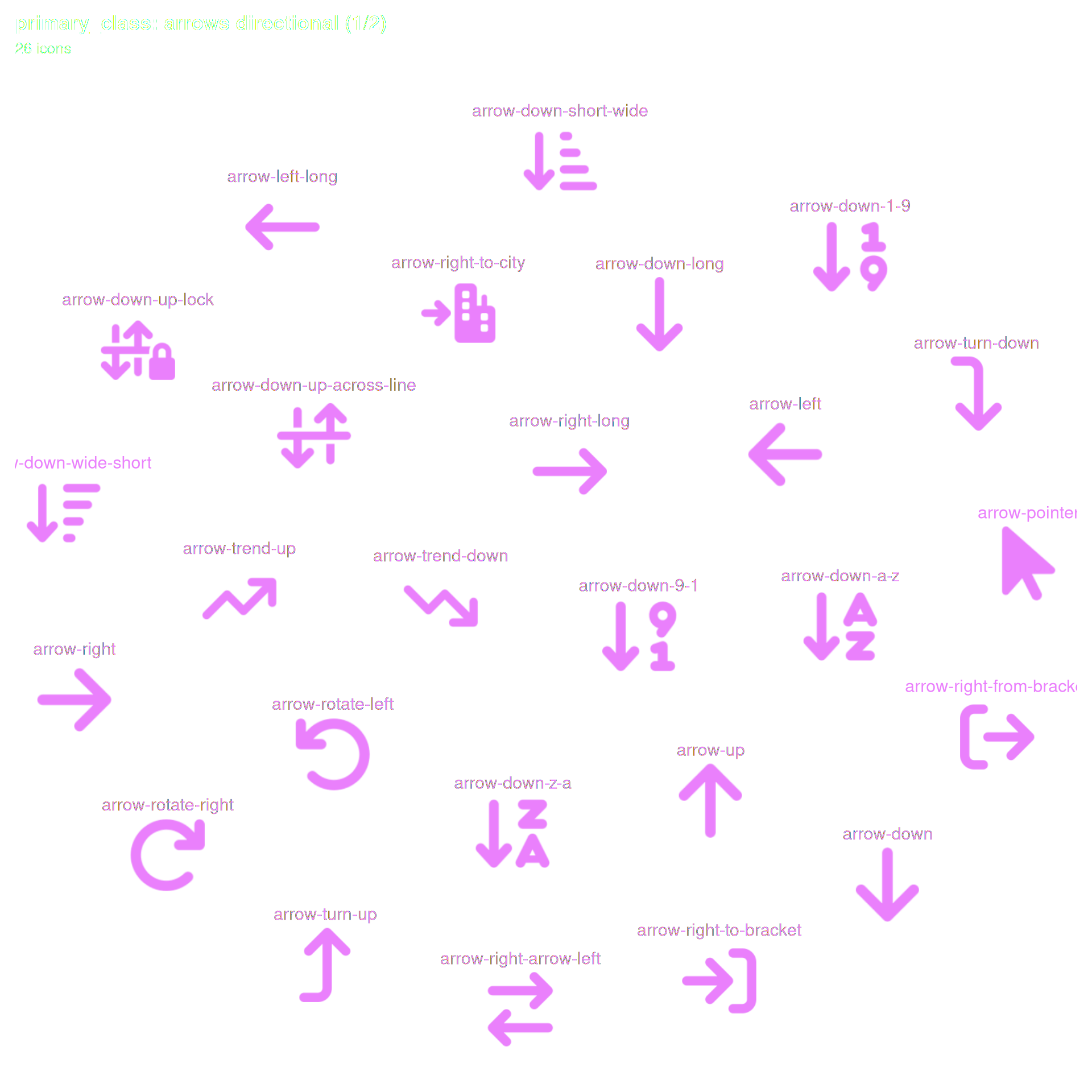
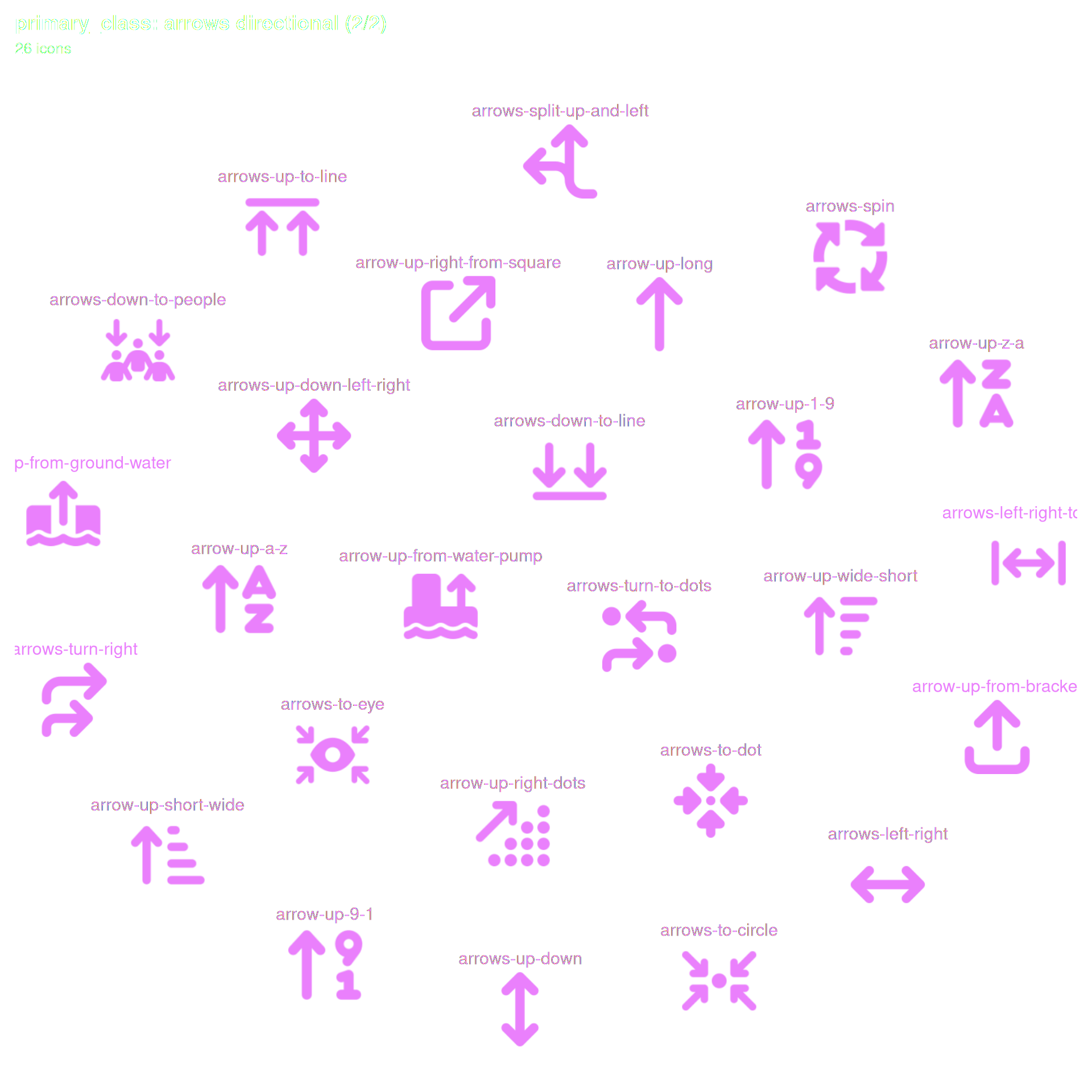
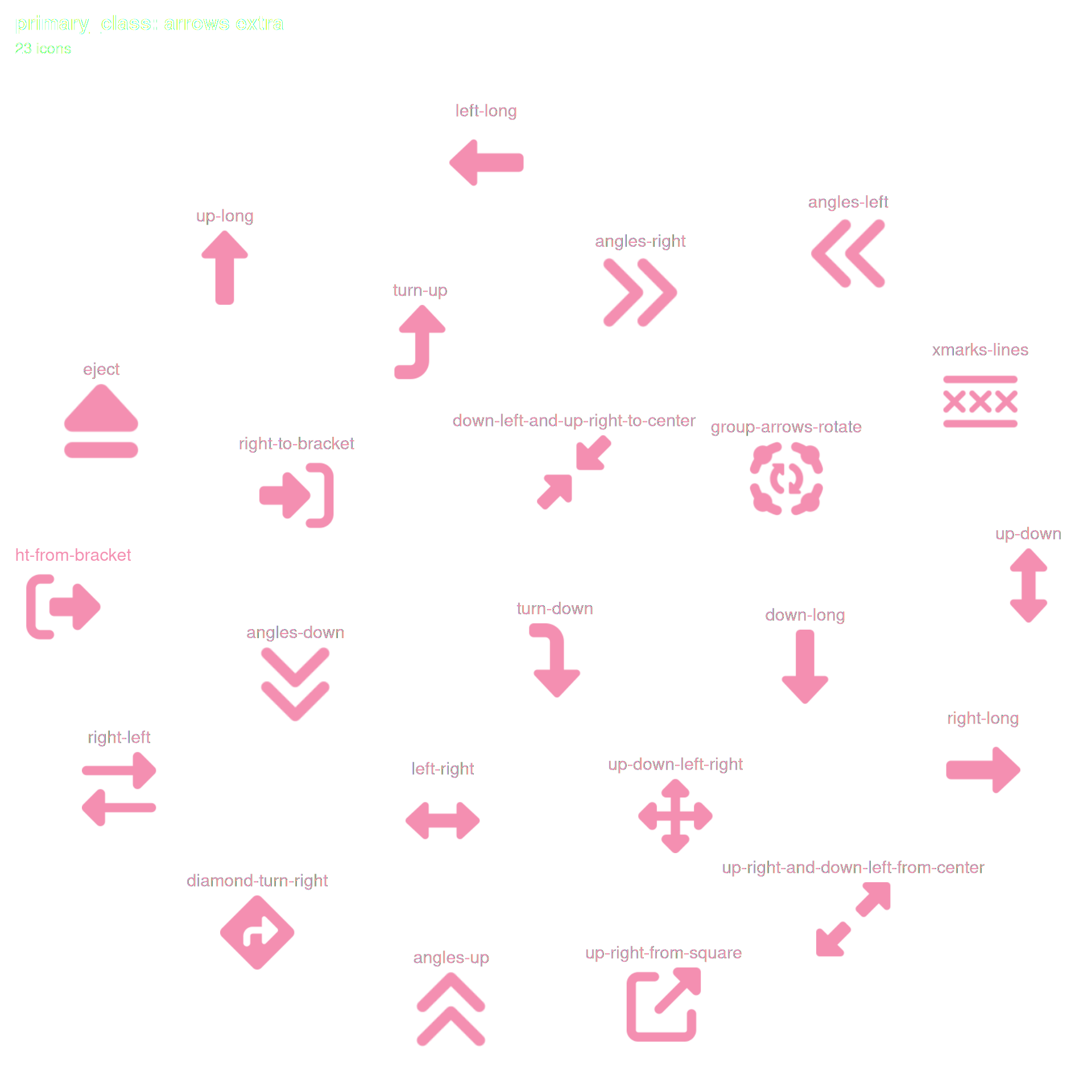
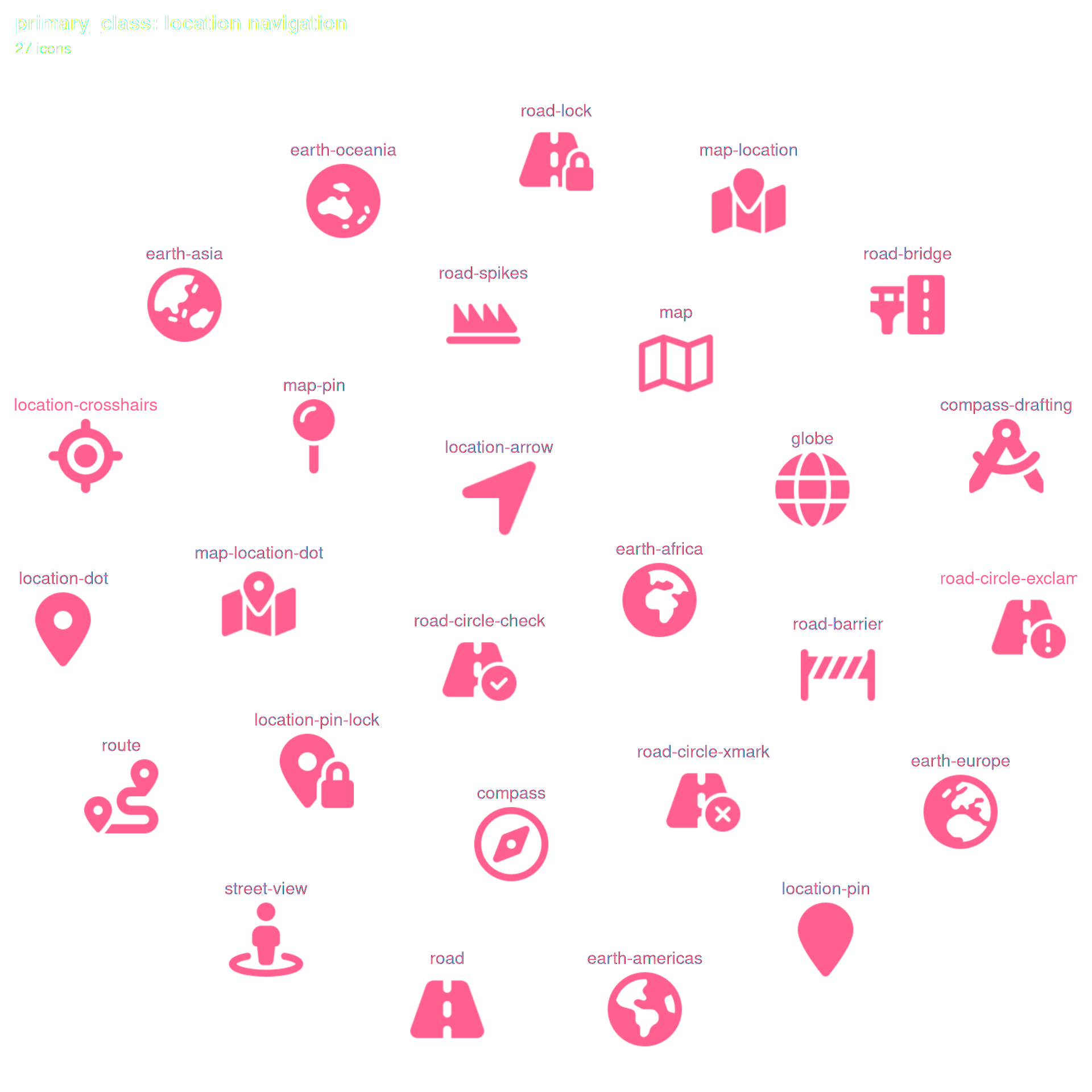
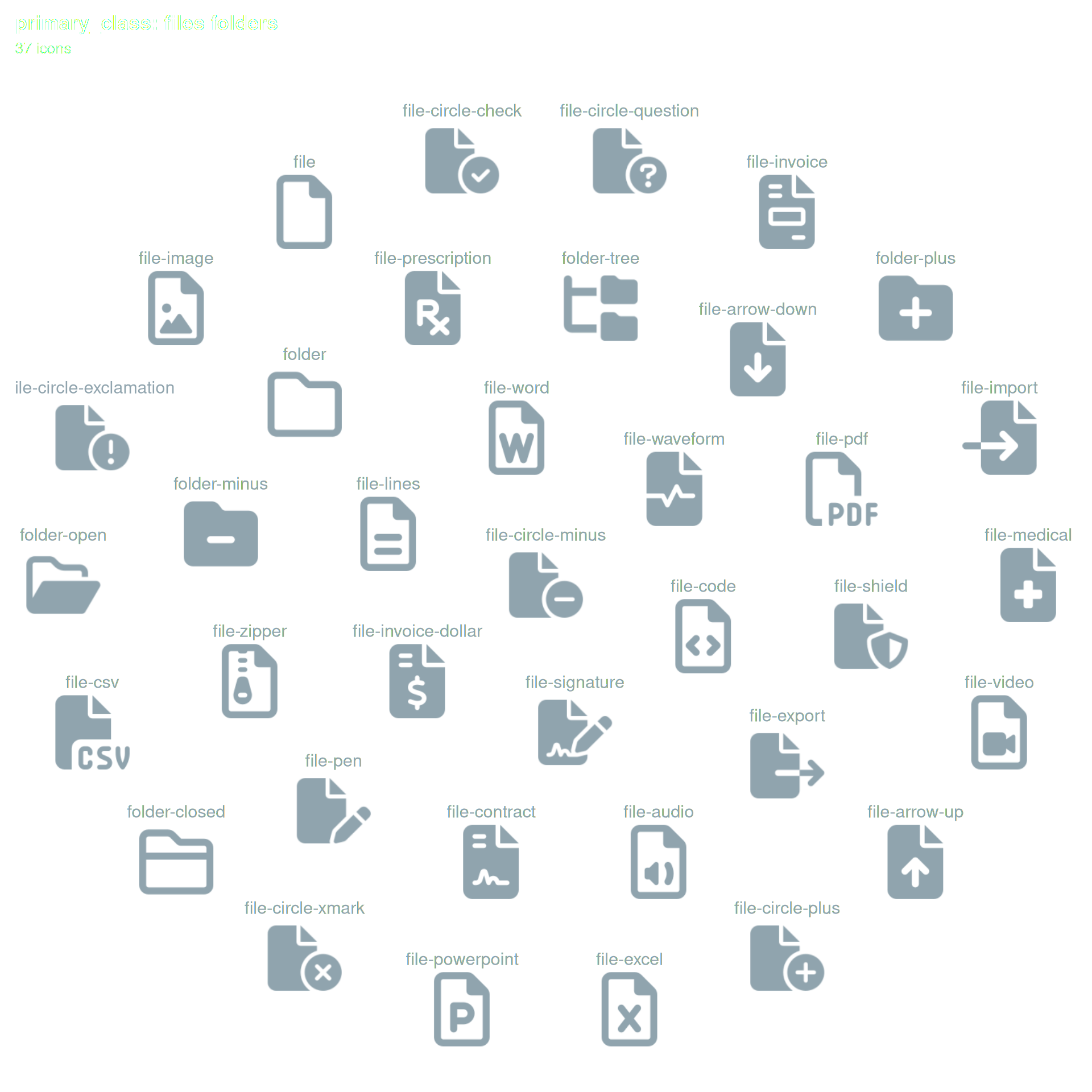
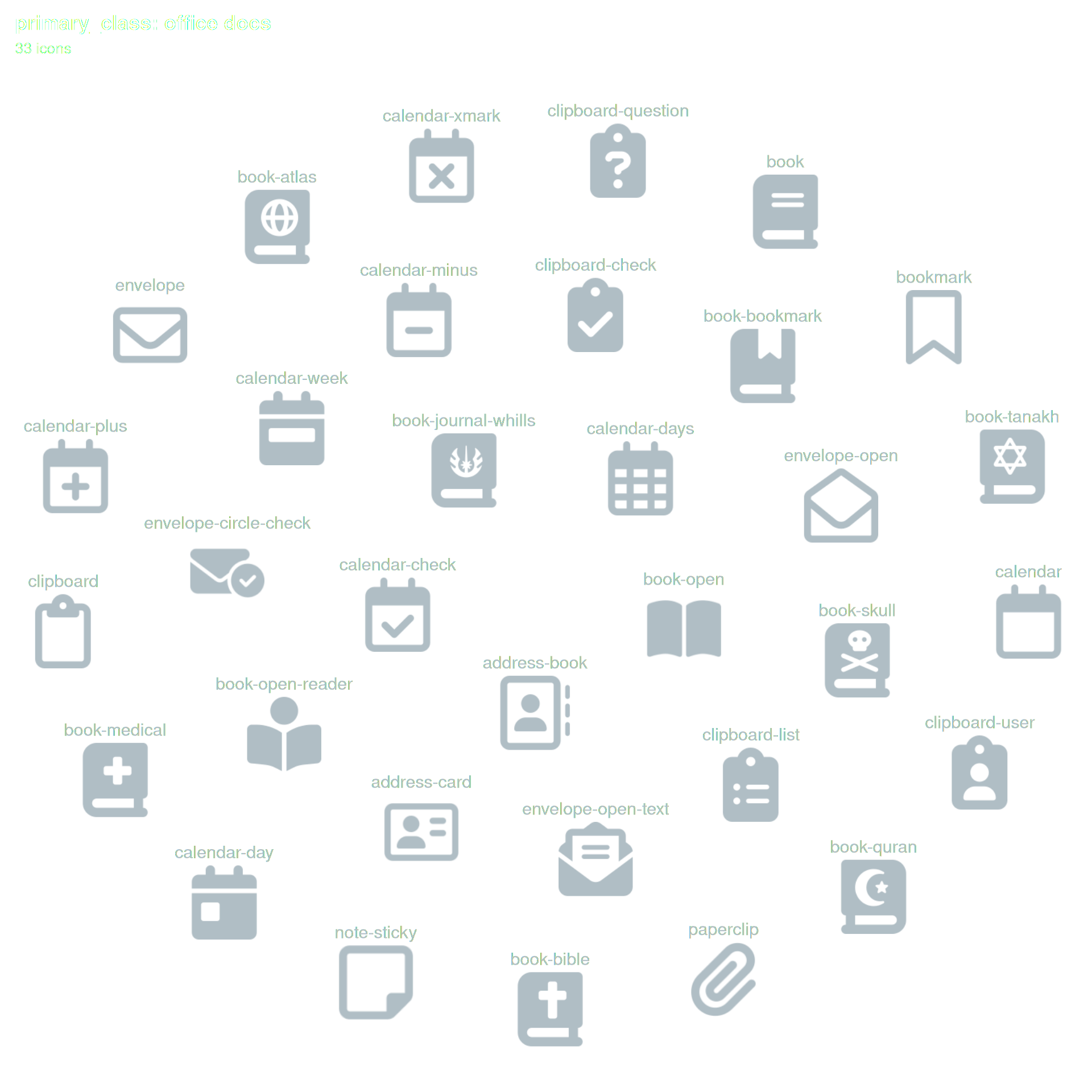
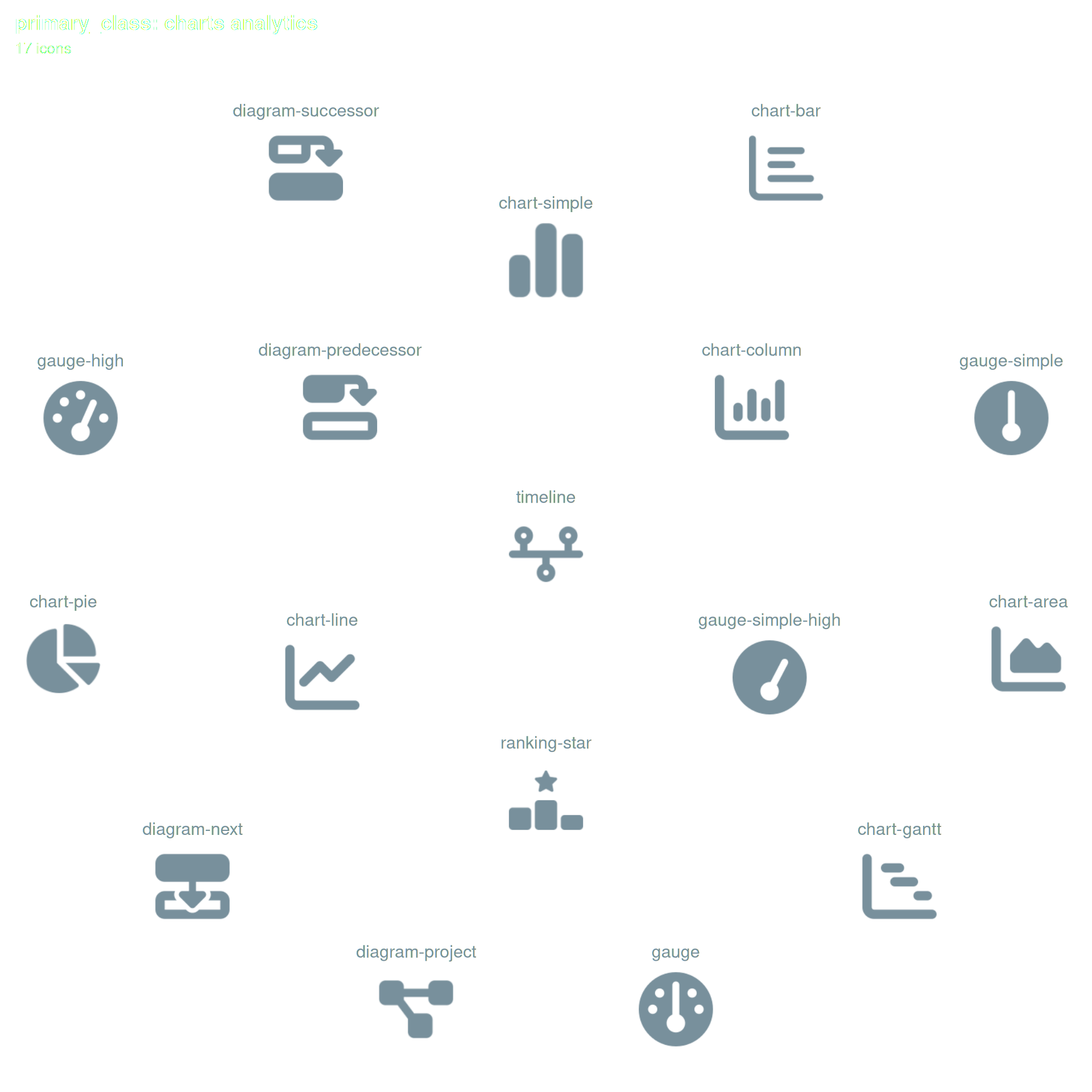
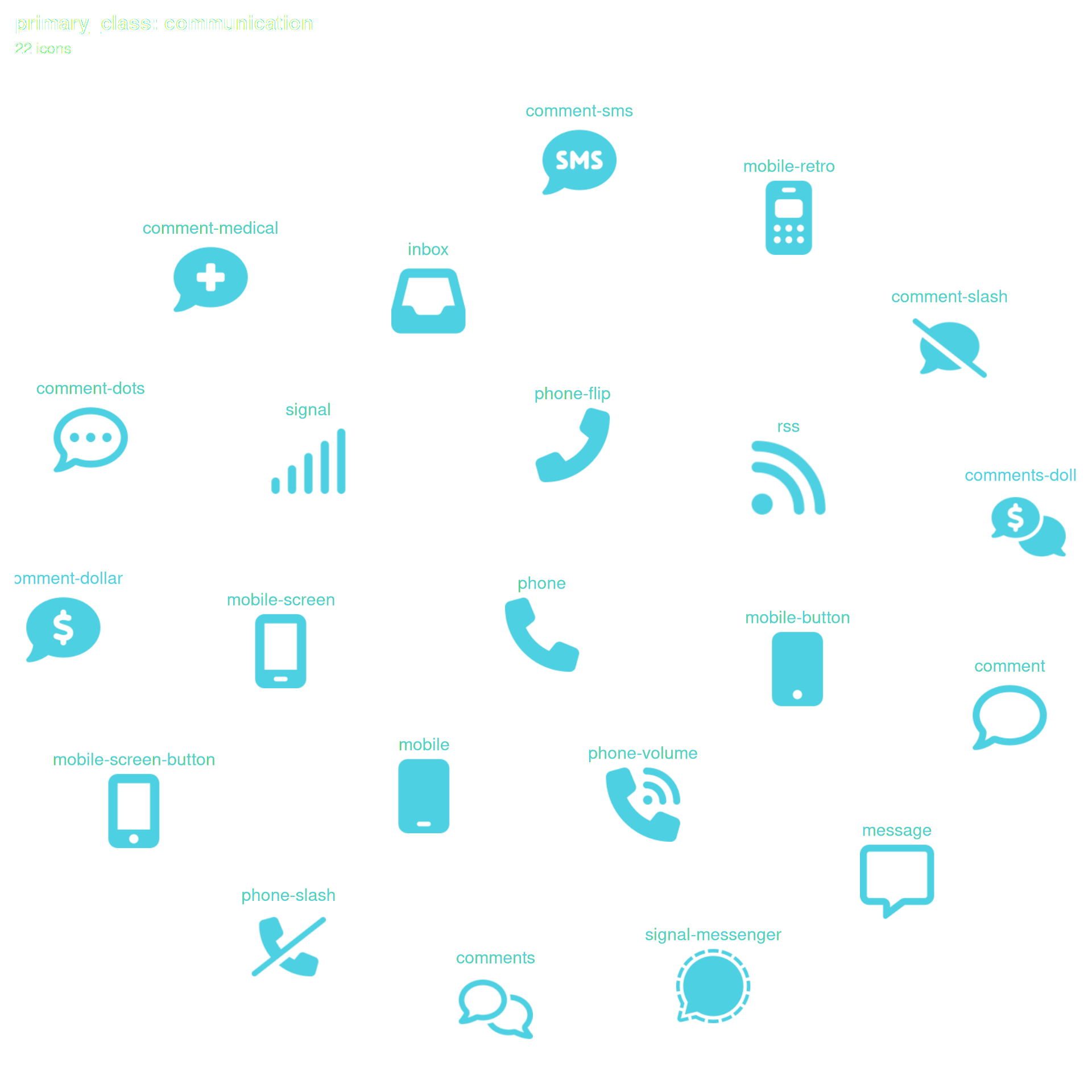
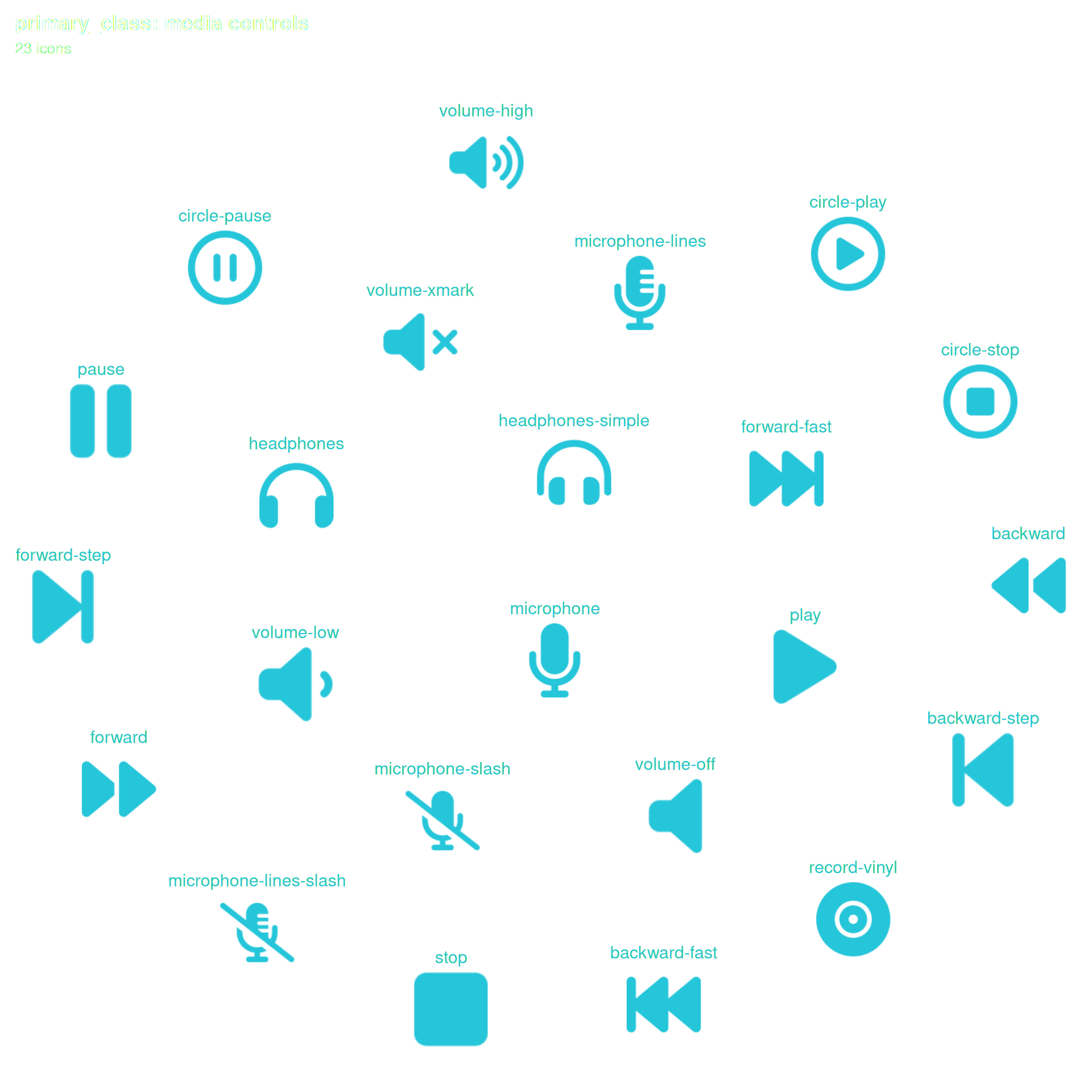
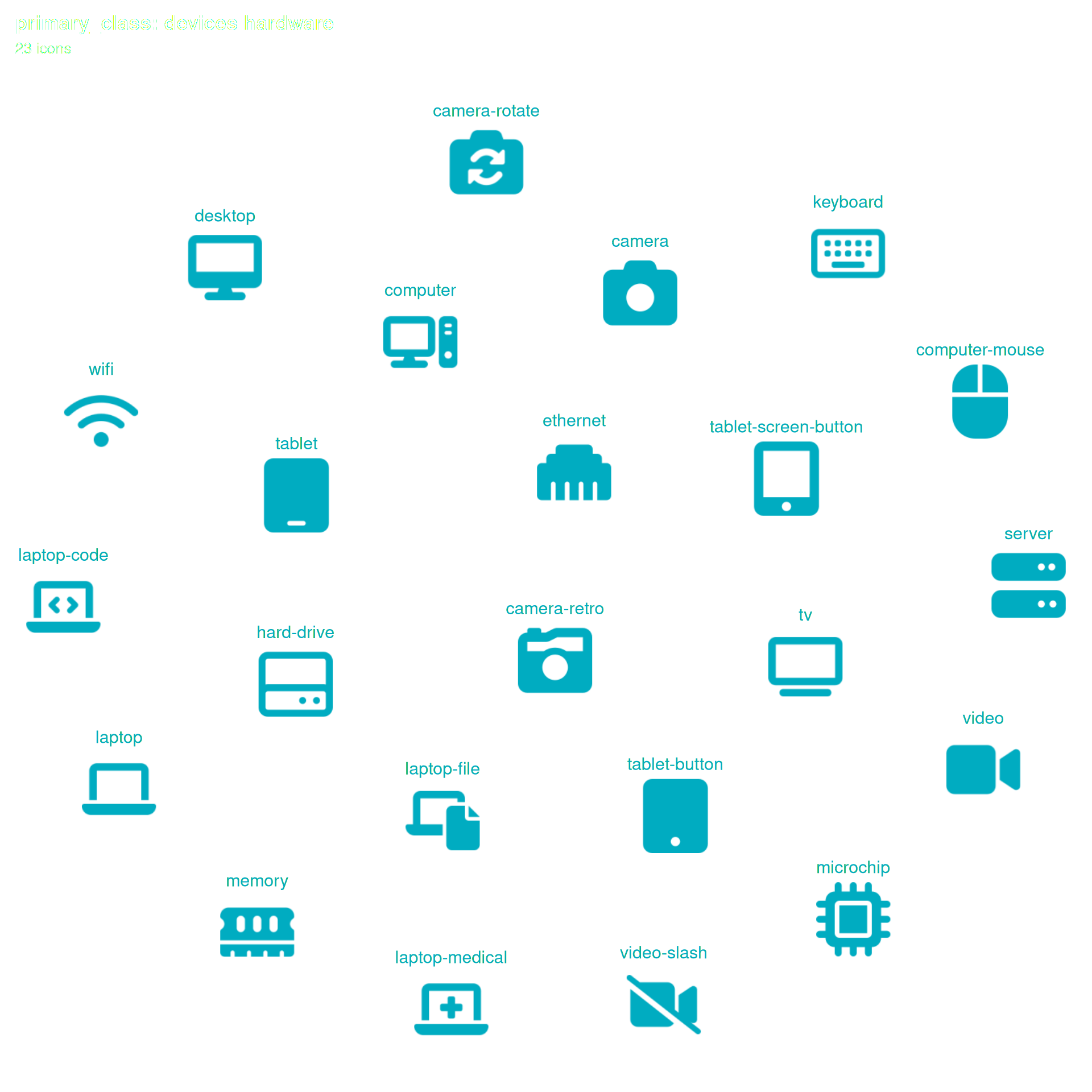
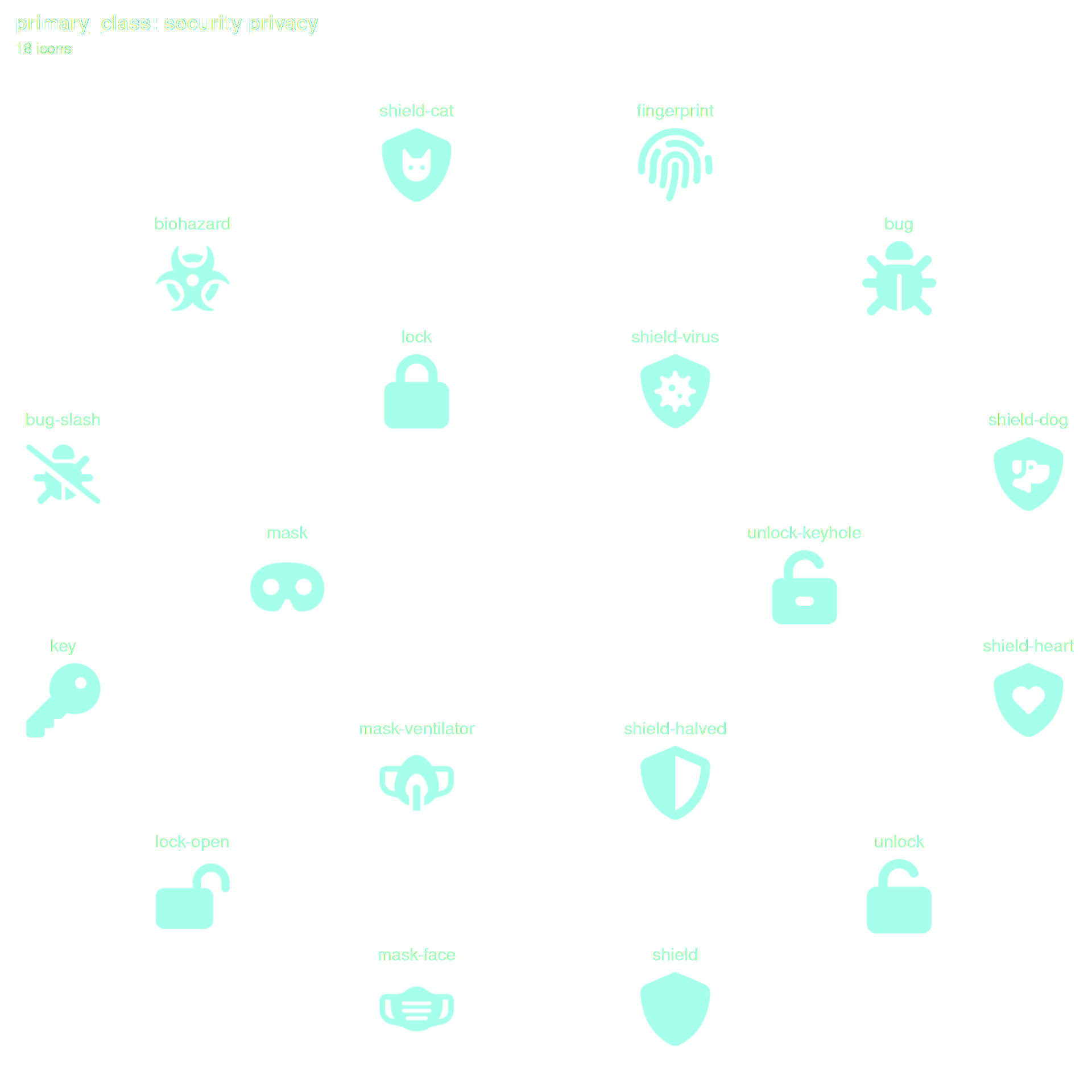
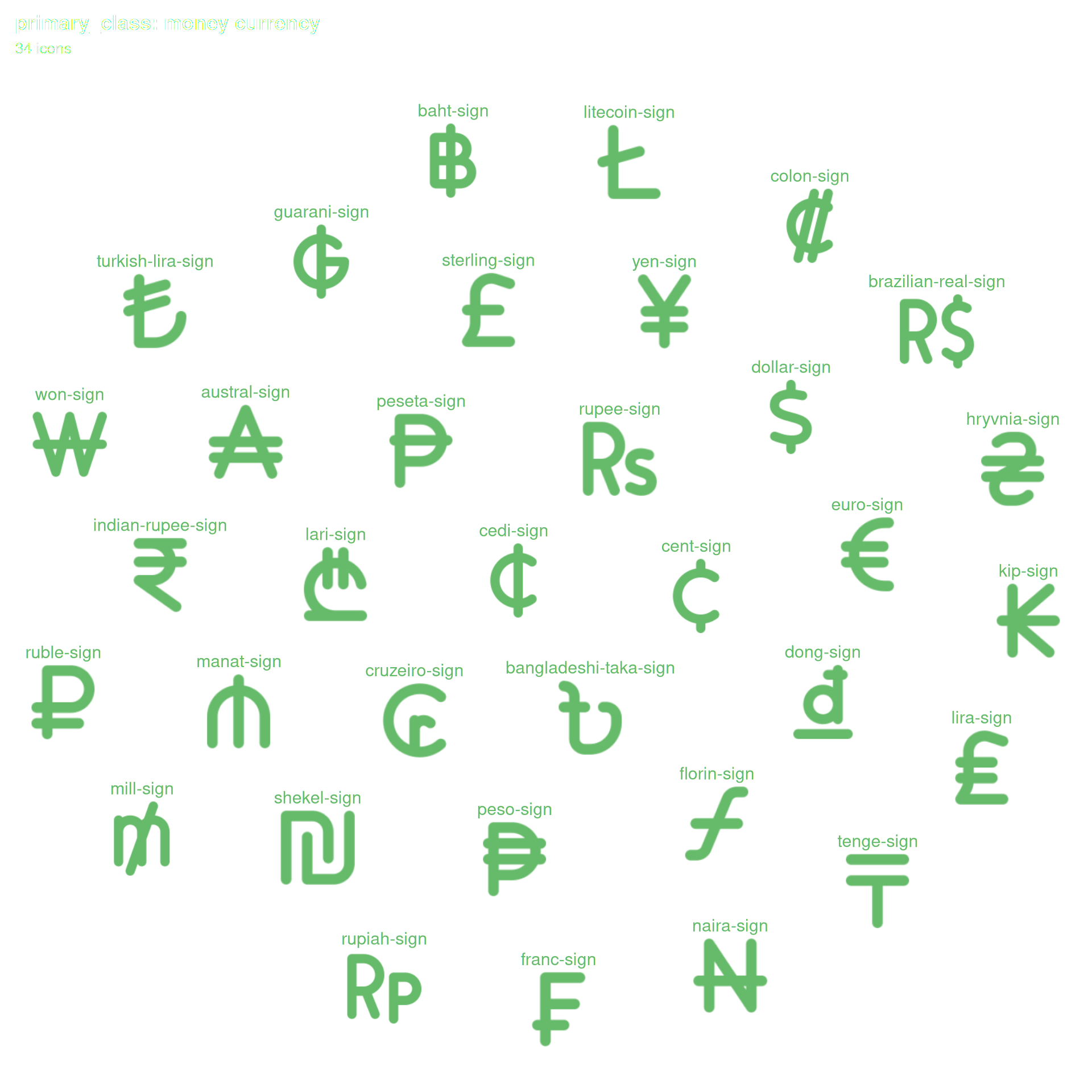
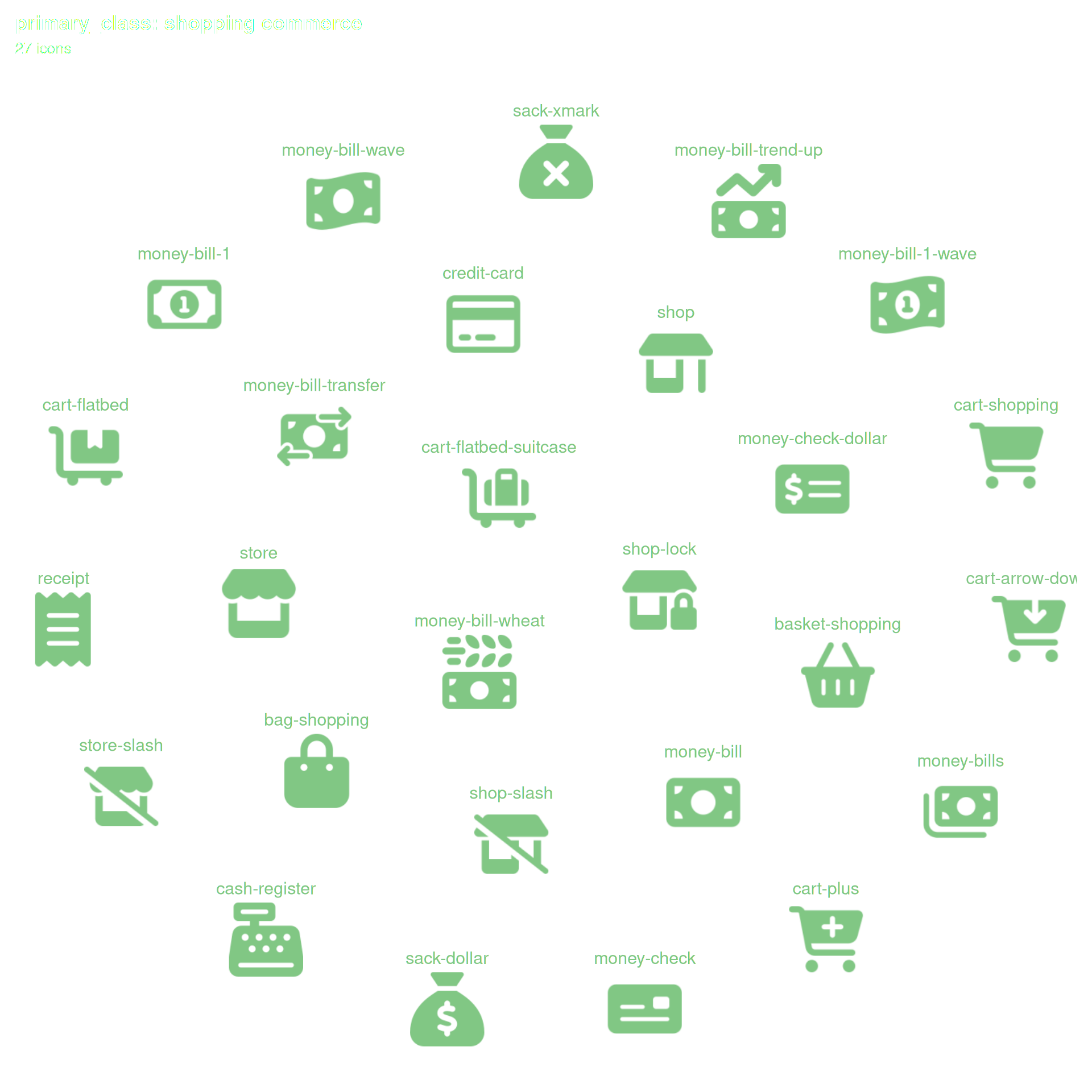
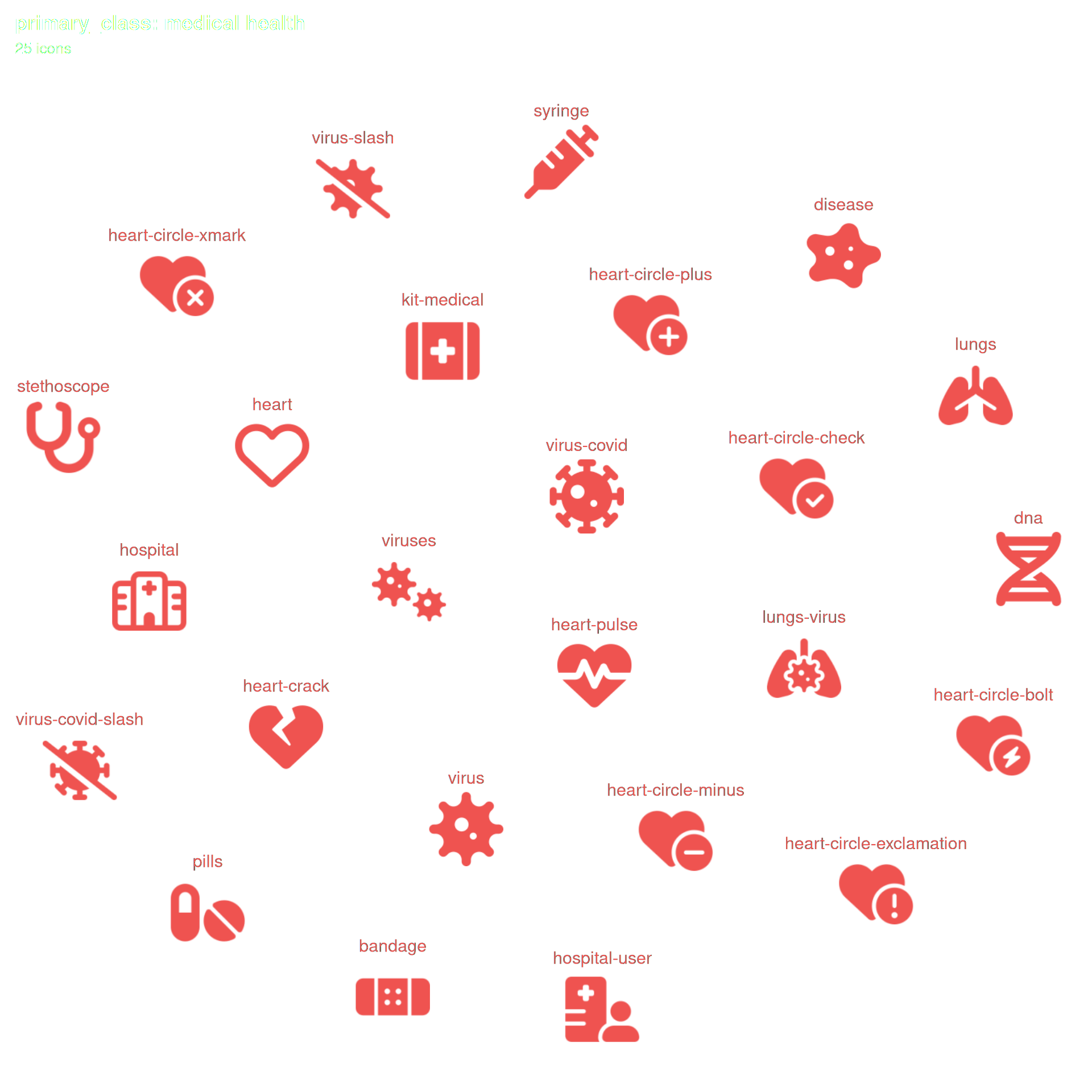
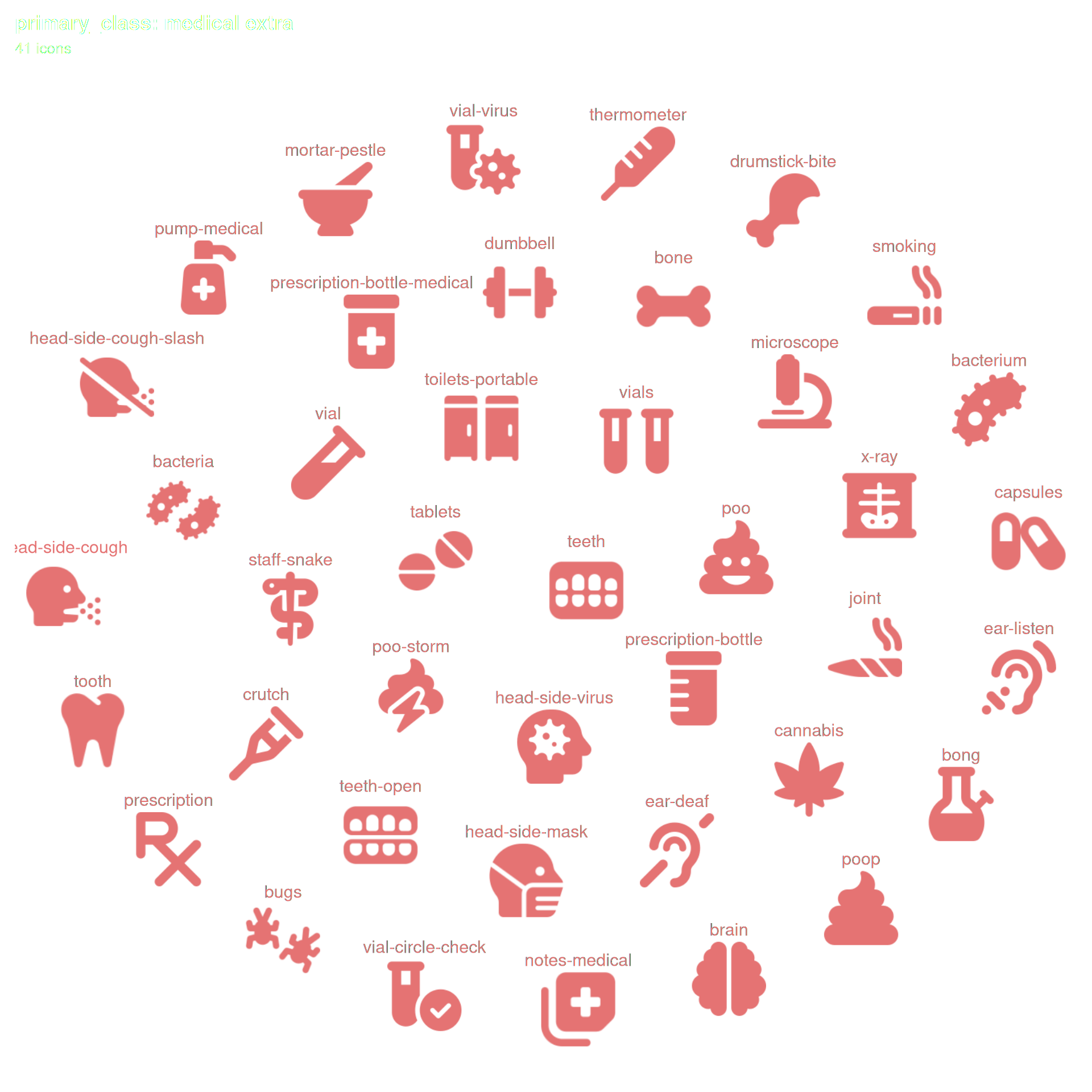
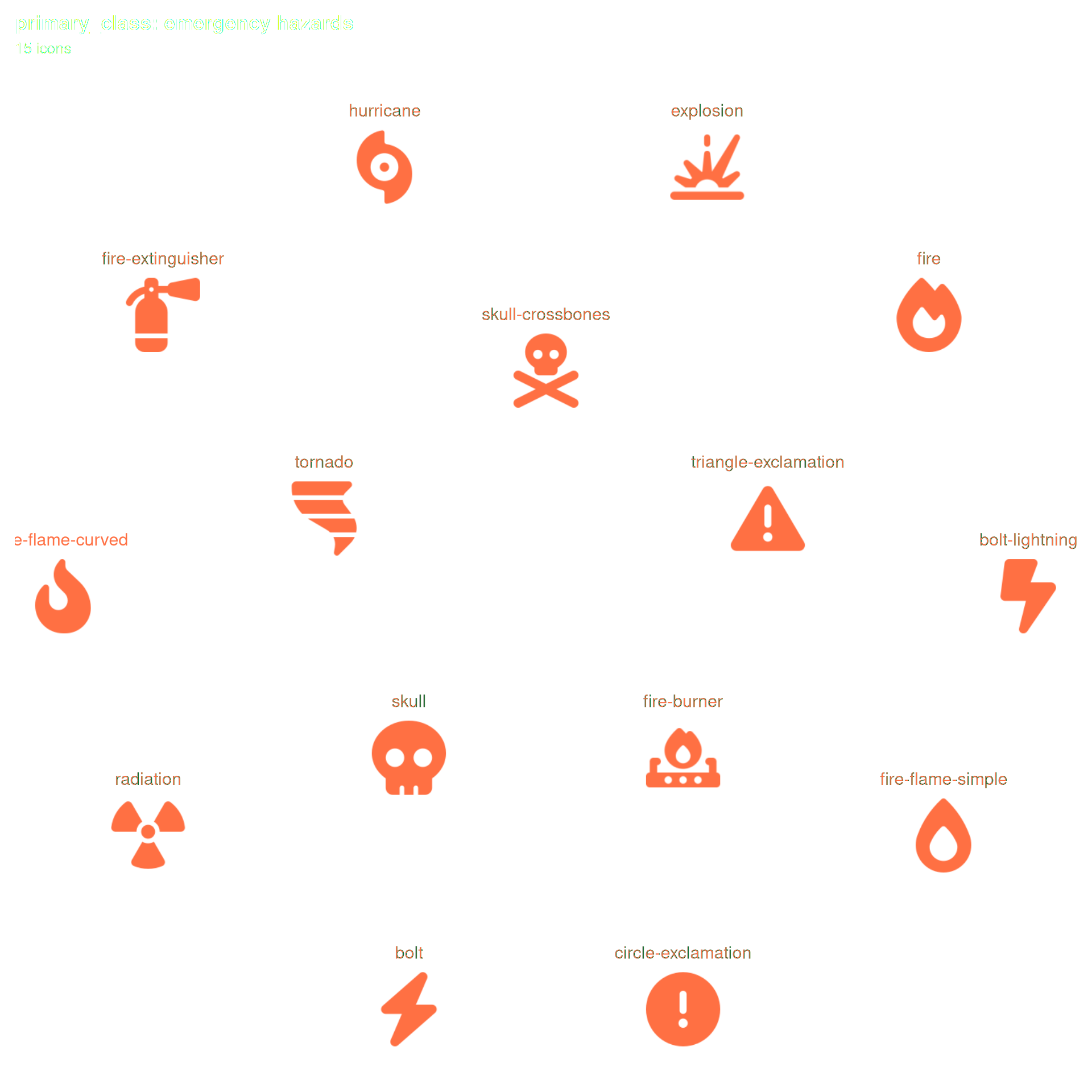
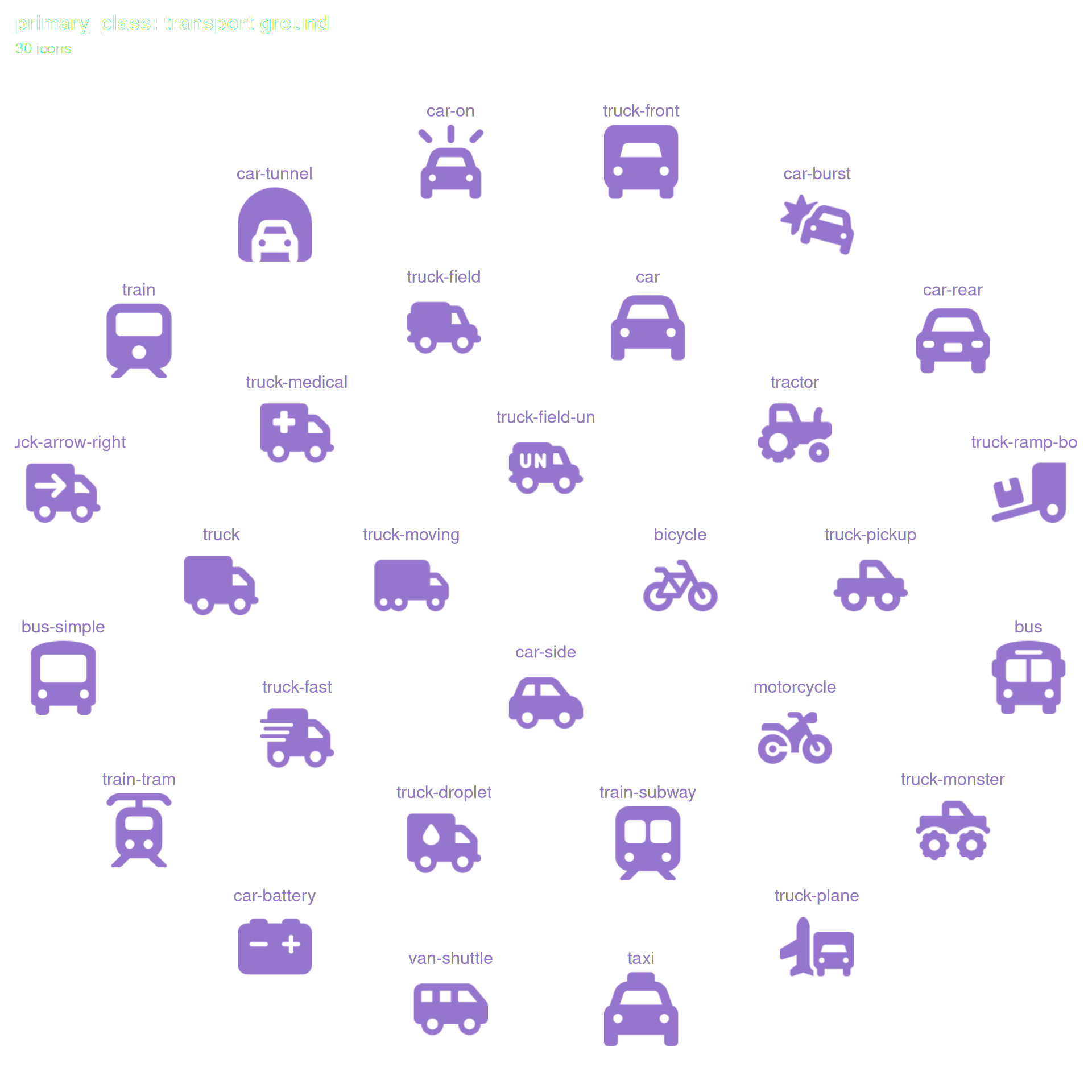
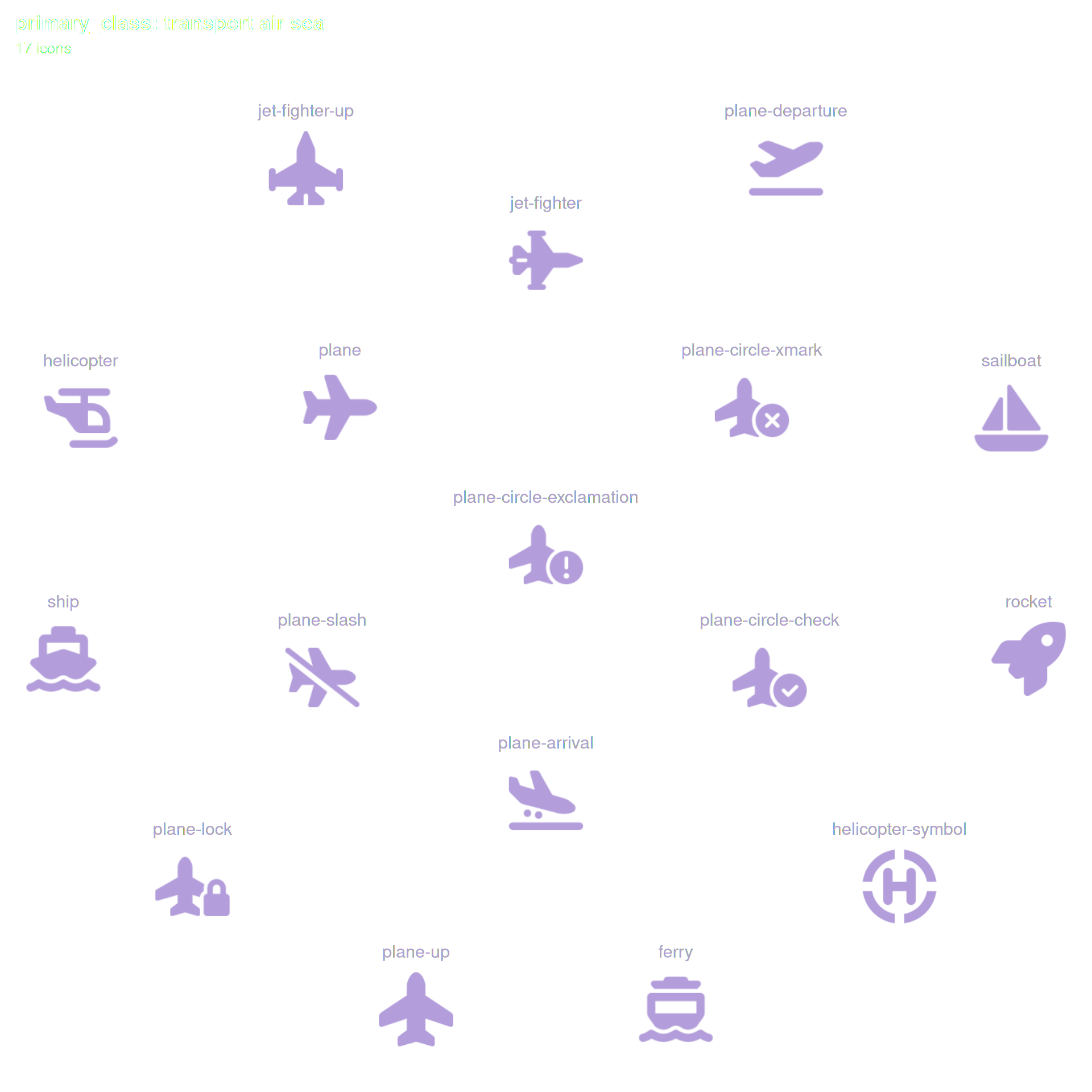
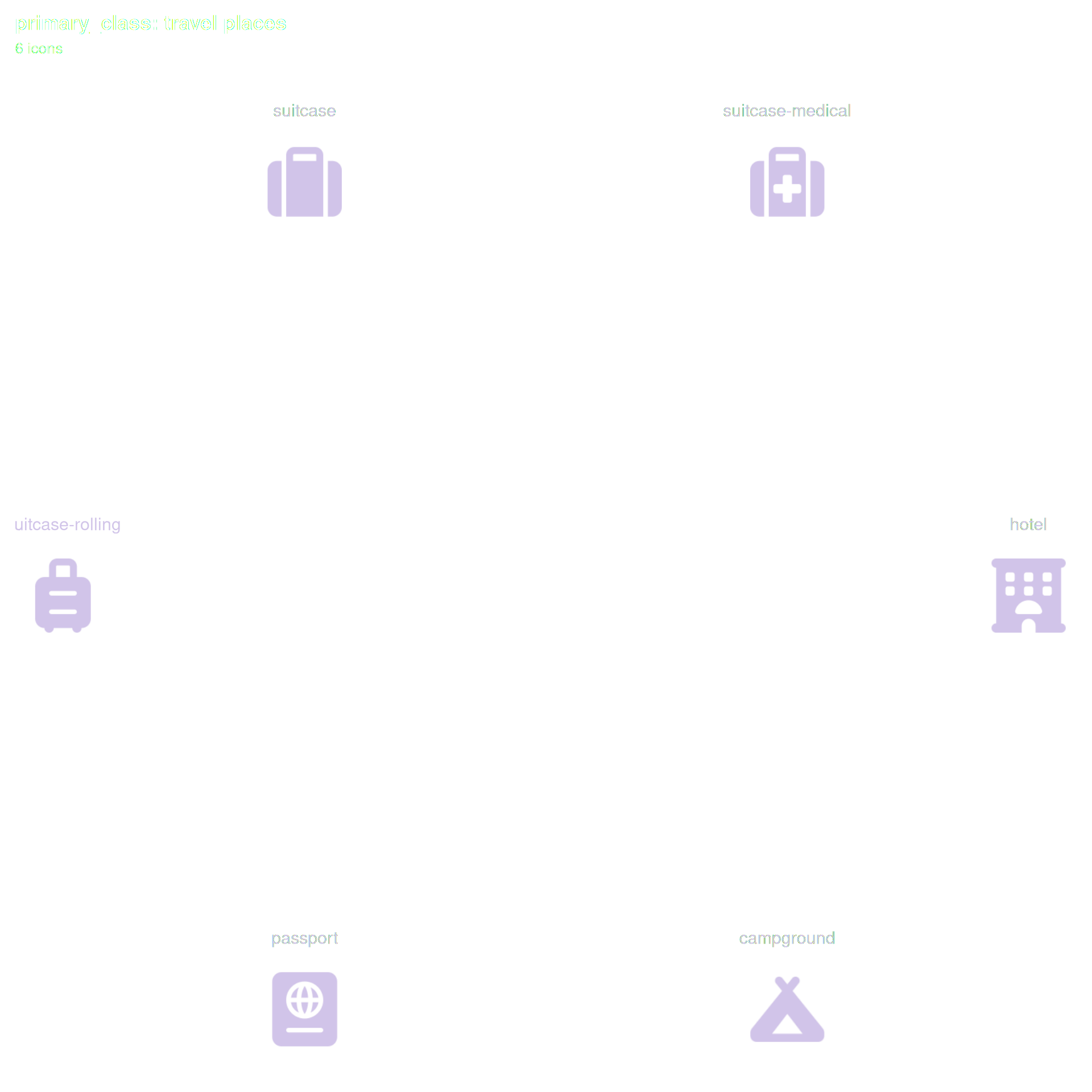
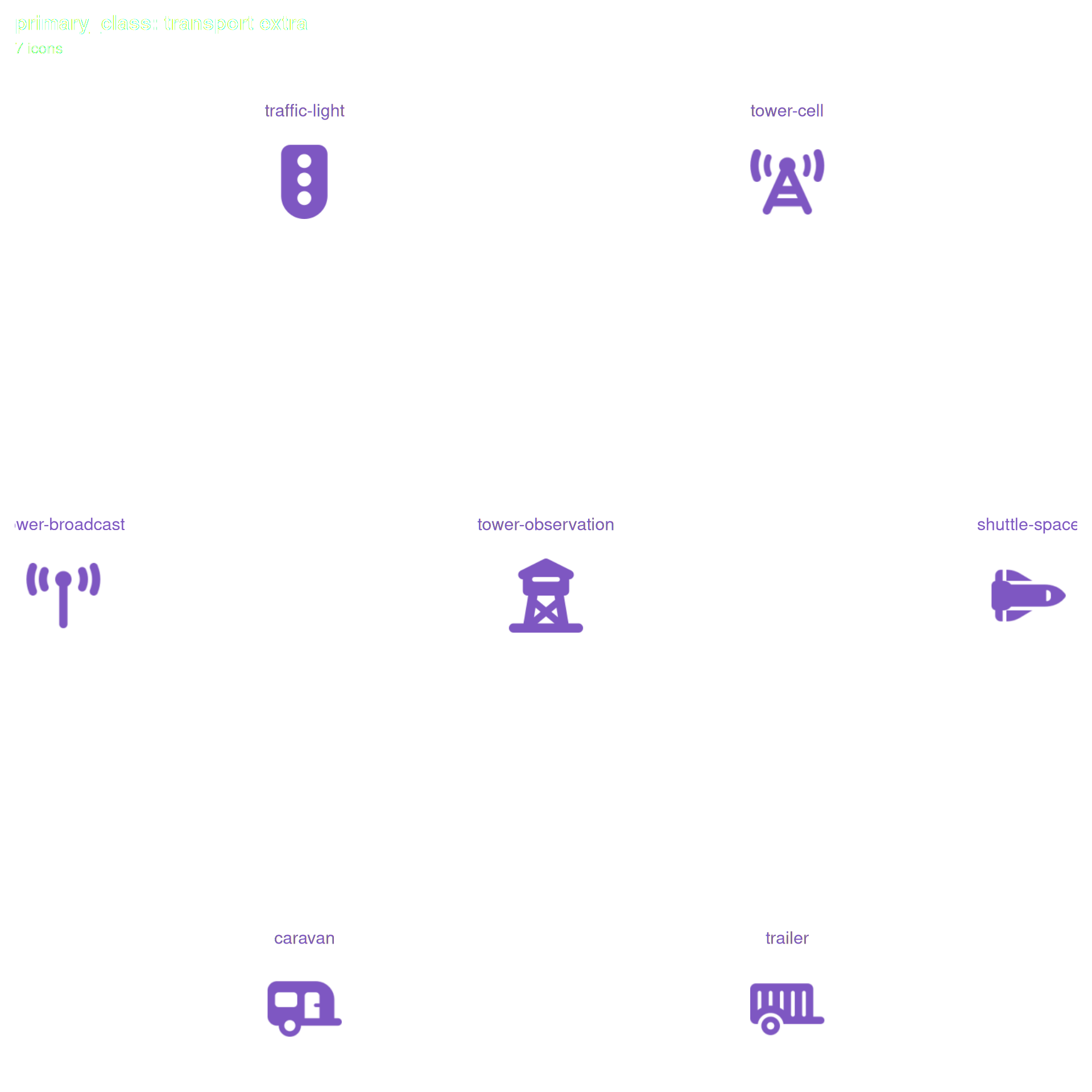
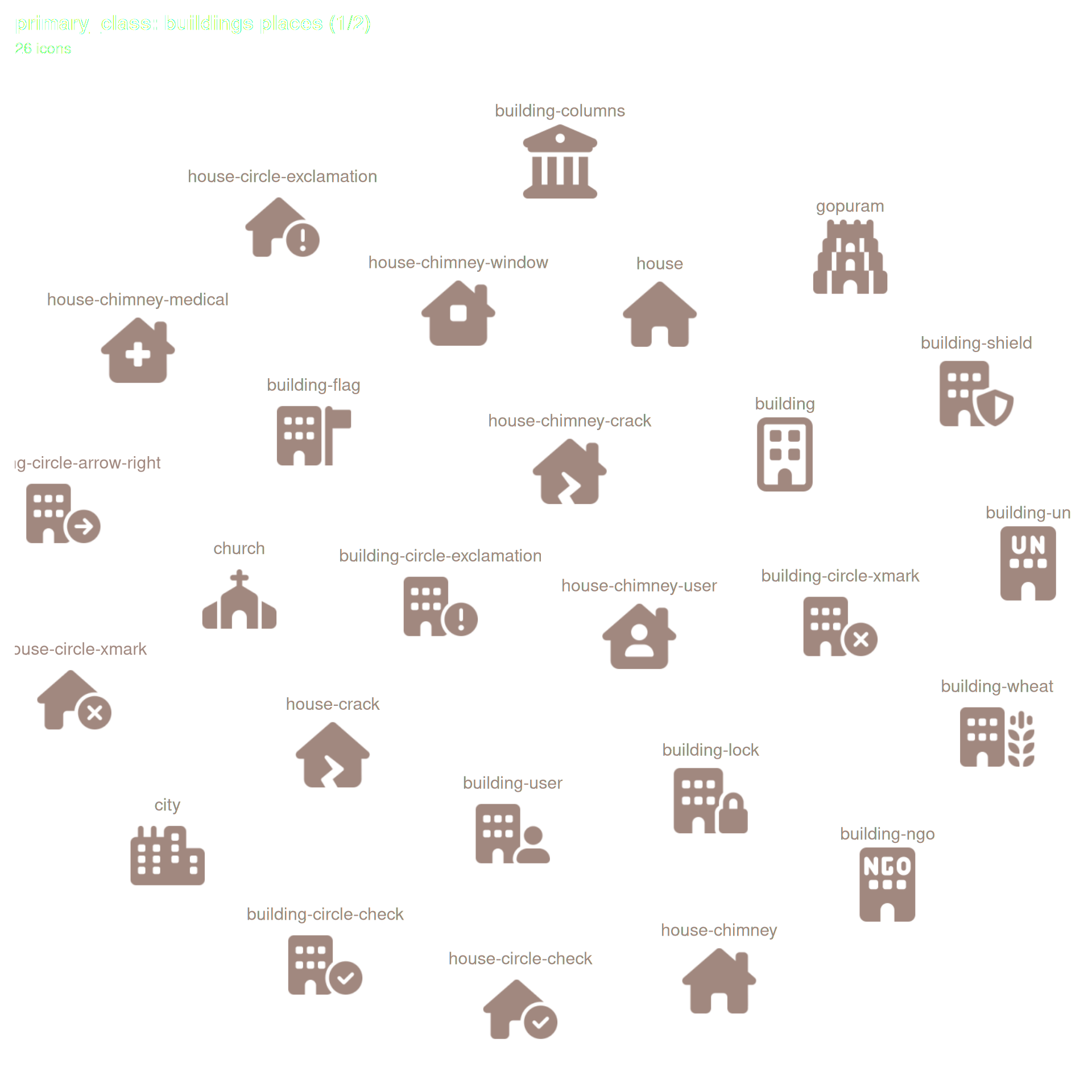
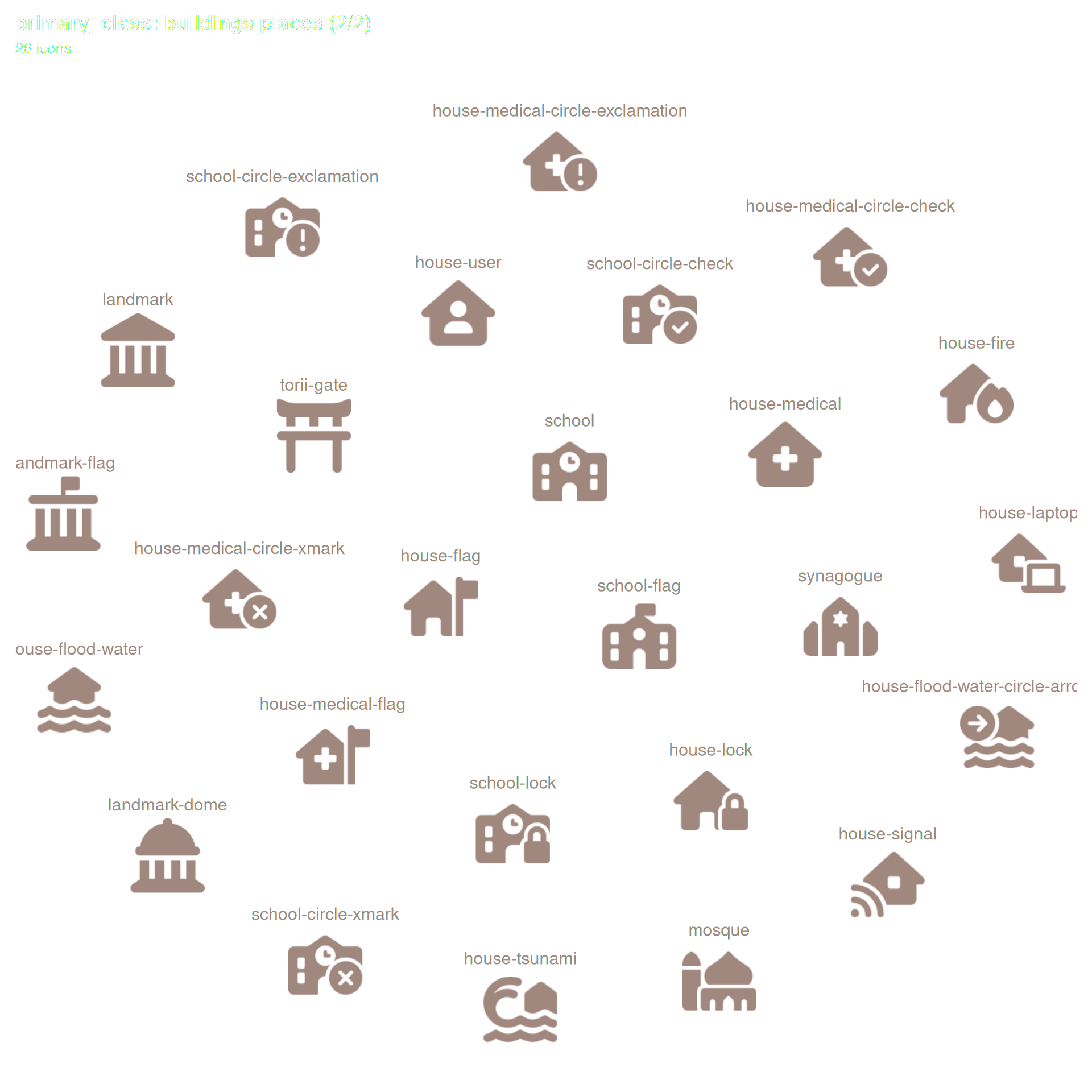
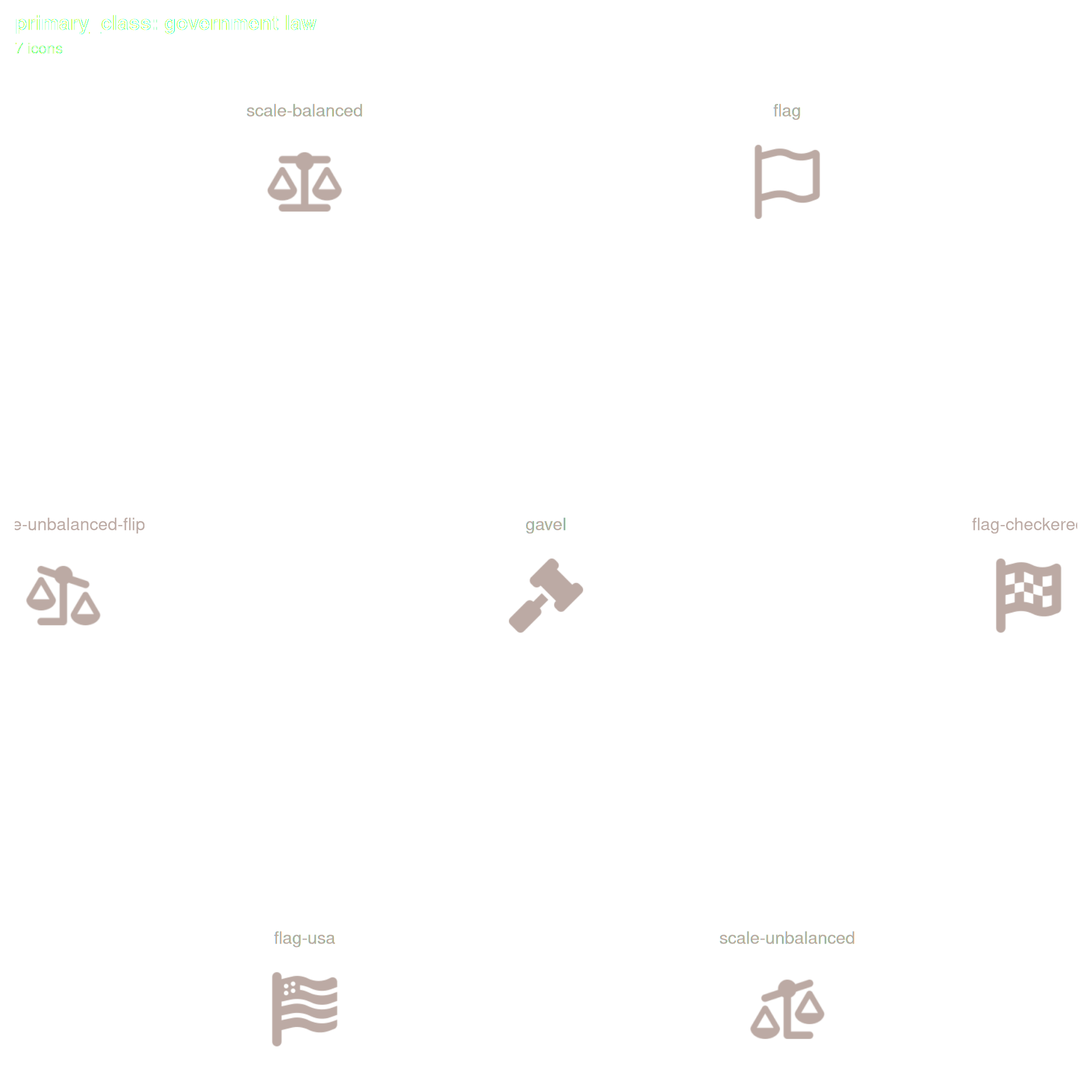
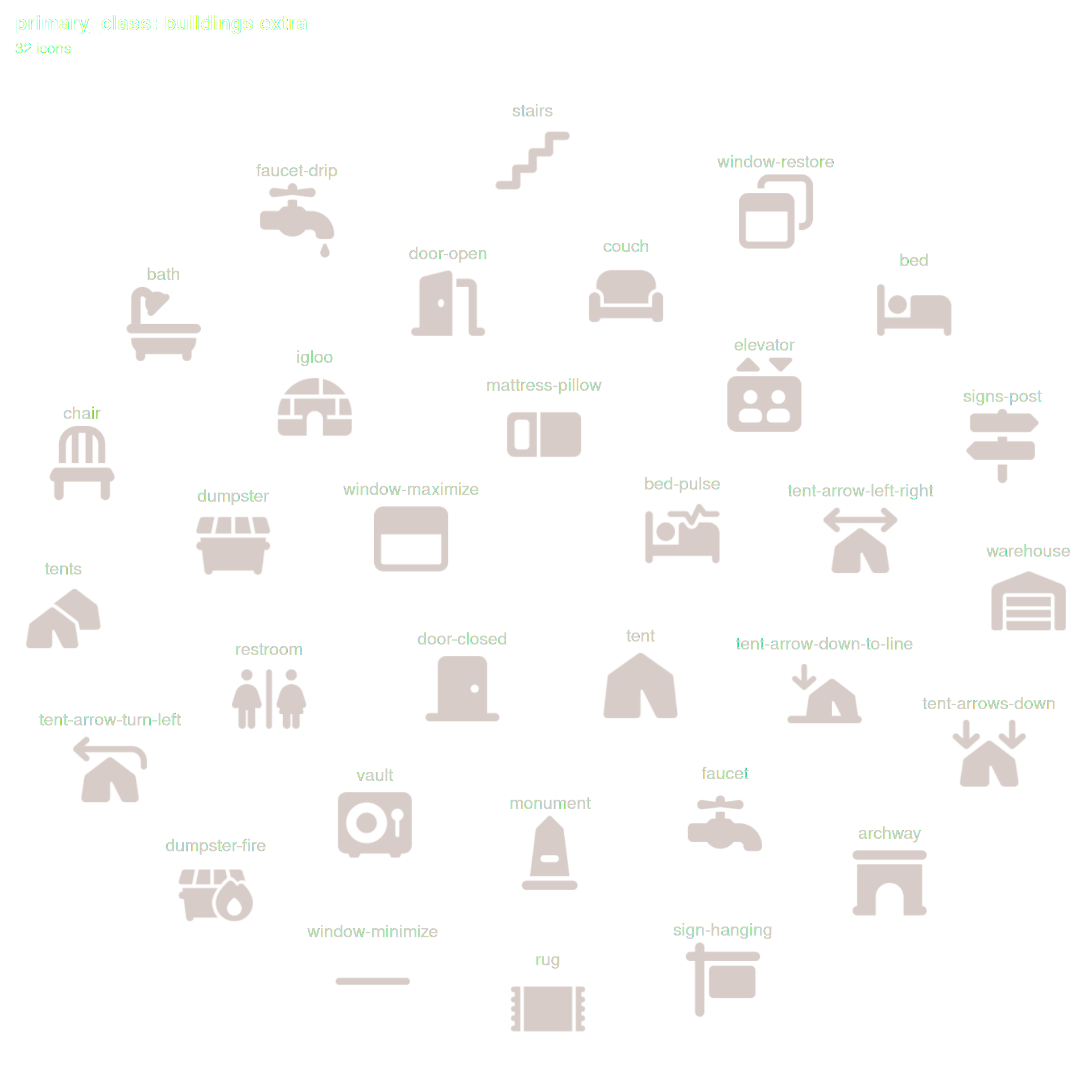
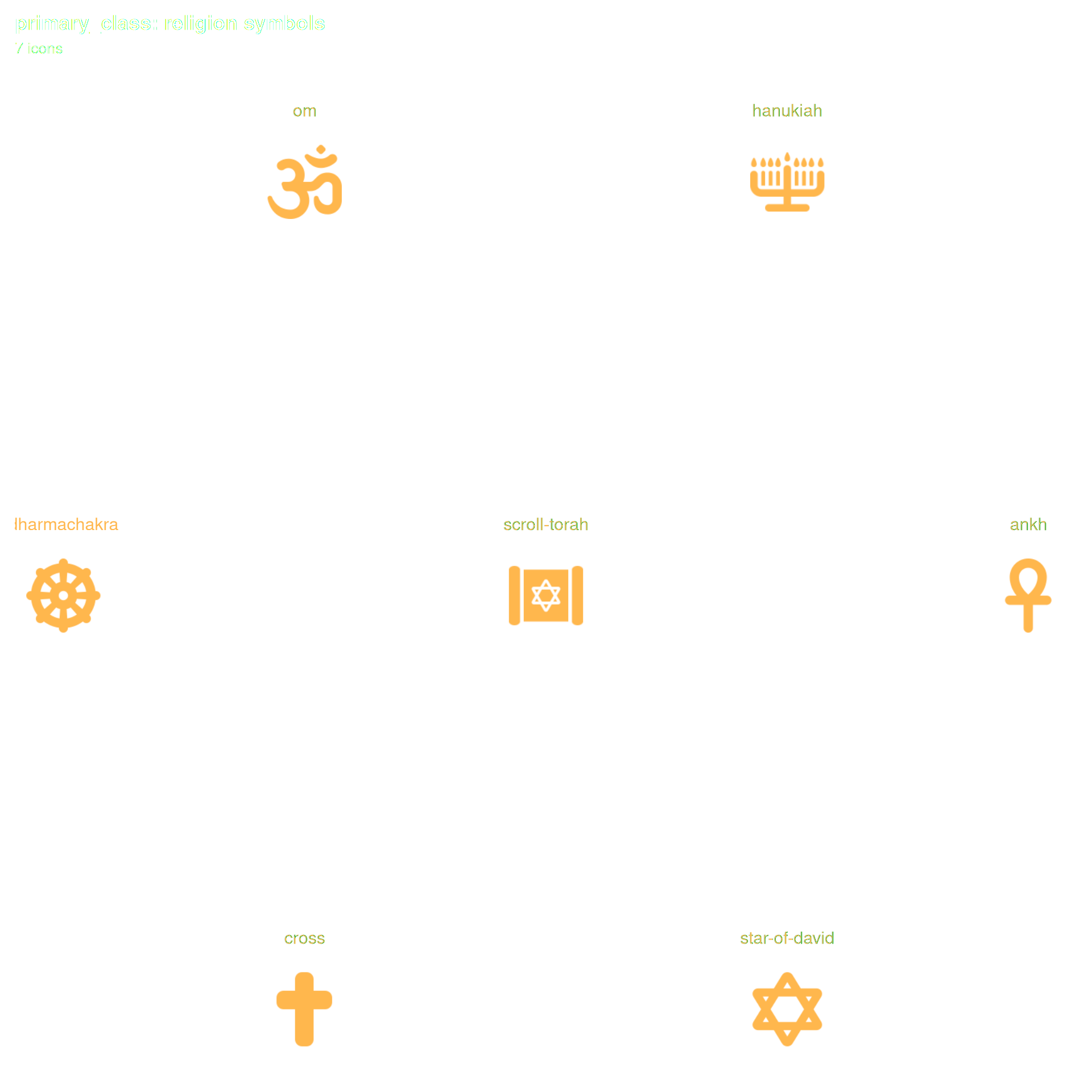
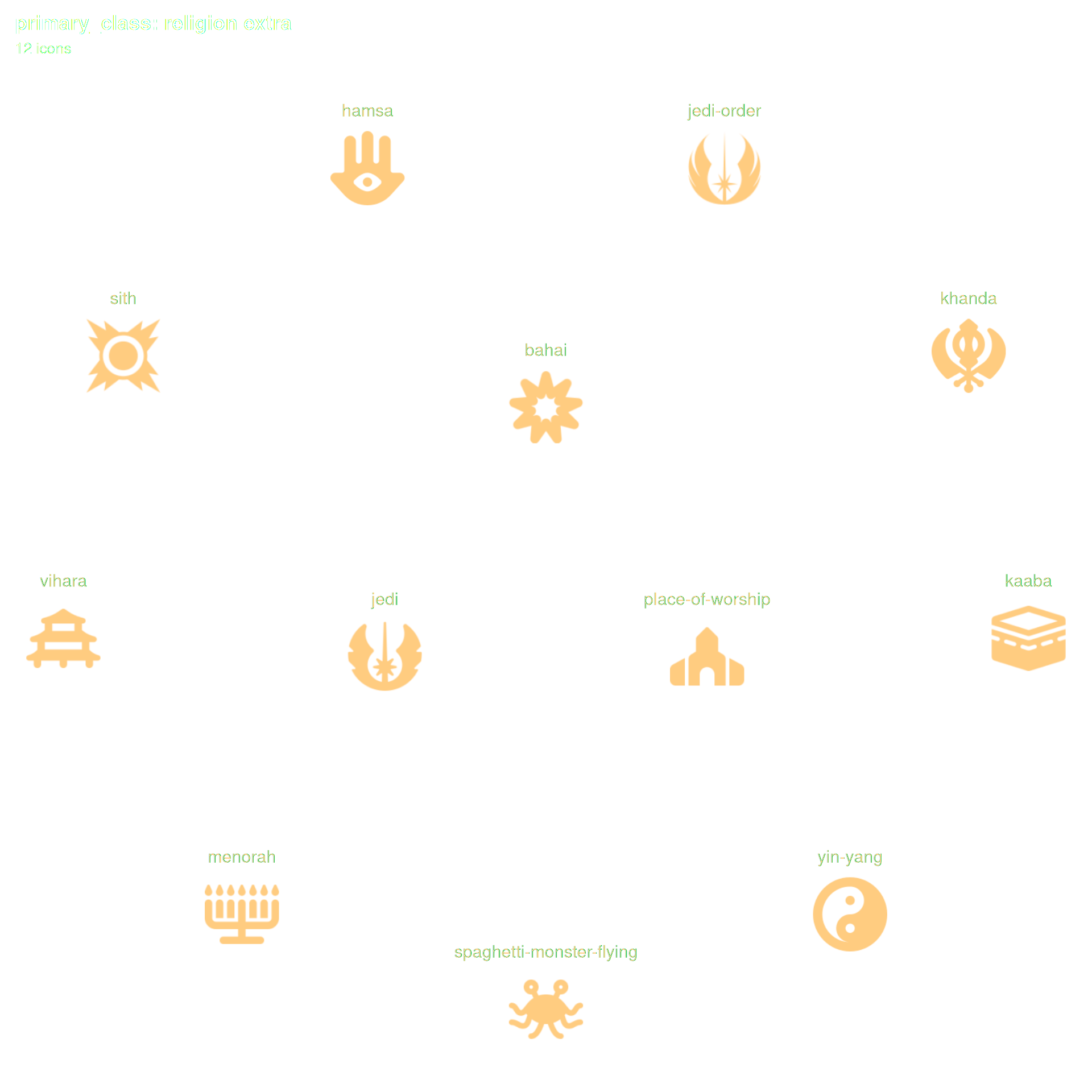
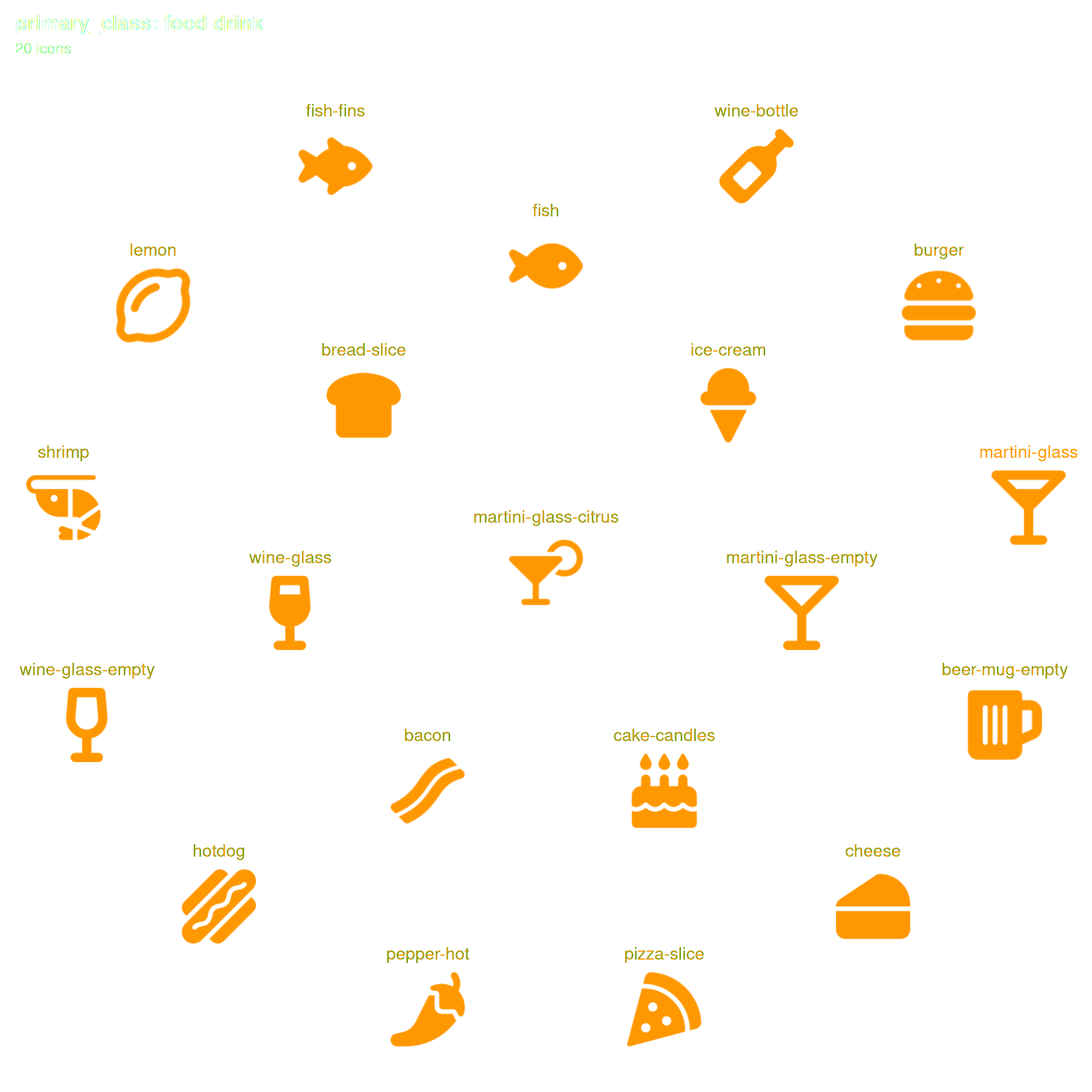
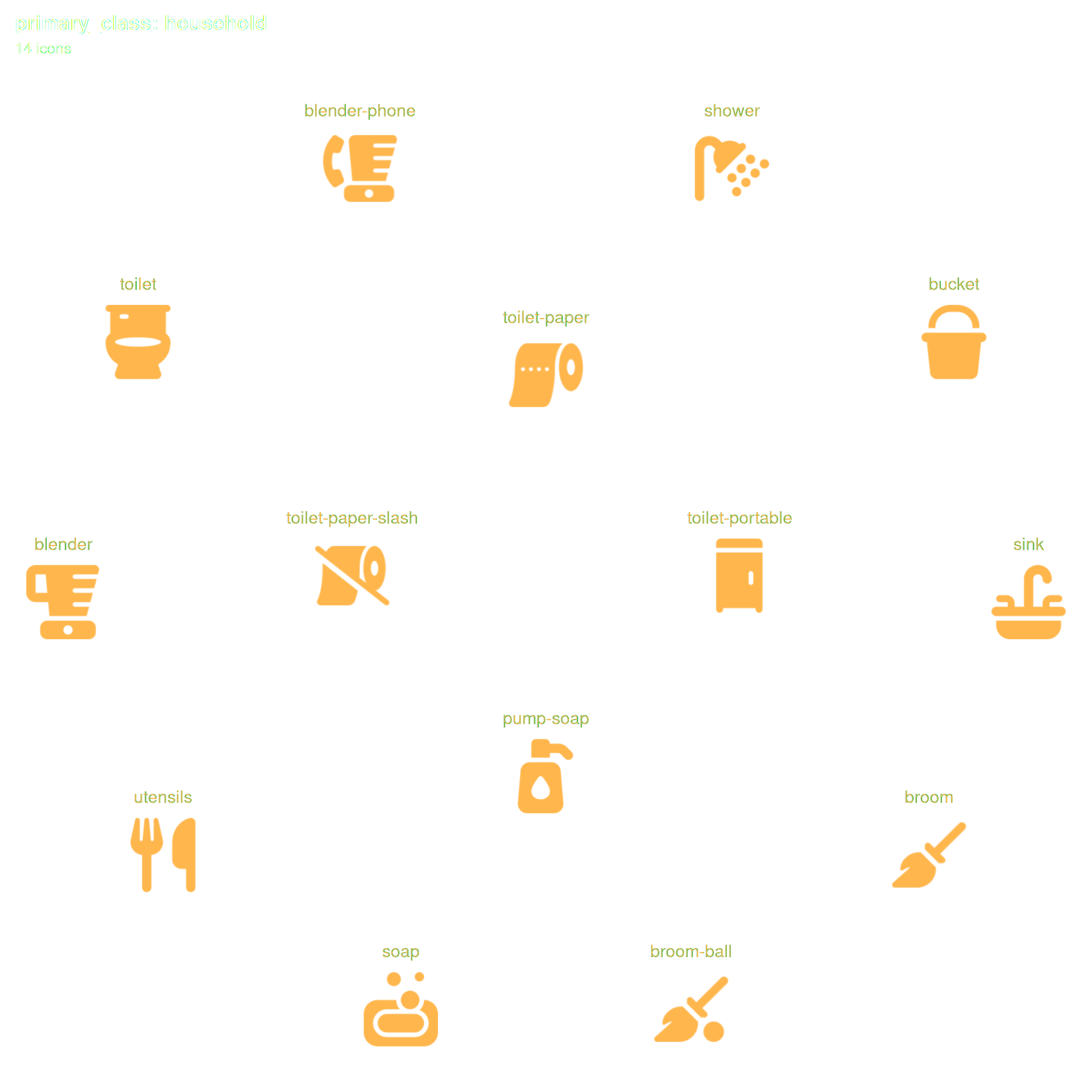
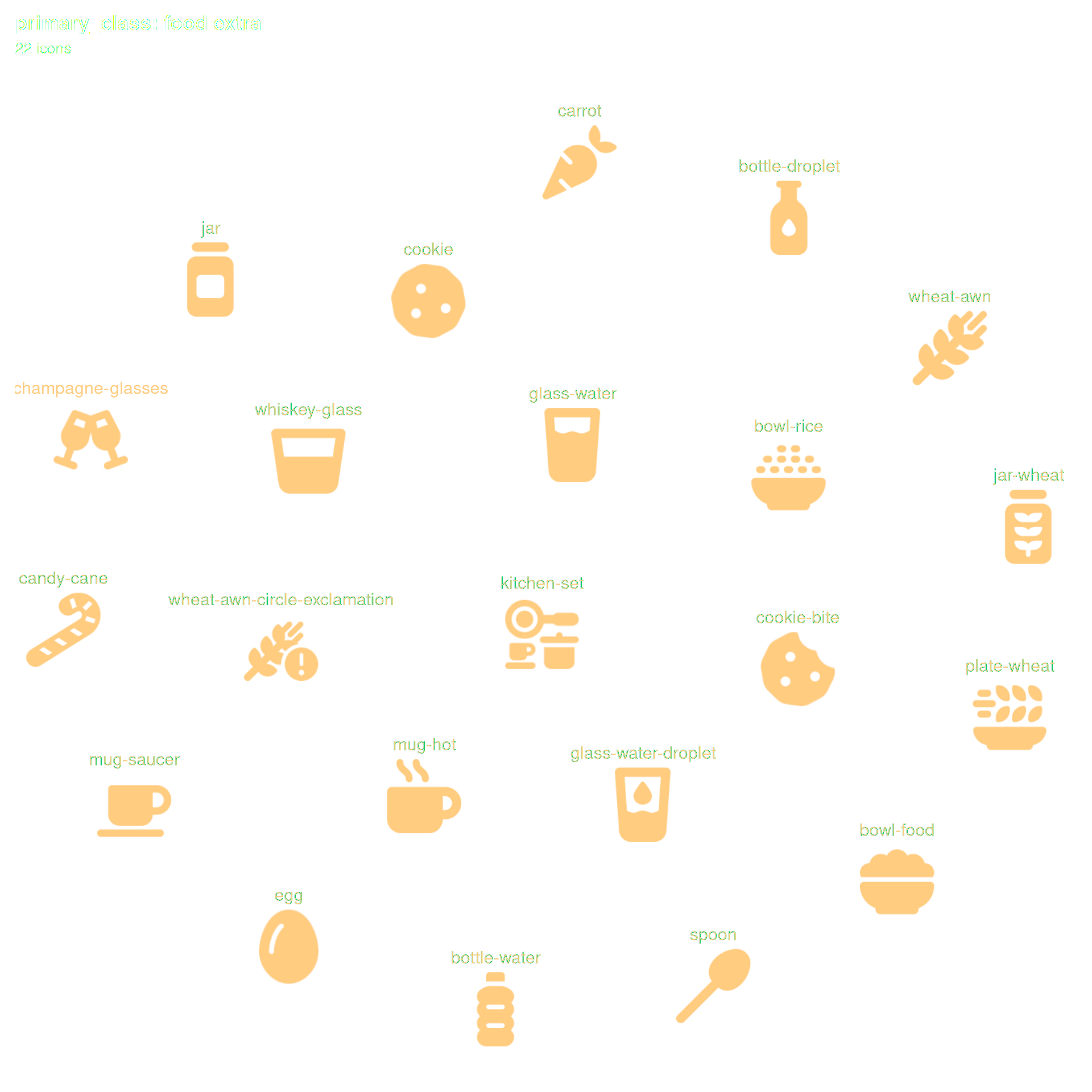
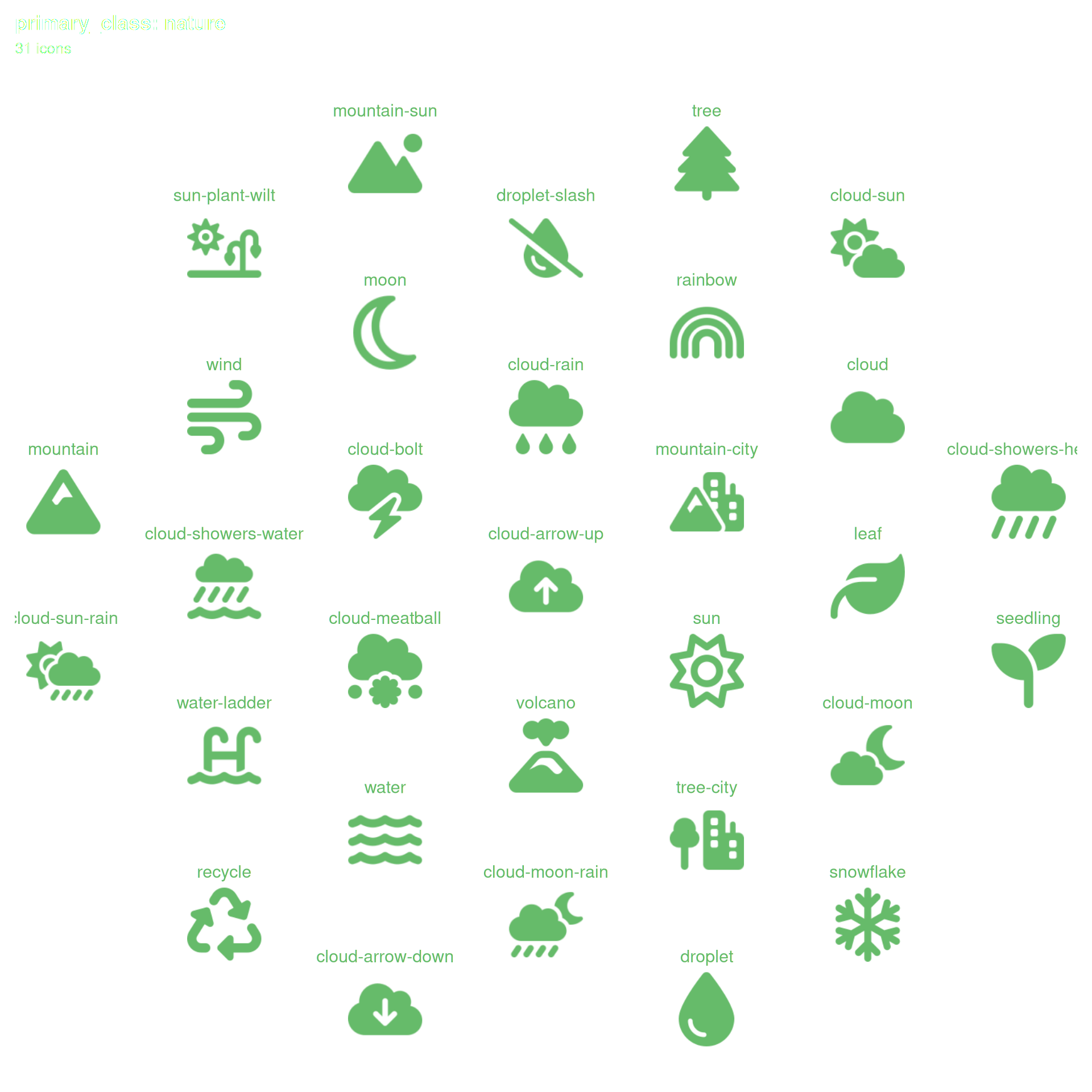
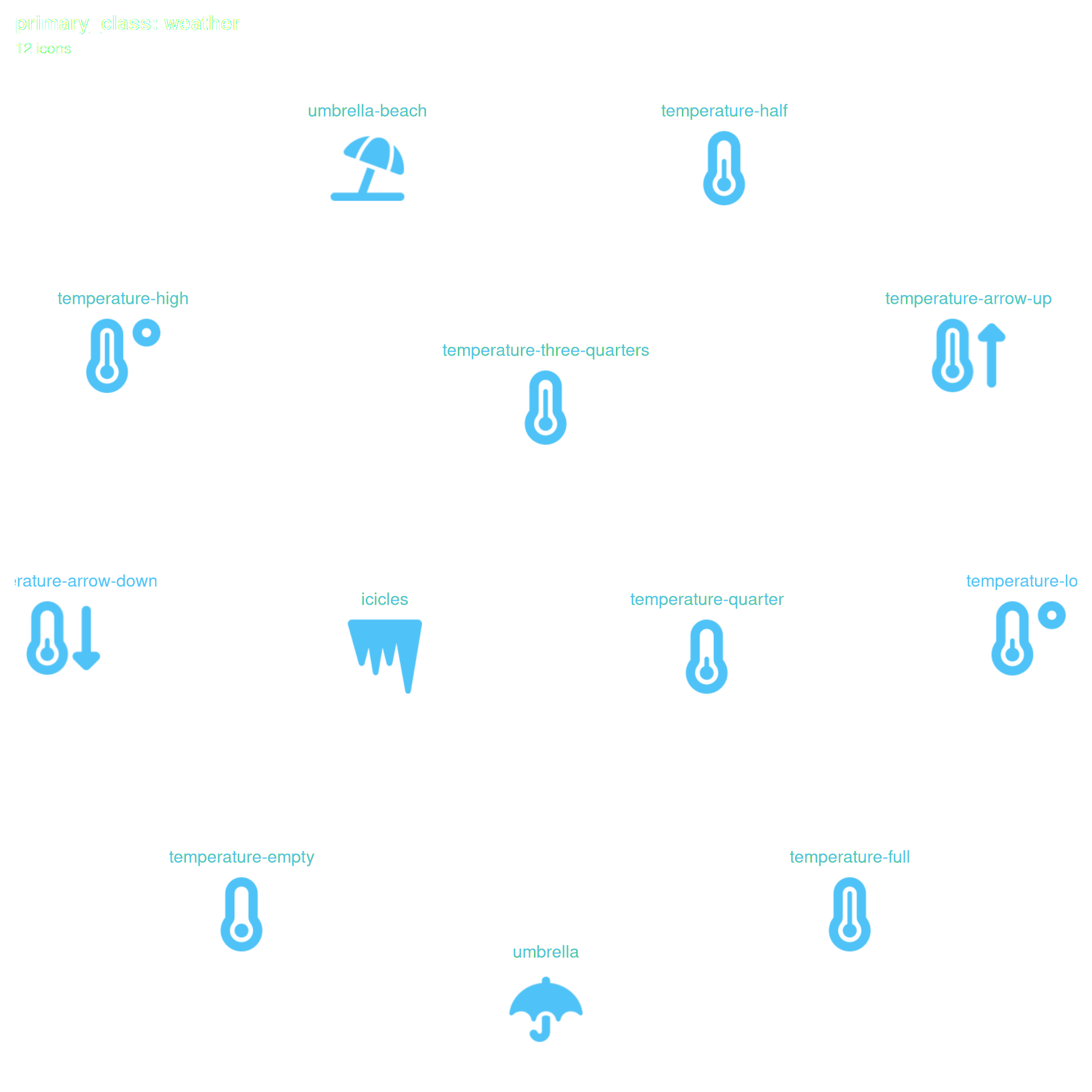
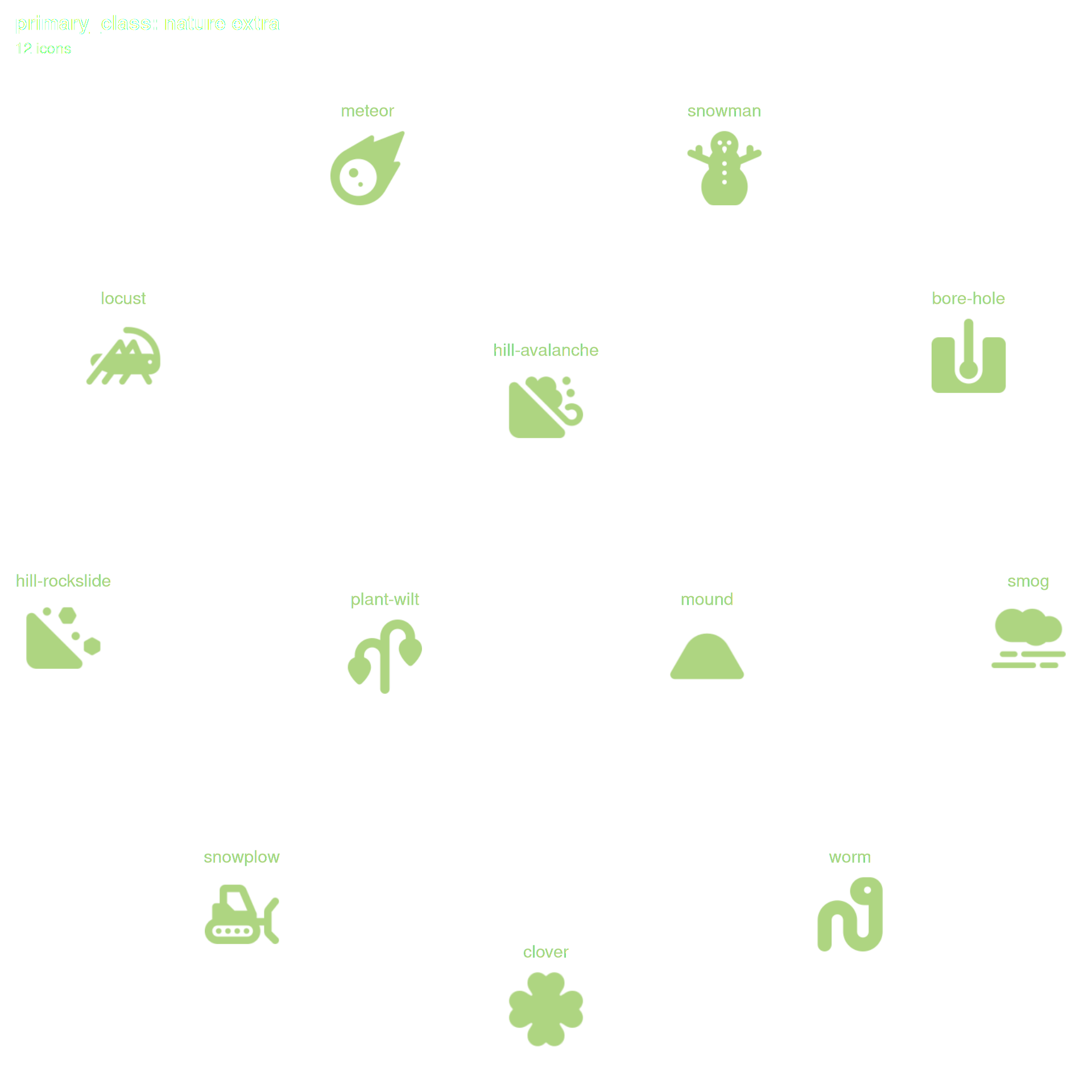
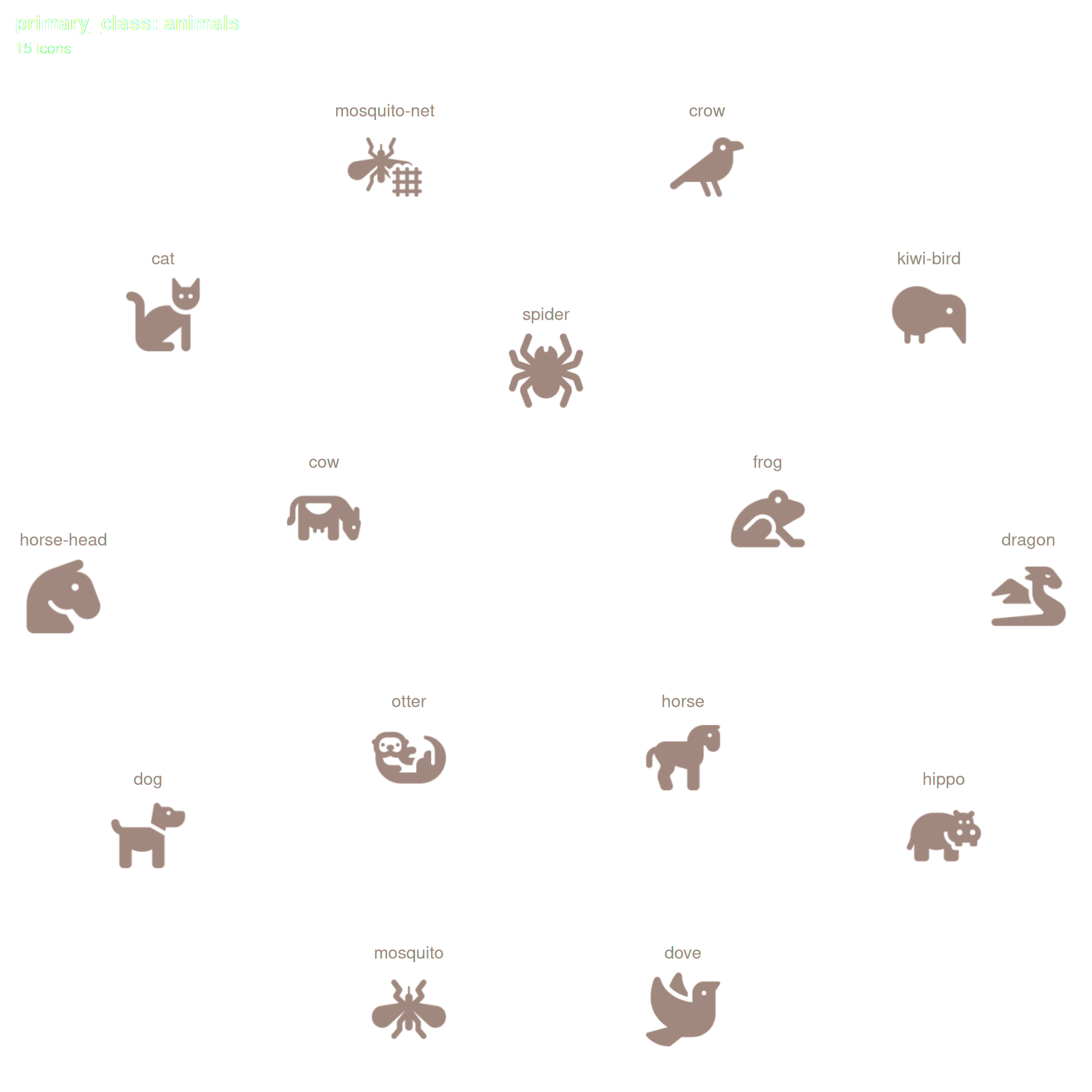
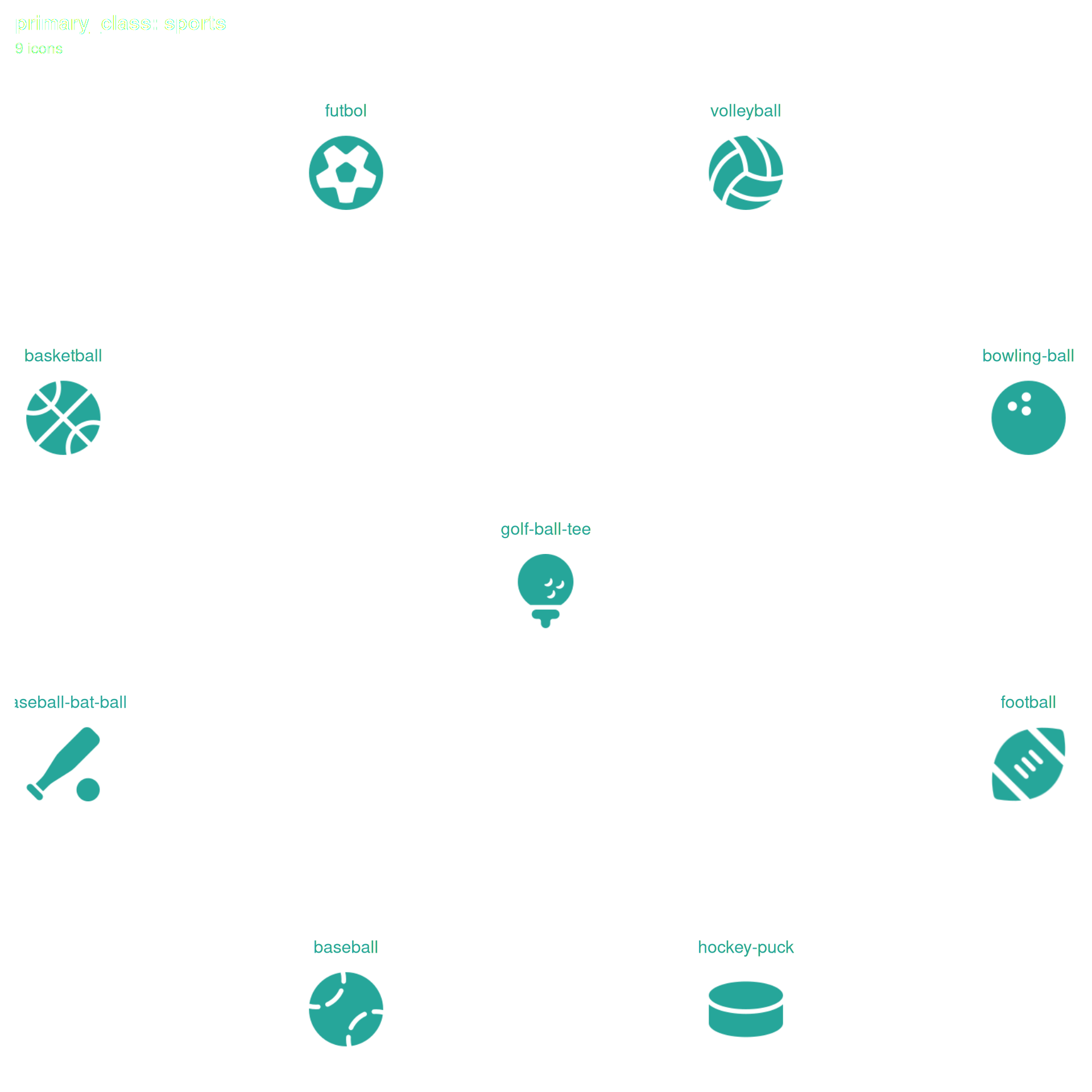
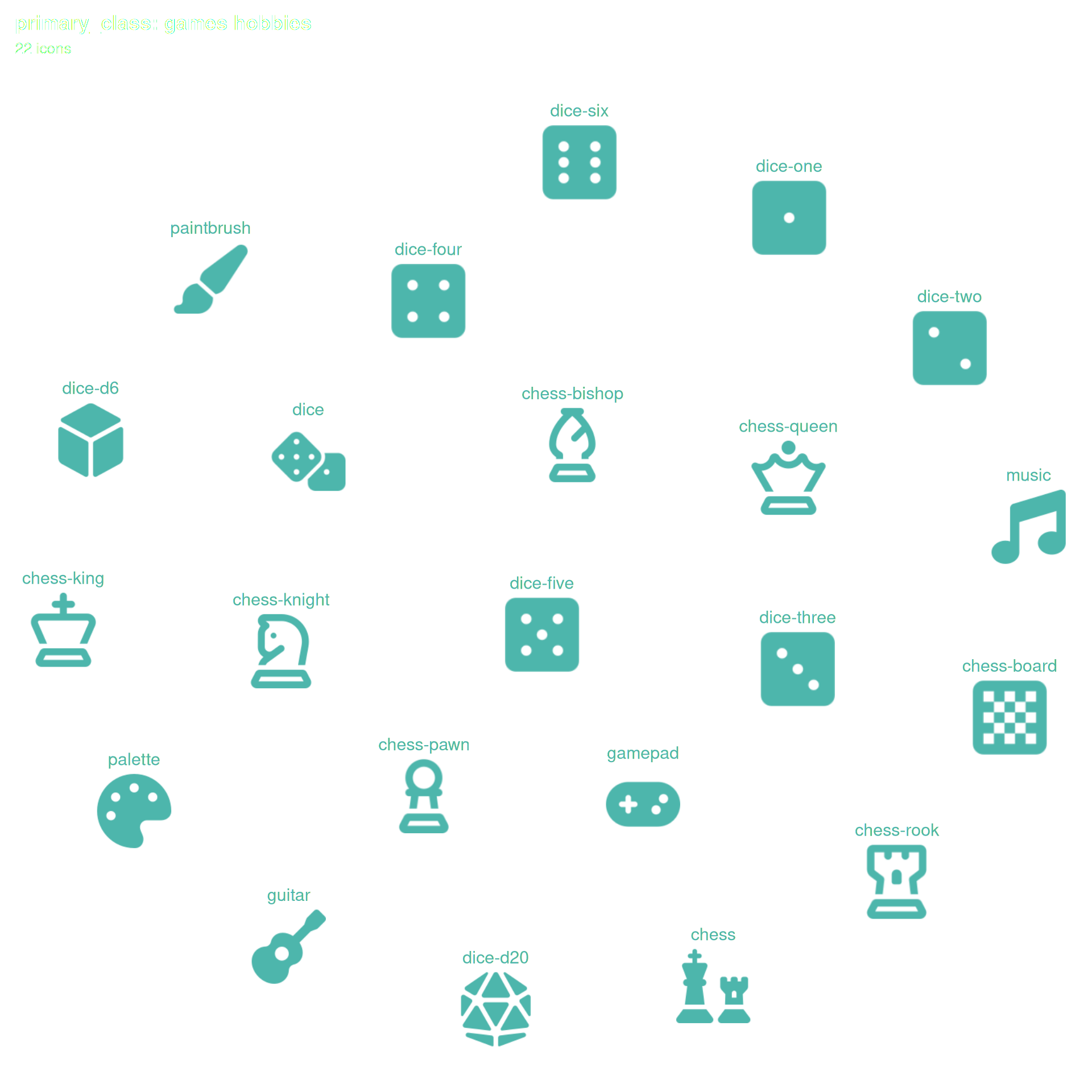
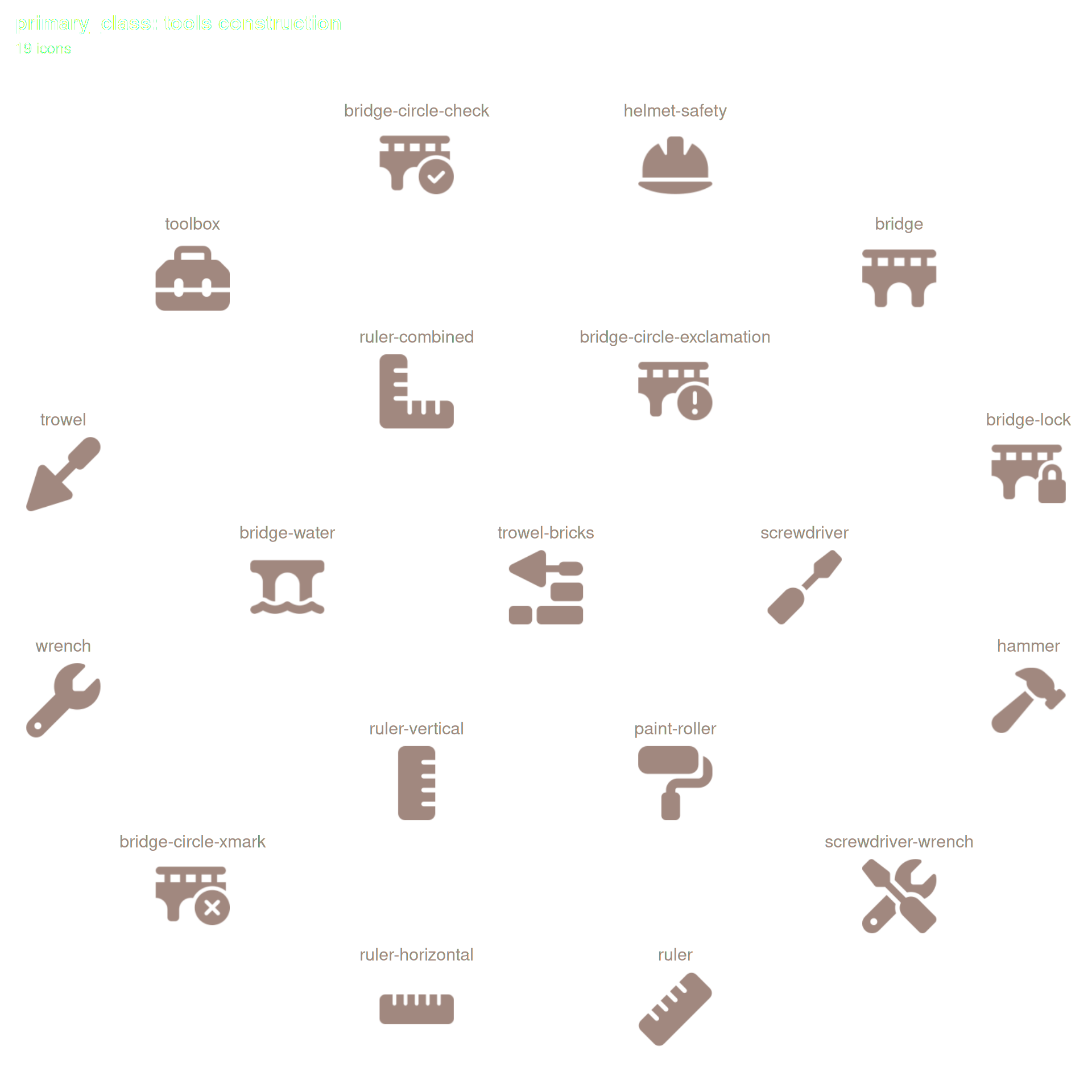
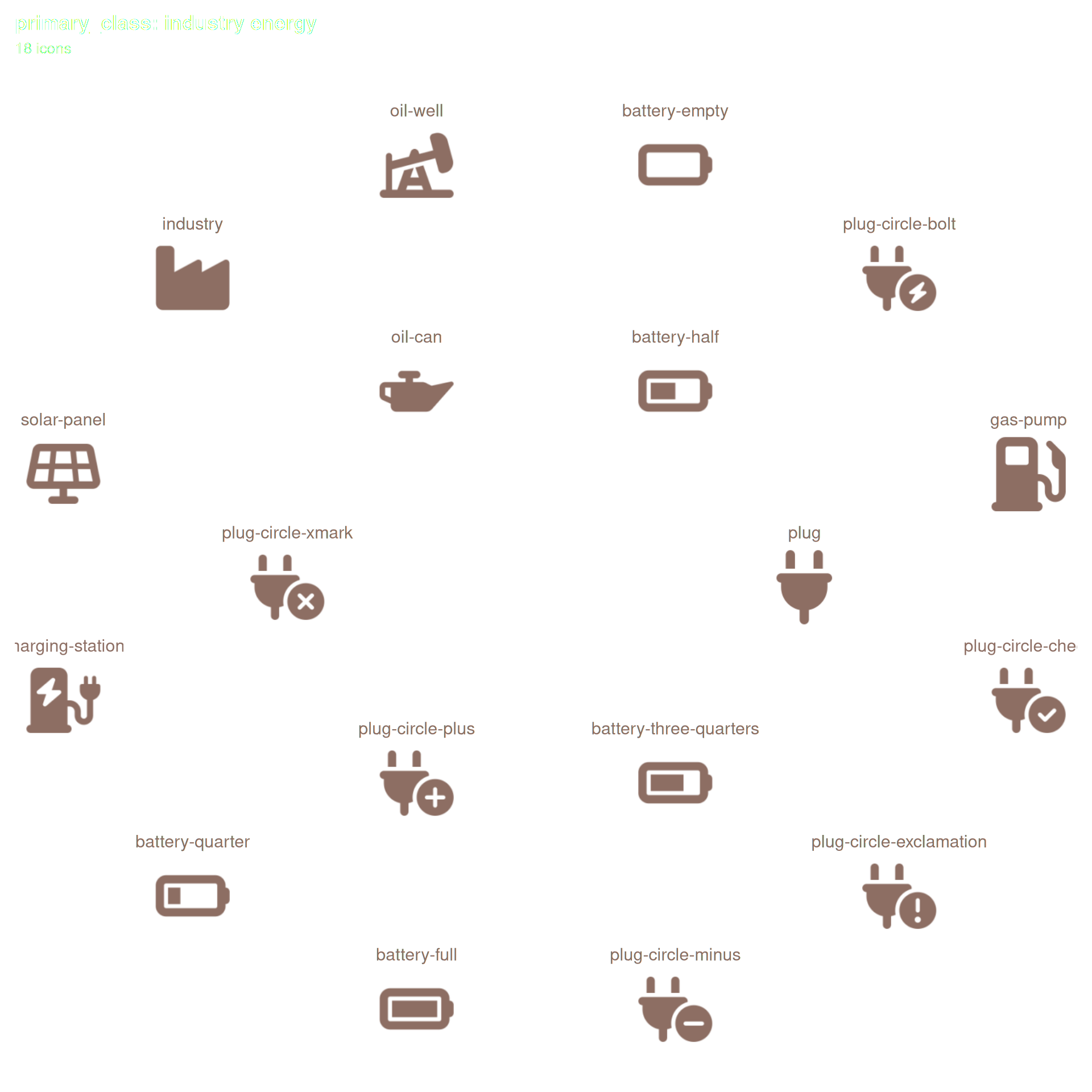
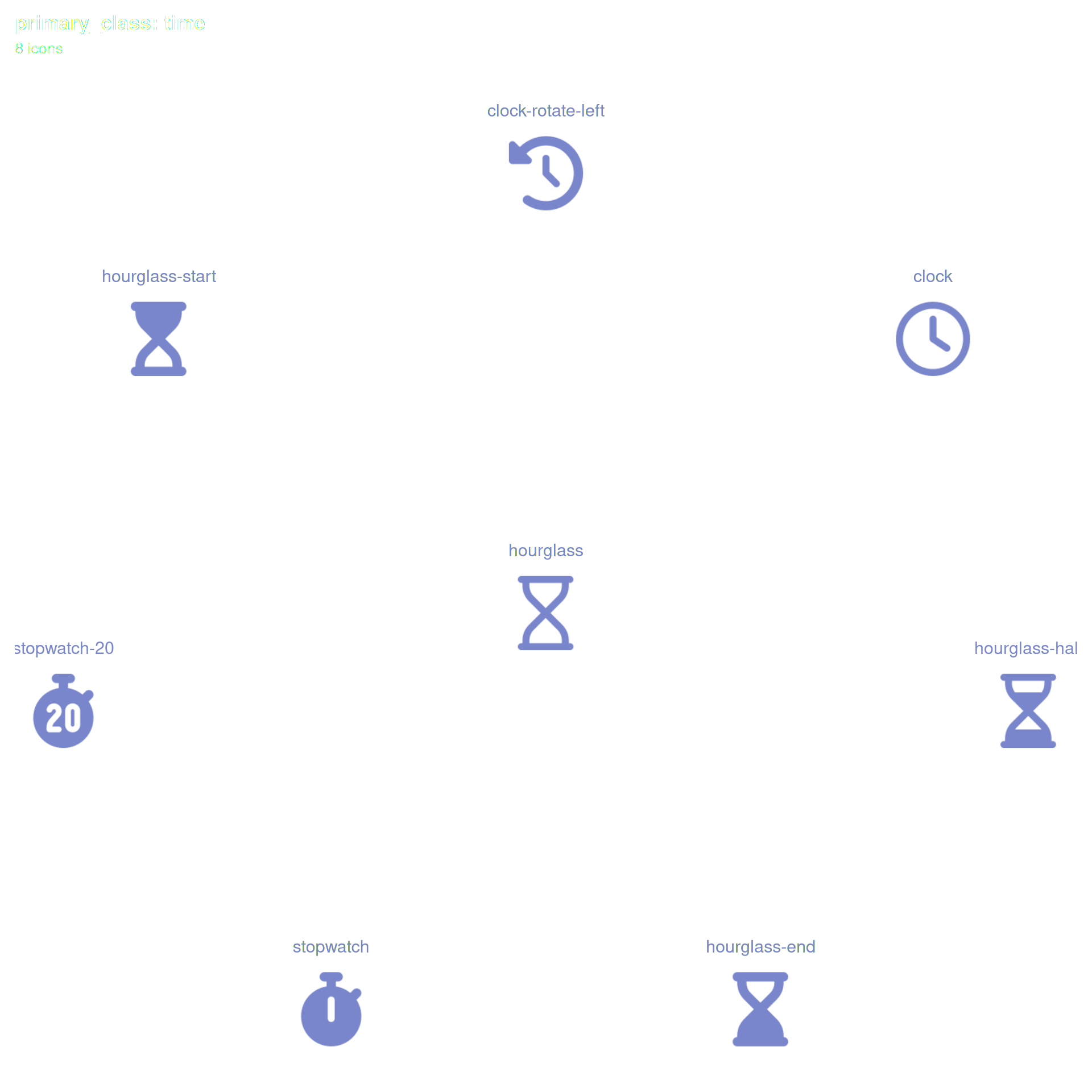
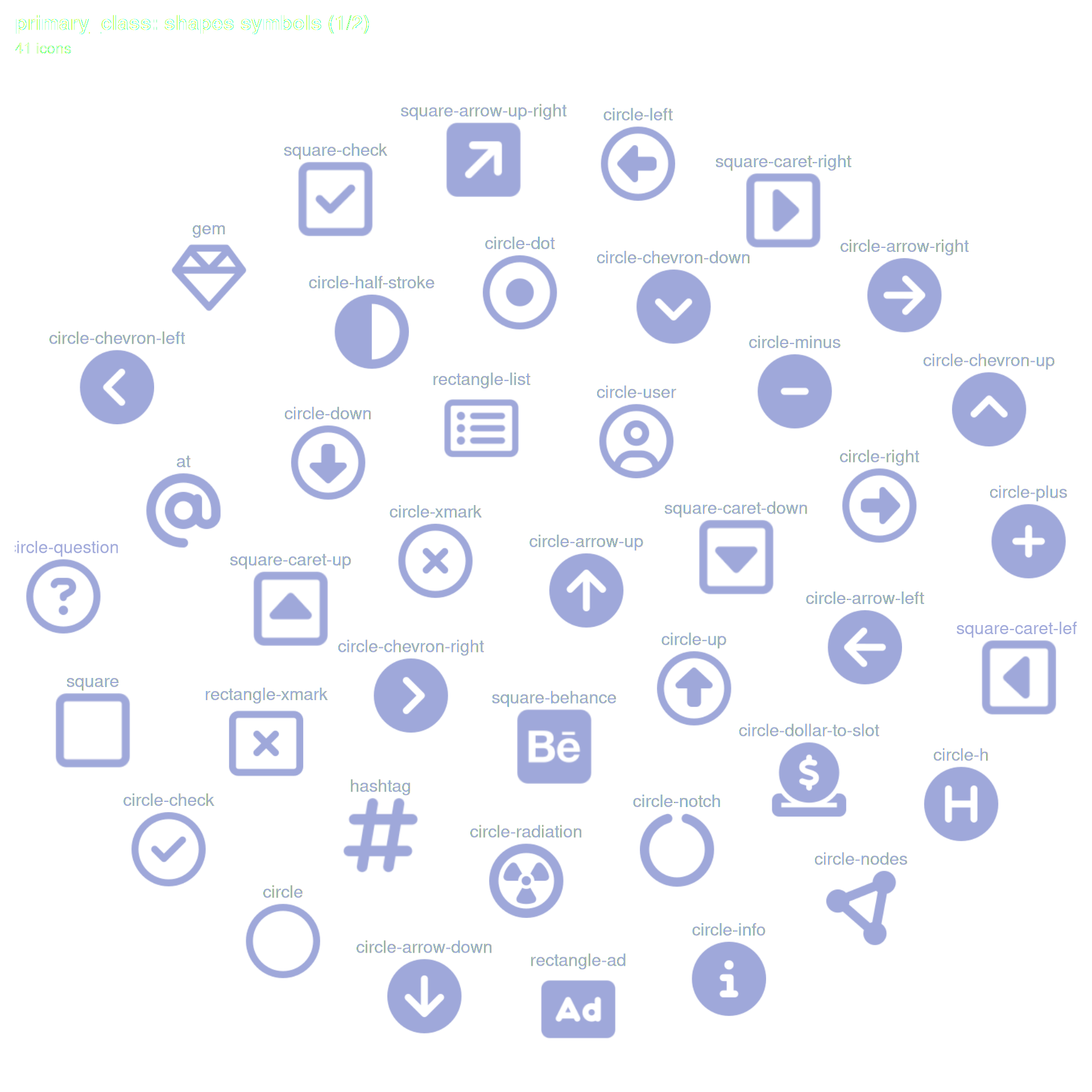
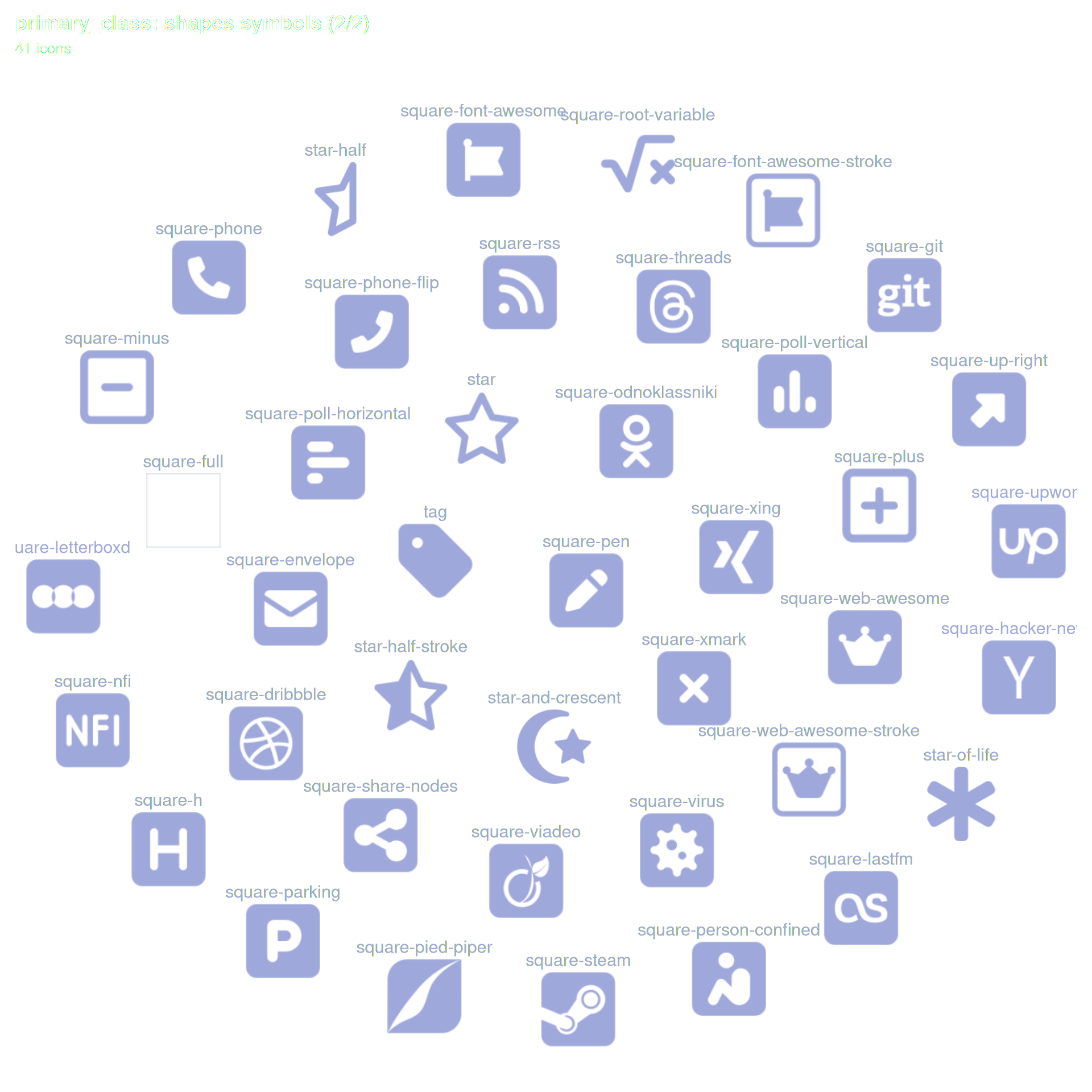
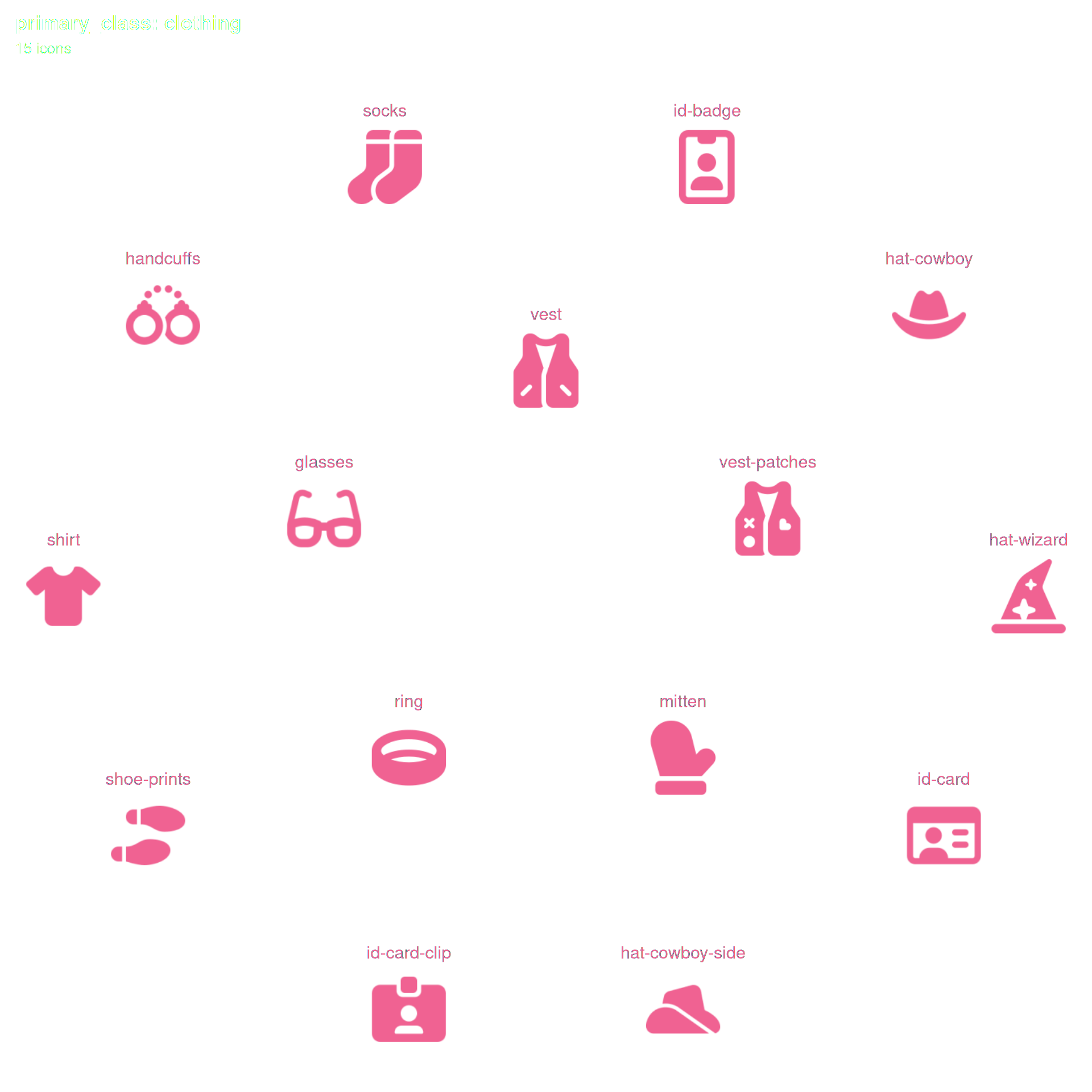
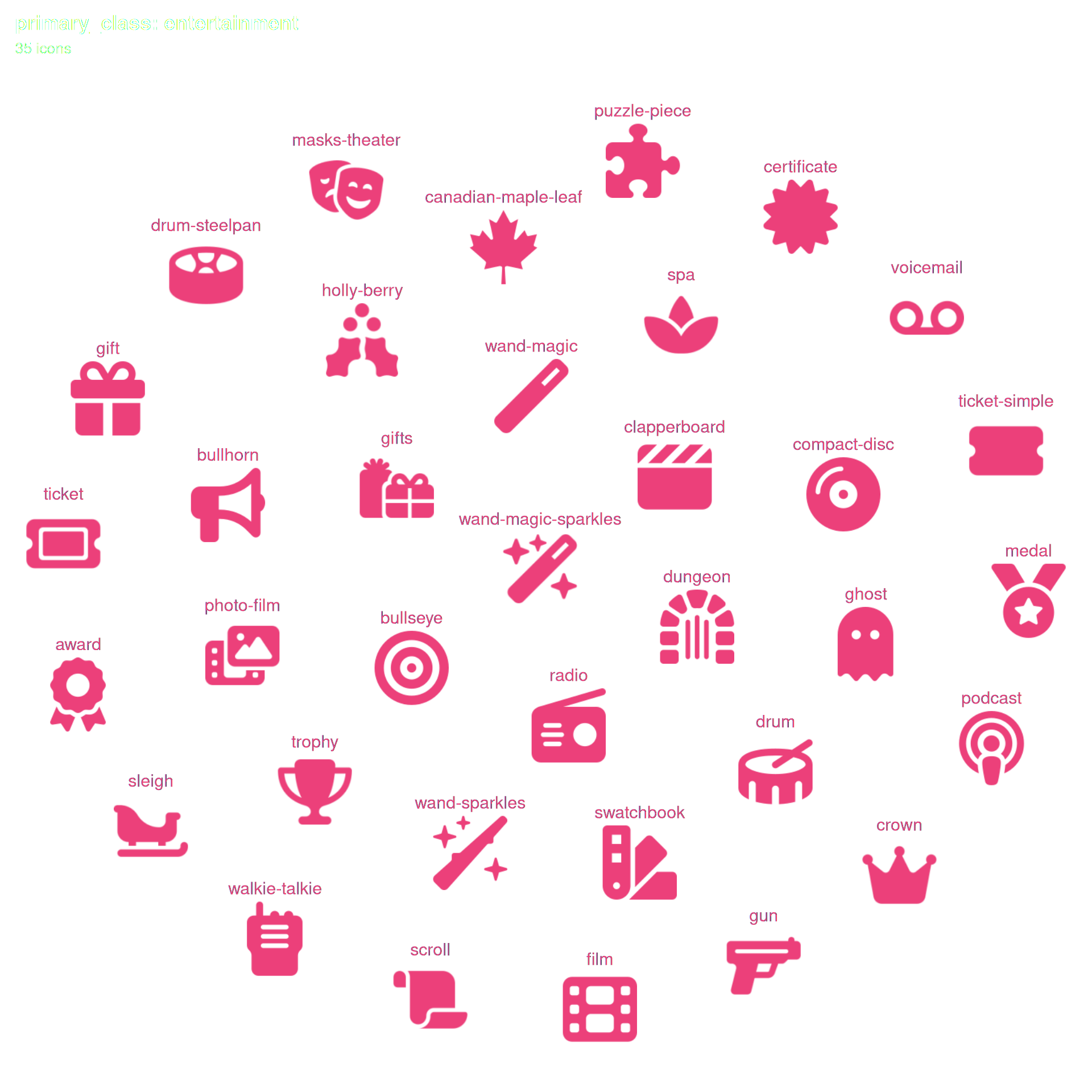
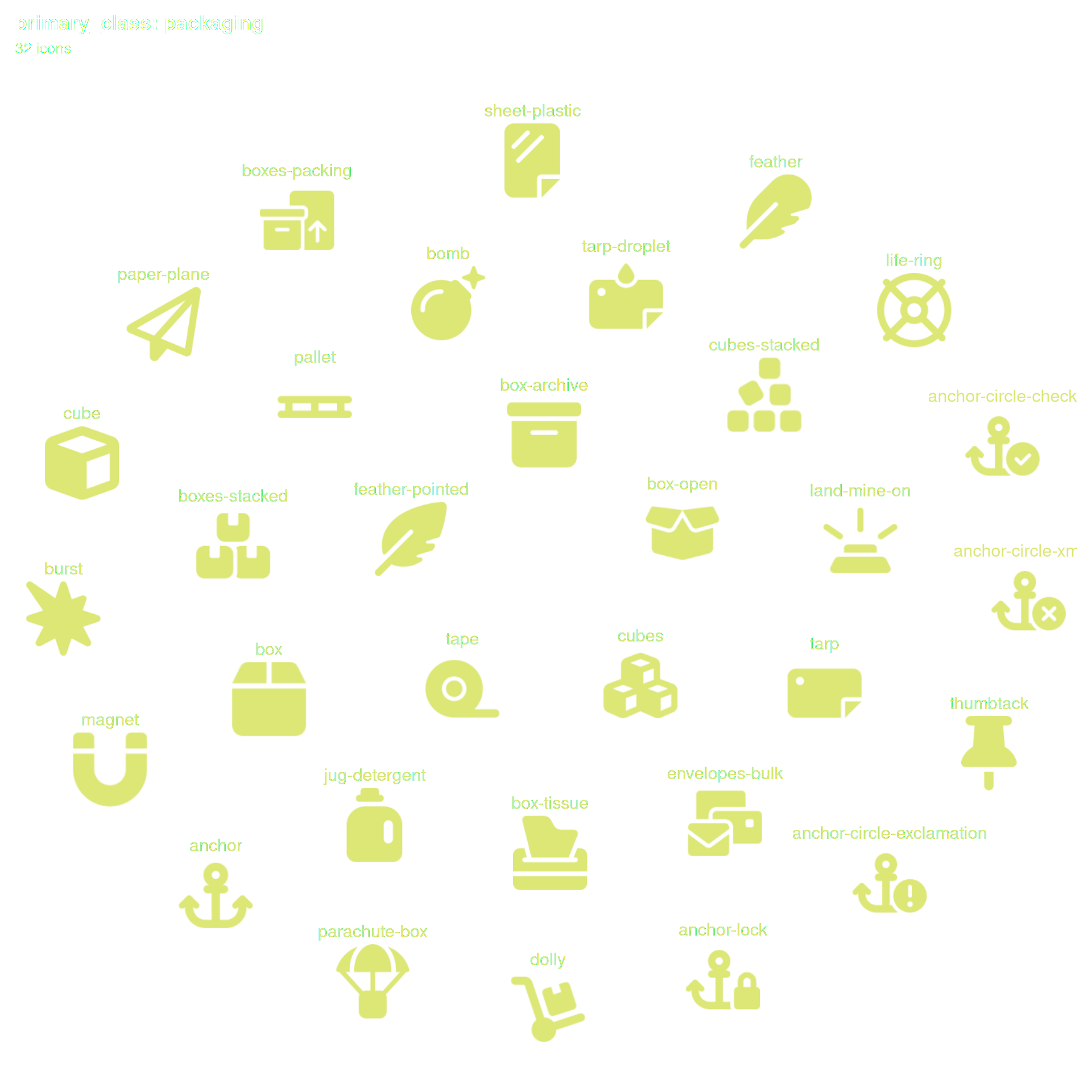
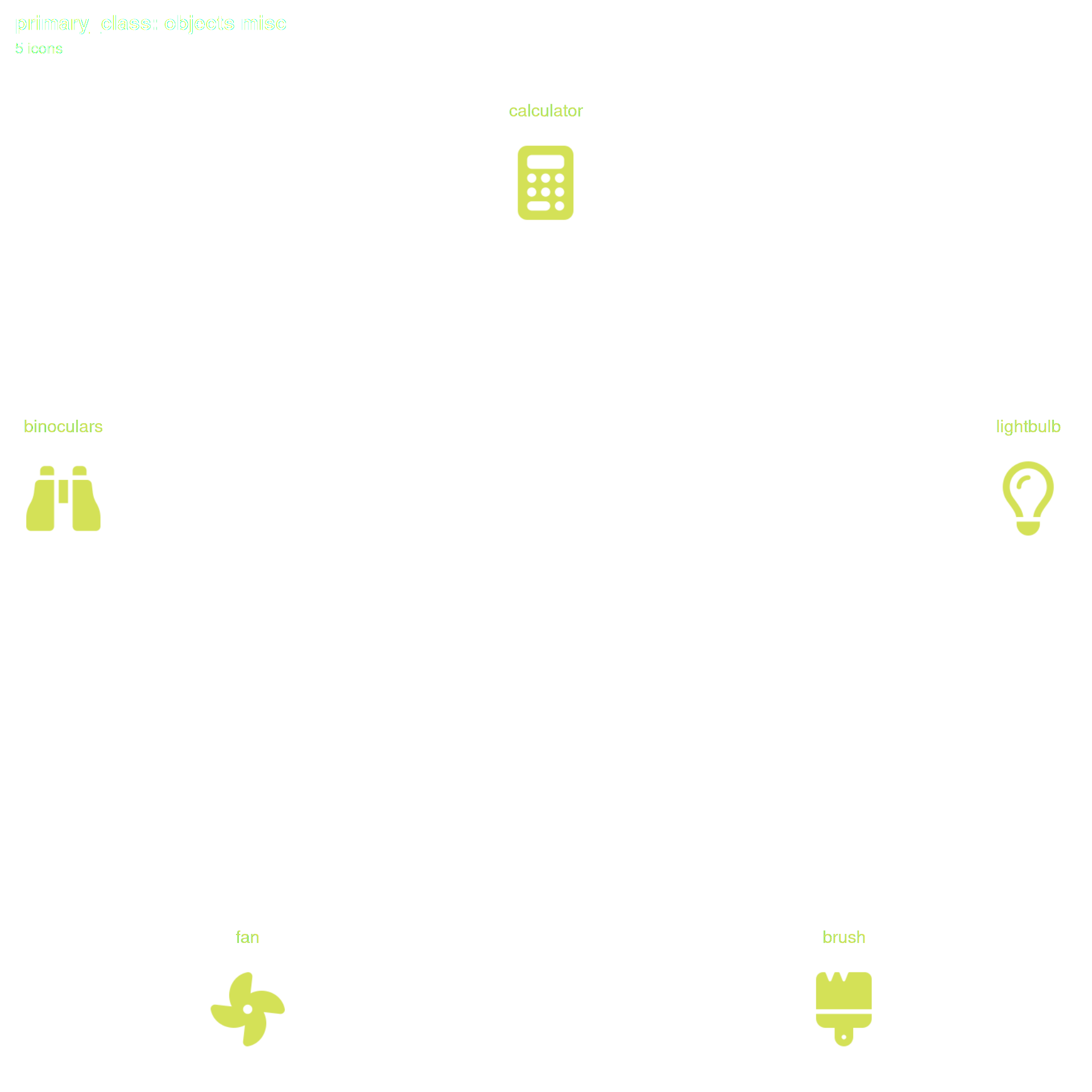
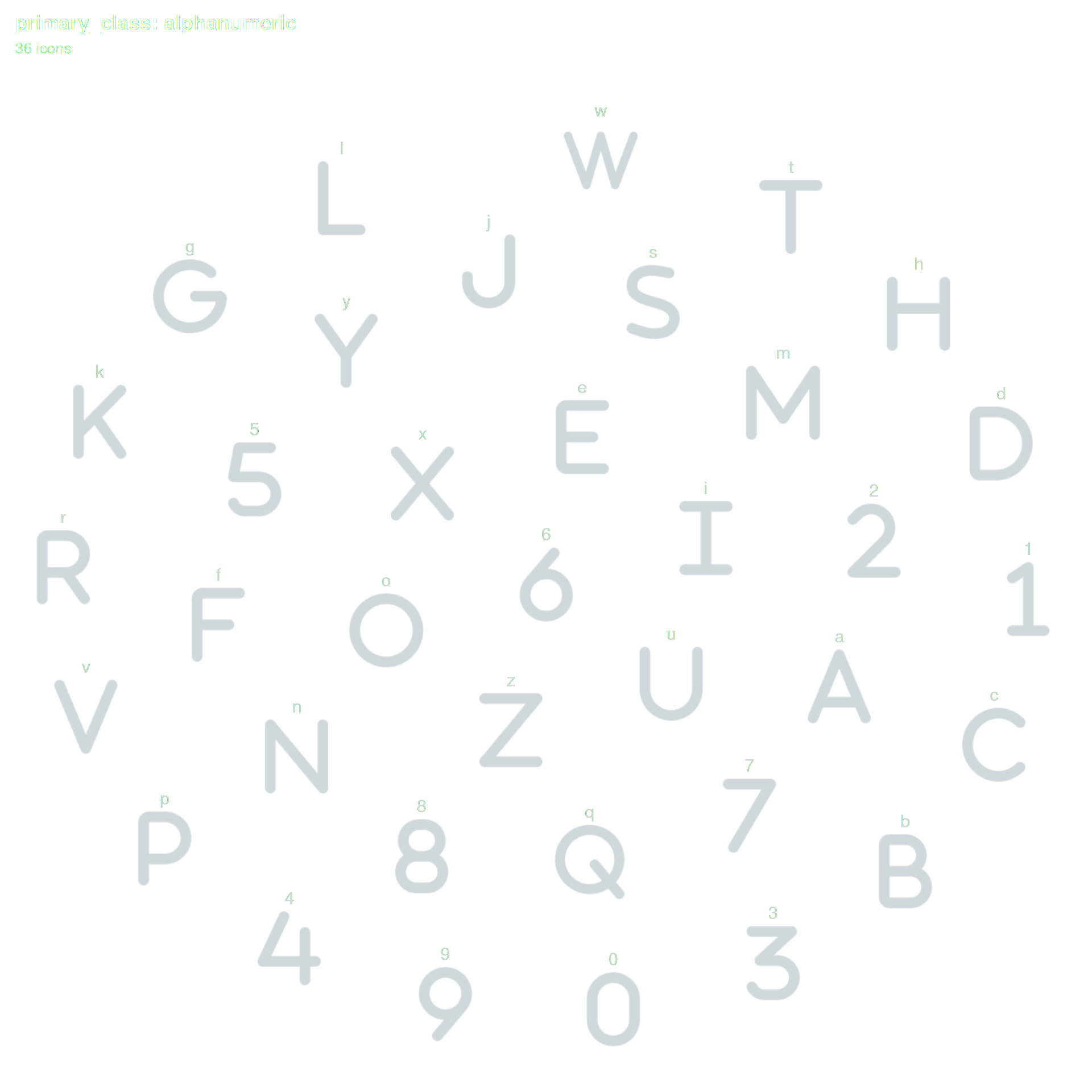
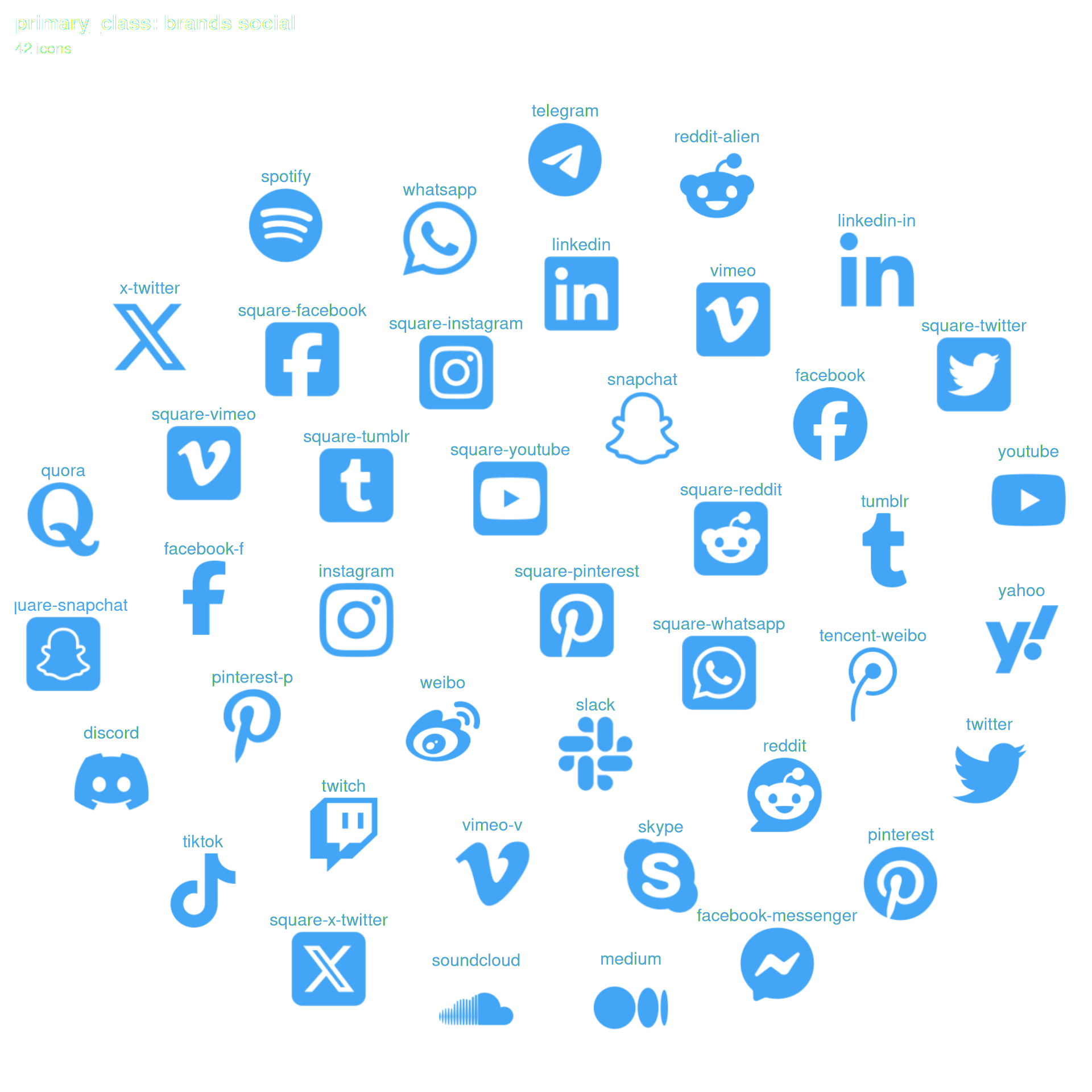
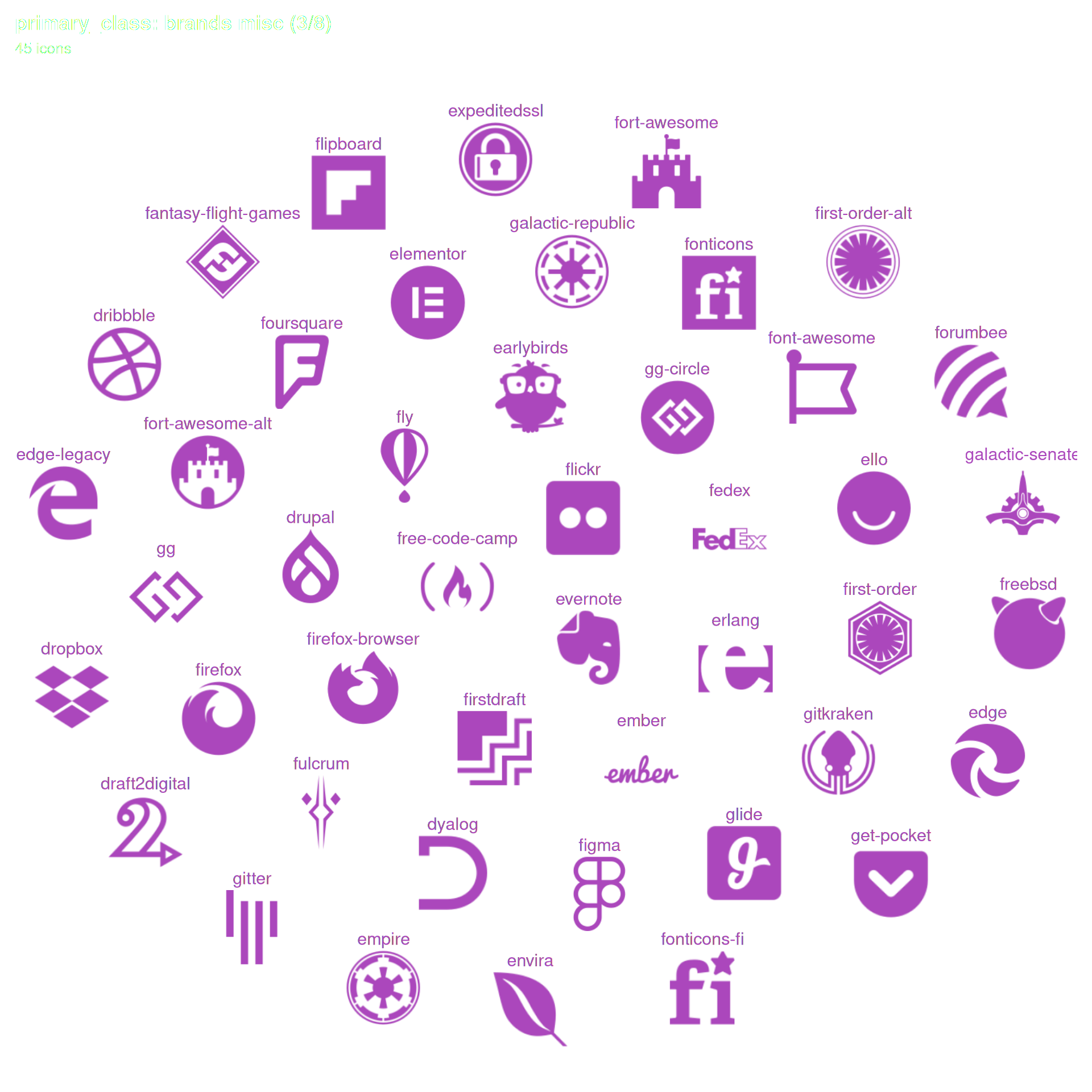
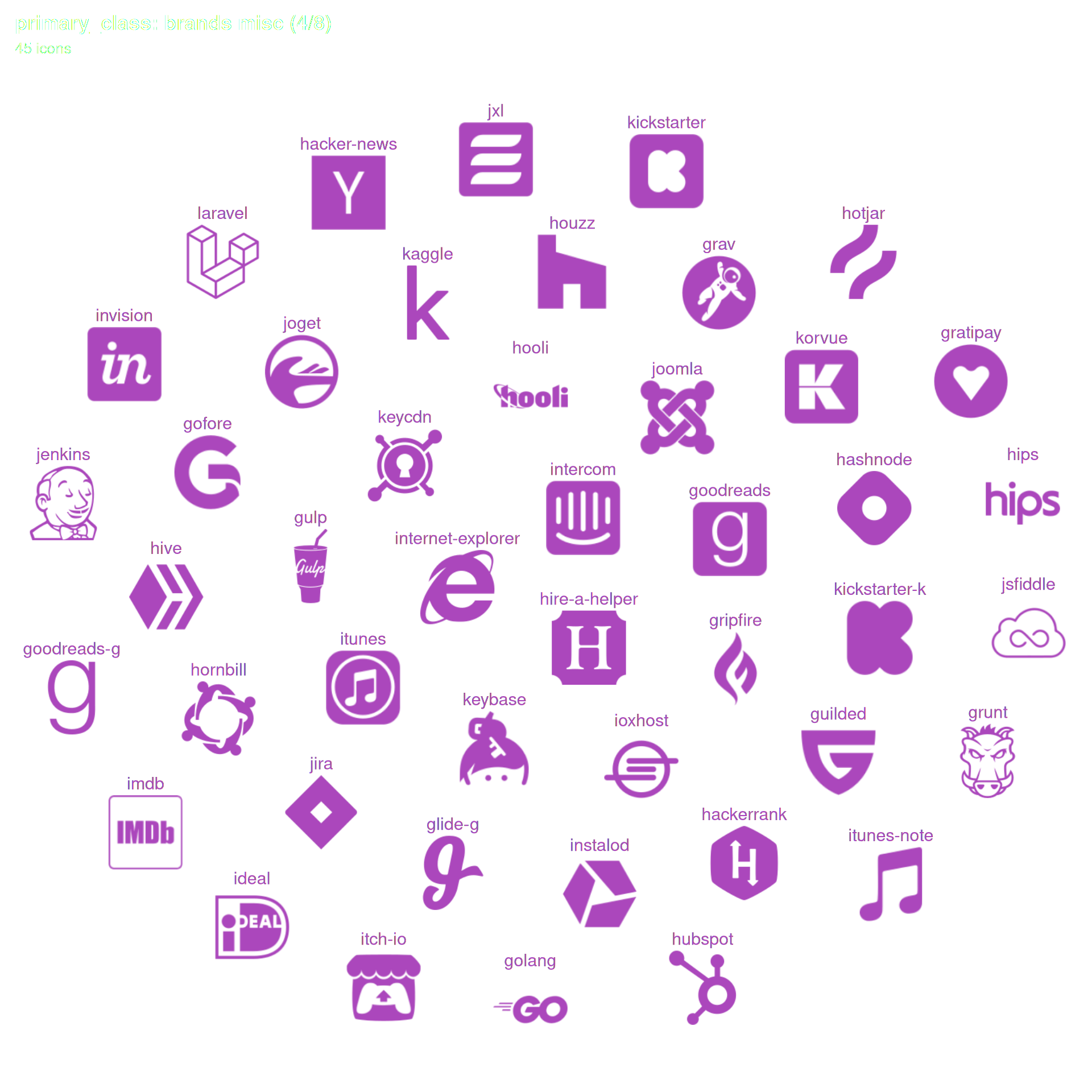
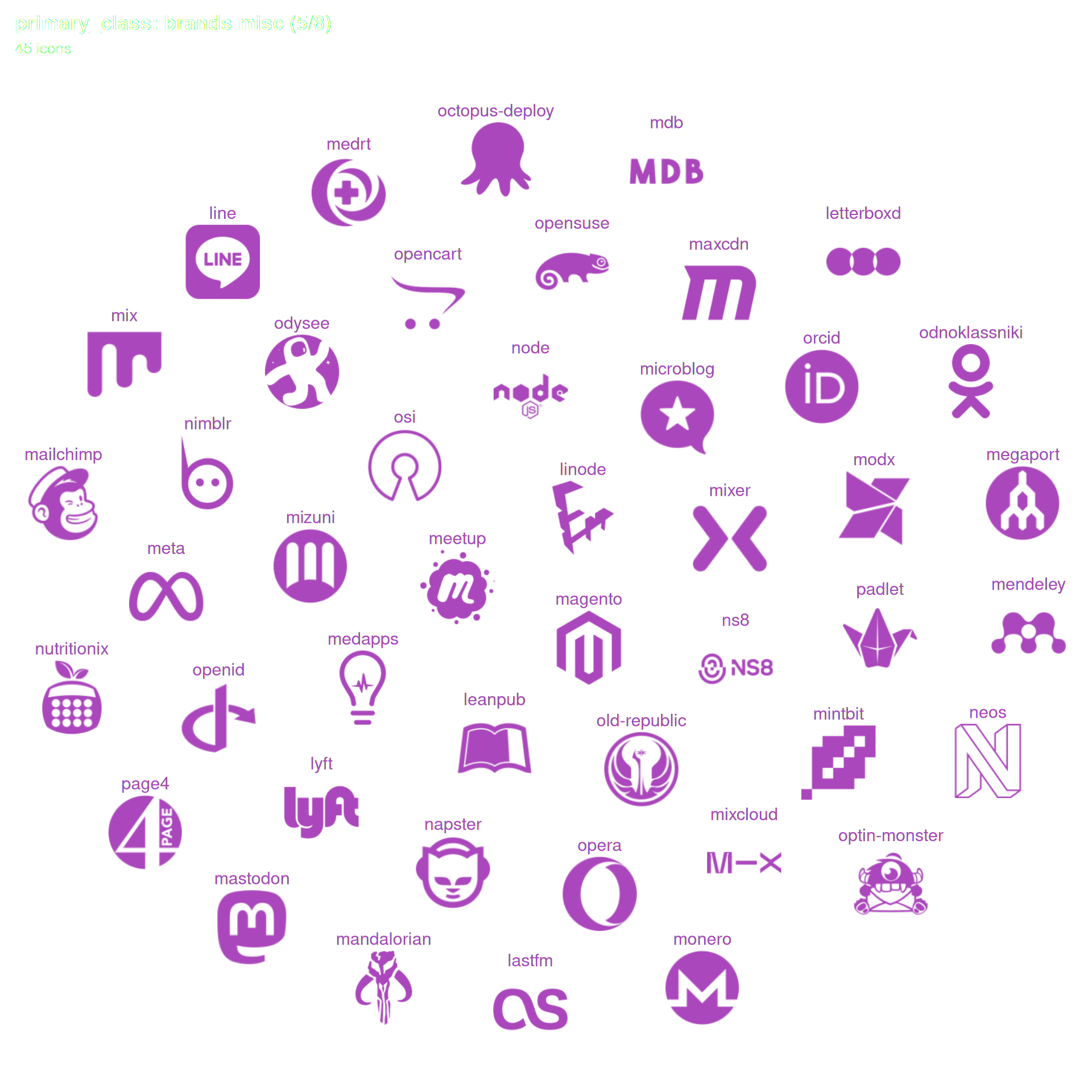
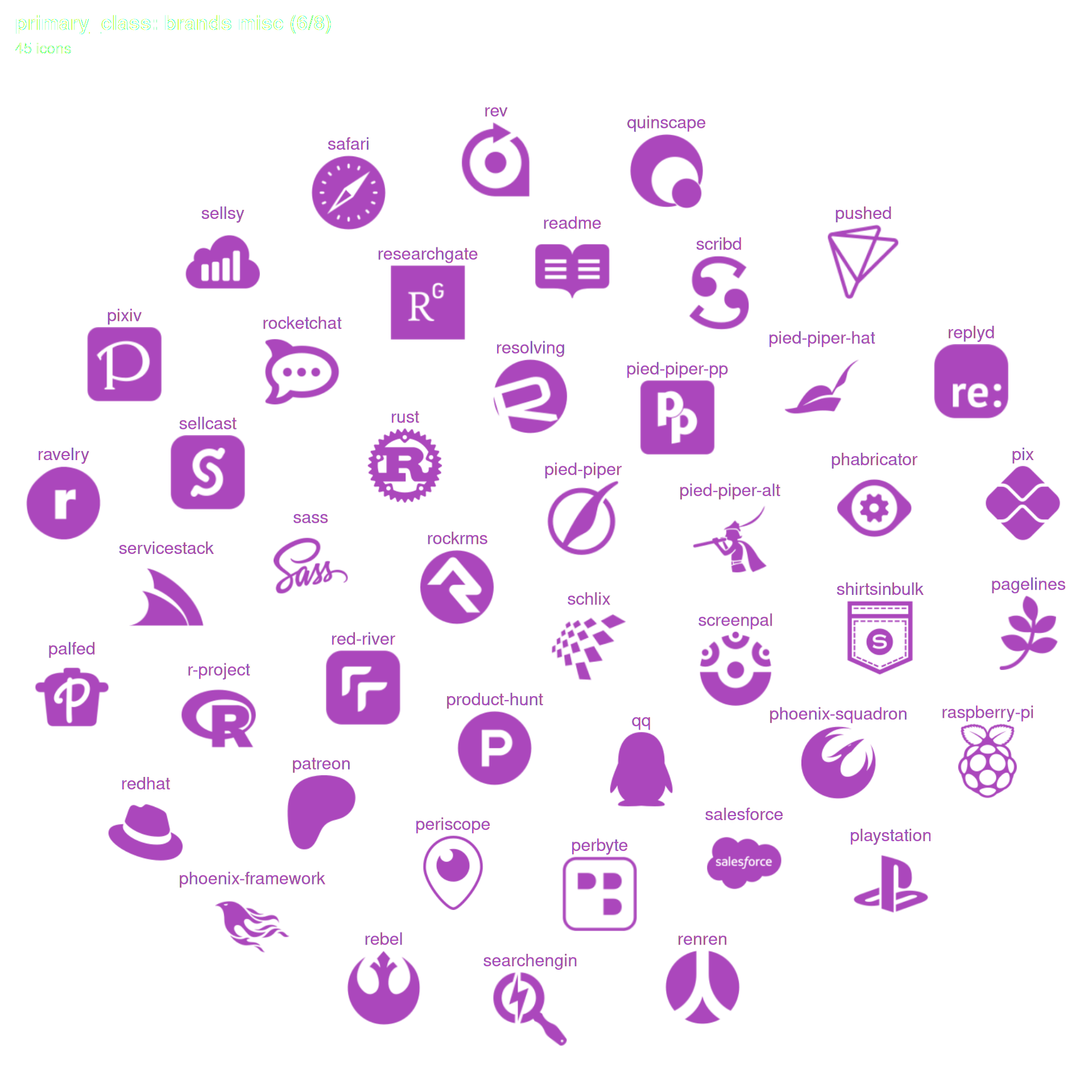
The gallery below lets you identify every available icon in fontawesome package. Each category is drawn as a geom_pop() chart — one icon per type — with the legend showing the actual icon image alongside its name. All icons within a category share a single colour. Pick the ones you like the most for your analysis.
UI & Navigation
Directional Arrows (continued)
Communication & Technology
Buildings & Places
Buildings & Places (continued)
Brands
Brands - Development & Cloud